
Your tools can make or break productivity (especially when you’re on a fully remote team!). At Buffer, we're fully distributed across multiple time zones, so our collaboration tools are ✨ essential ✨ for staying on track.
Put simply, a social media collaboration tool is software that lets everyone on your team plan, create, review, approve, and publish posts together — all in one shared workspace.
Our suite of tools is extensive, especially on the Marketing team, and our curated selection helps us fill our queues, manage social channels, create graphics, and generally stay organized.
In this article, I’ve listed some of the tools we use that make collaboration on social media and content creation a breeze.
Key takeaways
- Use one hub for social scheduling and approvals. We use Buffer to coordinate post approvals and keep our content calendar in one place across 11+ social channels.
- Remote communication needs both sync and async. Slack handles the quick, day-to-day stuff; Zoom is for when we need face time. Neither replaces the other.
- A solid project management tool is non-negotiable. Notion is where we track everything from blog calendars to big-picture projects — it's the closest thing we have to a shared brain.
- Design tools should match your team's skill range. Canva works for those of us who aren't designers (hi, that's me). Figma steps in when we need something more polished.
- Cloud storage keeps everyone on the same page. Google Workspace and Dropbox mean no one's ever hunting through email threads for the latest version of a file.
Jump to a section:
- At a glance: 8 essential social media collaboration tools for social media teams
- 1. Buffer
- 2. Slack
- 3. Google Workspace
- 4. Dropbox
- 5. Notion
- 6. Canva
- 7. Figma
- 8. Zoom
- Quick collaboration tips on sharing to social media as a team
- What are your favorite collaboration tools?
- FAQ about social media collaboration tools
- More social media marketing resources
At a glance: 8 essential social media collaboration tools for social media teams
- Buffer — Best for all-in-one social media management
- Slack — Best for quick, asynchronous team chats
- Google Workspace — Best for real-time document collaboration
- Dropbox — Best for sharing large multimedia files
- Notion — Best for project and knowledge management
- Canva — Best for fast, template-based graphics
- Figma — Best for advanced design collaboration
- Zoom — Best for live video meetings and screen shares
1. Buffer
Best overall social media management tool
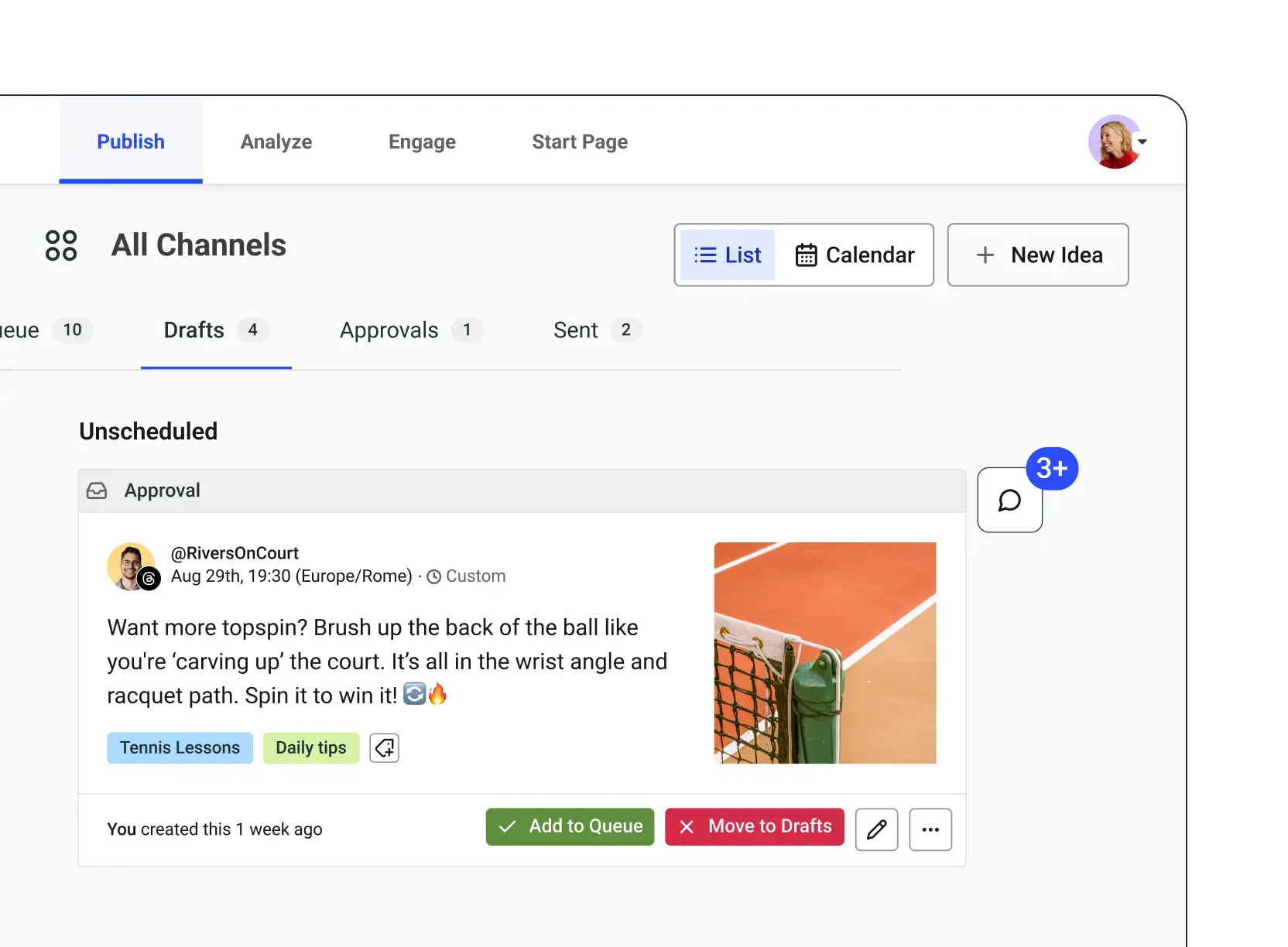
Of course, I have to mention Buffer as a top social media collaboration tool. Buffer actually does more than just social media management.
We've built collaboration into Buffer from the ground up, from adding content ideas into the Create space, where anyone with access to a Team account can pop in to view and comment, to the Publishing area, where social posts can go through as many levels of approval as you need. Buffer’s social media collaboration features include, but are not limited to:
- Add unlimited users on the Teams plan: Each user has their own login and permission levels (more on this below), making it easier to keep track of who is working where.
- Set permission levels for different users: Choose exactly who can post on each of your social media channels.
- Set up an approval system: With these different permissions, certain users will require or can ask for approvals on their posts before they’re published, so you can always ensure quality and consistency.
- Collaborate on ideas: Work together on social media content in Create, a dedicated space for all your ideas.
- Leave notes for team members: Make comments or suggestions for other users on your plan.
Pricing: Free plan available for up to three channels. Teams plan starts at $10/month per channel (with all premium features and unlimited users).
2. Slack
Best for asynchronous communication on social media ideas
Slack is basically a chat room that helps teams communicate. And thousands of teams use it in all kinds of ways.
We use Slack in multiple ways as a remote team:
- We gather material for employee advocacy, coordinating simply over Slack or in combination with another tool
- Teammates can drop fun and interesting links into one of the channels for others to check out.
- We use it to brainstorm ideas and strategies in public and private channels.
One of my favorite things? When our team spots opportunities for posts in our Slack conversations, they'll drop them straight into our content calendar. There have been a few brilliant social media posts borne out of our Slack chats.
Pricing: Free plan available with limited message history. Pro plan starts at $8.75/month per user.
3. Google Workspace
Best collaboration tool for end-to-end teamwork
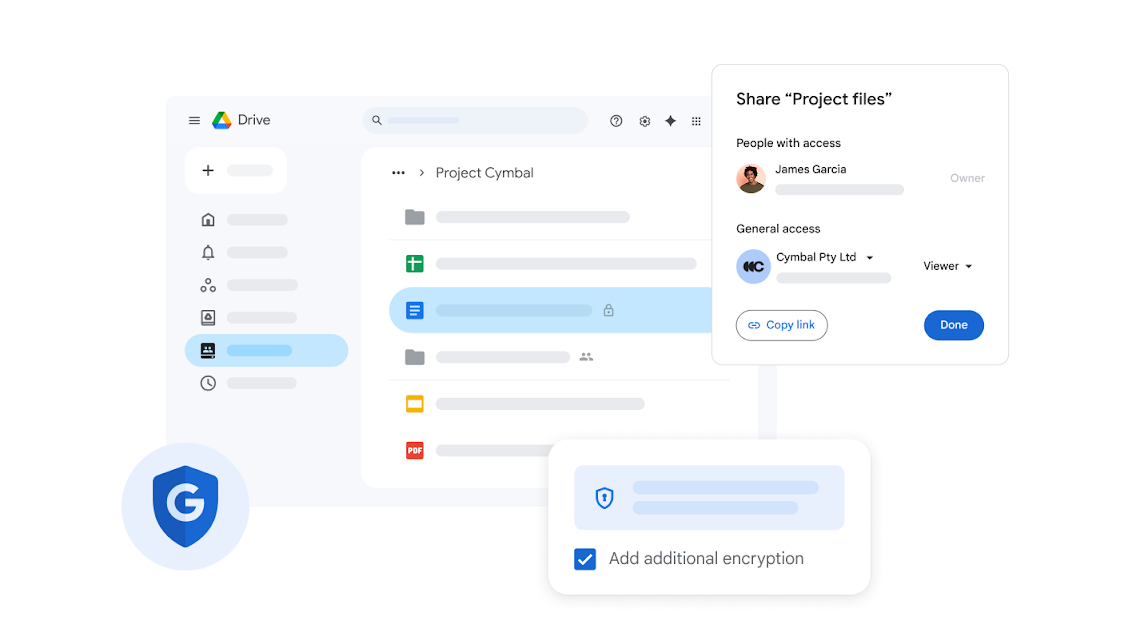
Another favorite of social media teams is Google Workspace, especially Google Drive. I highlight Drive specifically because it holds everything from our spreadsheets to presentations to forms. In Google’s vast suite of products, you can collaborate together, live, on the same work with your internal and external team.
Some popular docs you might choose to share:
- Spreadsheet of your social media metrics
- Social media strategy
- Social media audit
- Document with your brand’s voice and tone
Pricing: Business Starter plan starts at $7/month per user. Free personal Google accounts work for smaller teams, though you'll miss out on shared drives and admin controls.
4. Dropbox
Best collaboration tool for file sharing of all kinds
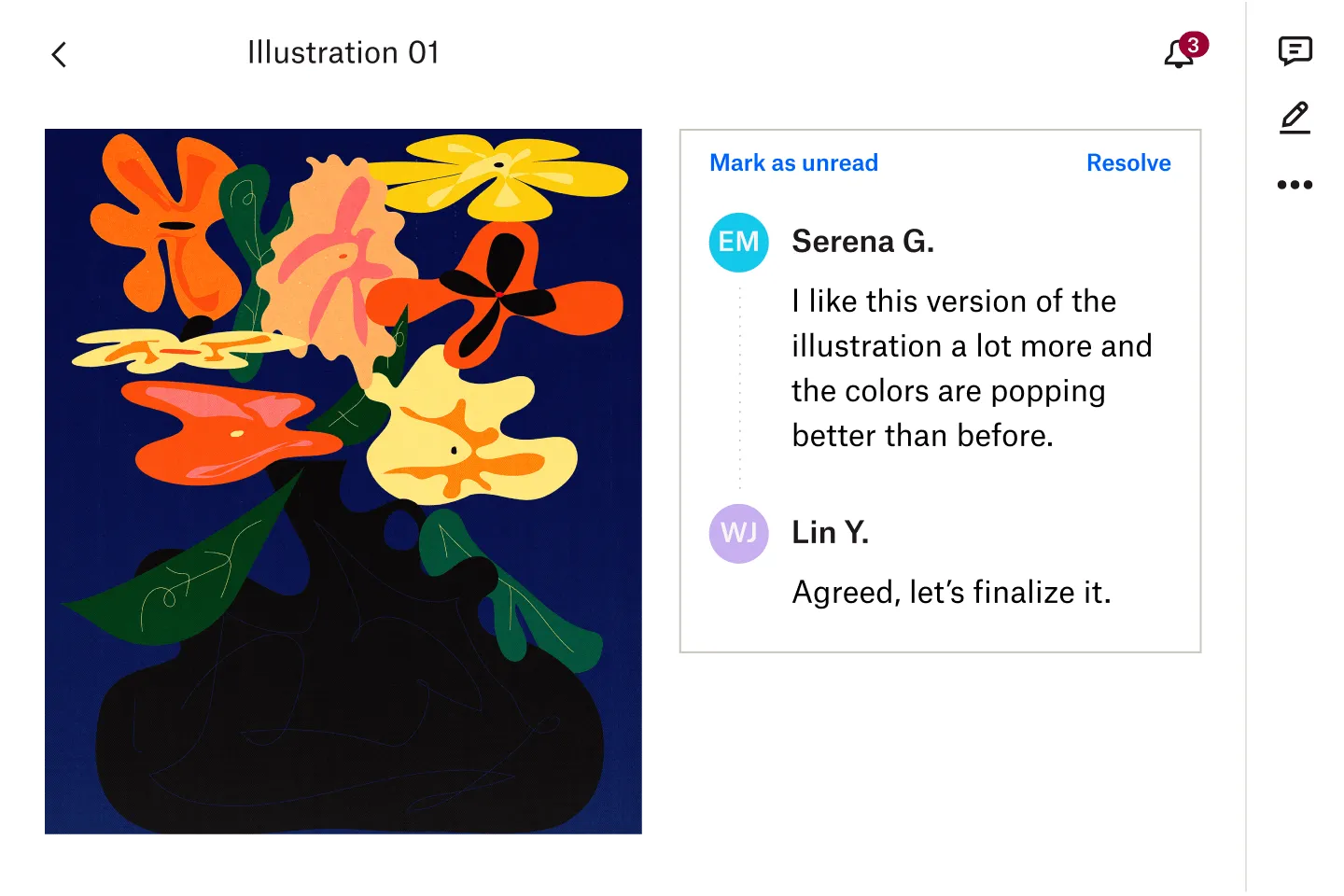
Dropbox is a great tool for us at Buffer, as we can use it to share everything from images to templates to documentation.
For example, we used Dropbox to store the videos recorded by different teammates for our new employee onboarding video project. Since everyone was able to easily access the Dropbox folder to upload their videos, the project went ahead without a hitch.
Pricing: Free plan with 2 GB of storage. Plus plan starts at $11.99/month with 2 TB of storage.
5. Notion
Best collaboration tool for overall project management
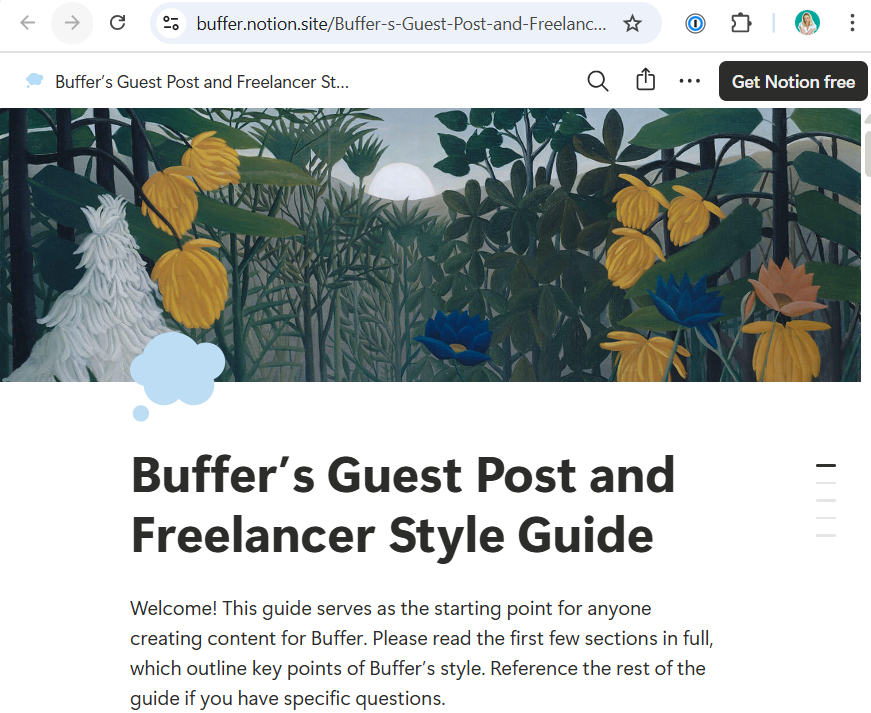
Notion is one of our superpowers as a Marketing team and a top recommendation for successful social media collaboration. Its robust set of features helps us achieve many goals from our different locations across the world, including but not limited to:
- Hosting and managing our blog, newsletter, and social media content calendars
- Holding our big-picture project database across different teams
- Clarifying task management and distribution across team members
Pricing: Free plan available for individuals. Team plan starts at $10/month per user.
6. Canva
Best collaboration tool for simple graphic design
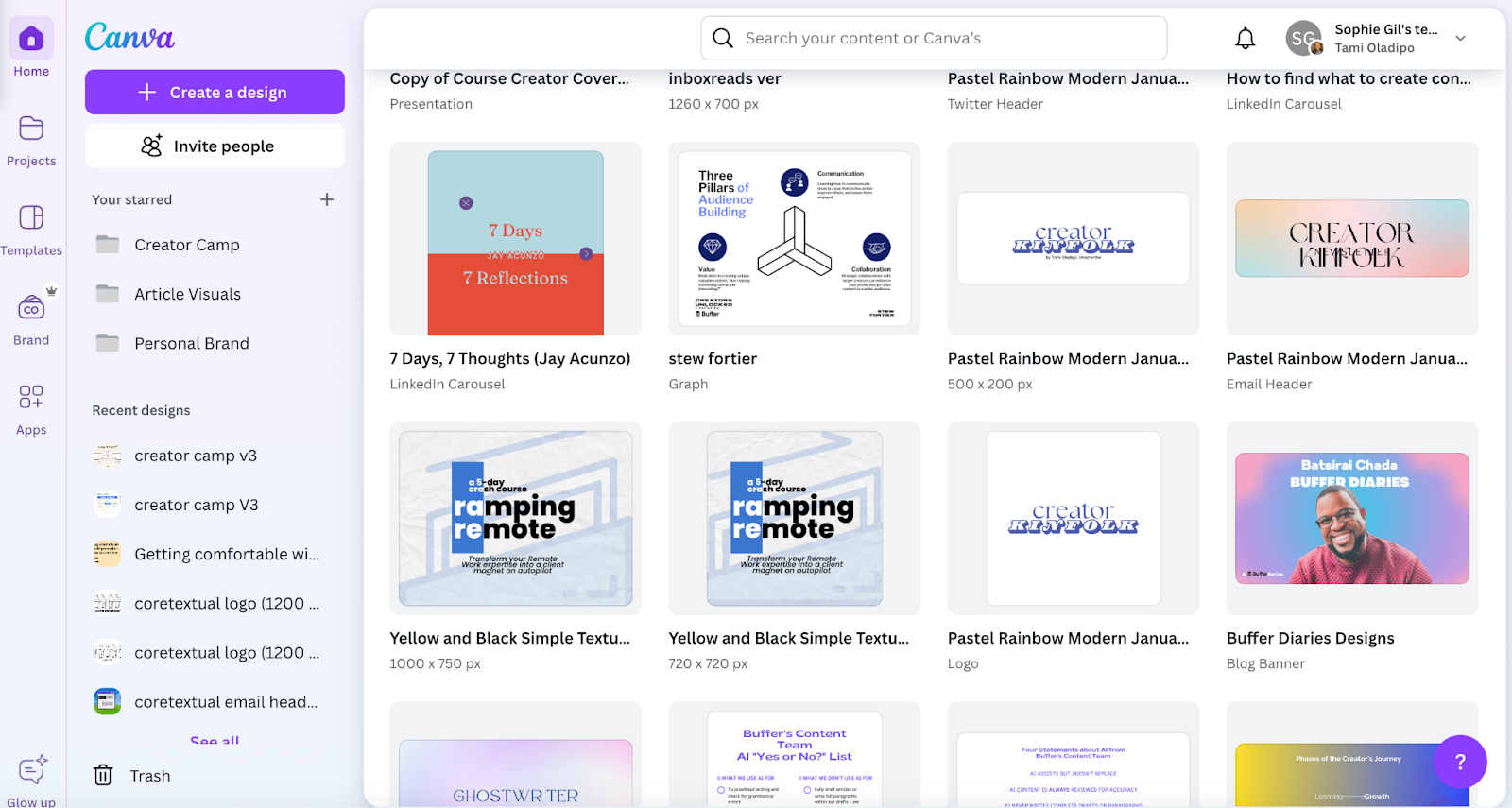
Need some advice from your team on social posts you’re creating? With Canva, you can share your in-progress content with anyone on your team, and others can combine forces with you to design the same graphic together.
We work with Canva extensively on the Marketing team and use it to power through design needs so that even the most artistically challenged of us (that’s me, hello) can throw together decent-looking images like the one at the top of this list.
Pricing: Free plan available with access to thousands of templates. Pro plan starts at $15/month per user (or $10/month if billed annually).
7. Figma
Best collaboration tool for complex graphic design projects
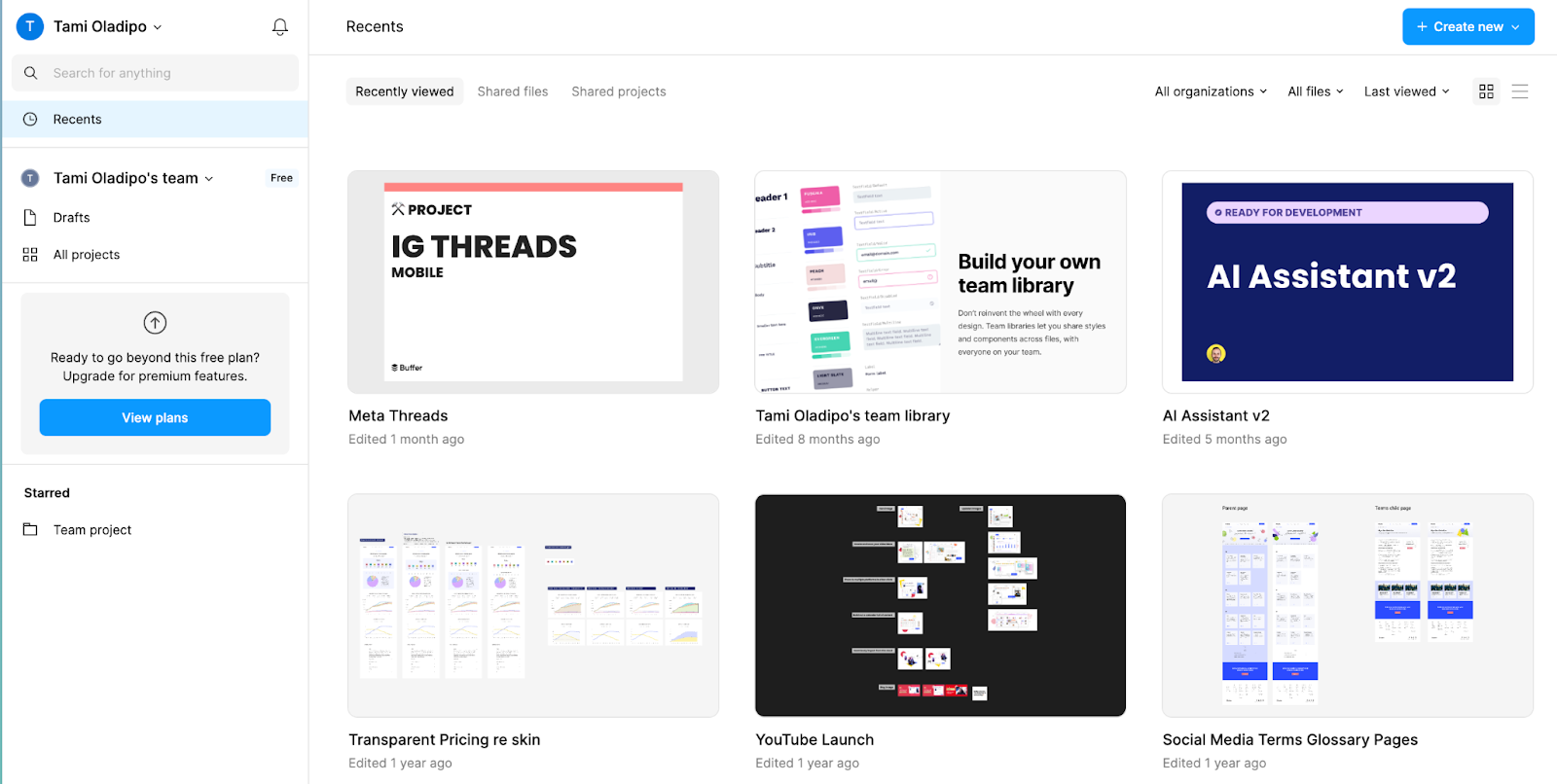
On the other end of the design spectrum is a tool more geared toward professionals. In Figma, you can create mockups of social media images along with other design-related tasks.
Whenever we have a project that requires a design that we just can’t achieve in Canva, our graphic designer graciously shares mockups and visual content for us on the Marketing team to review, approve, and share.
Even with a tiny learning curve, I find Figma an intuitive tool for collaboration that allows the entire team to contribute to the design process, regardless of their skill level.
We also use Figma for brainstorming on the Marketing team, using it to visualize our thoughts and contributions during team meetings.
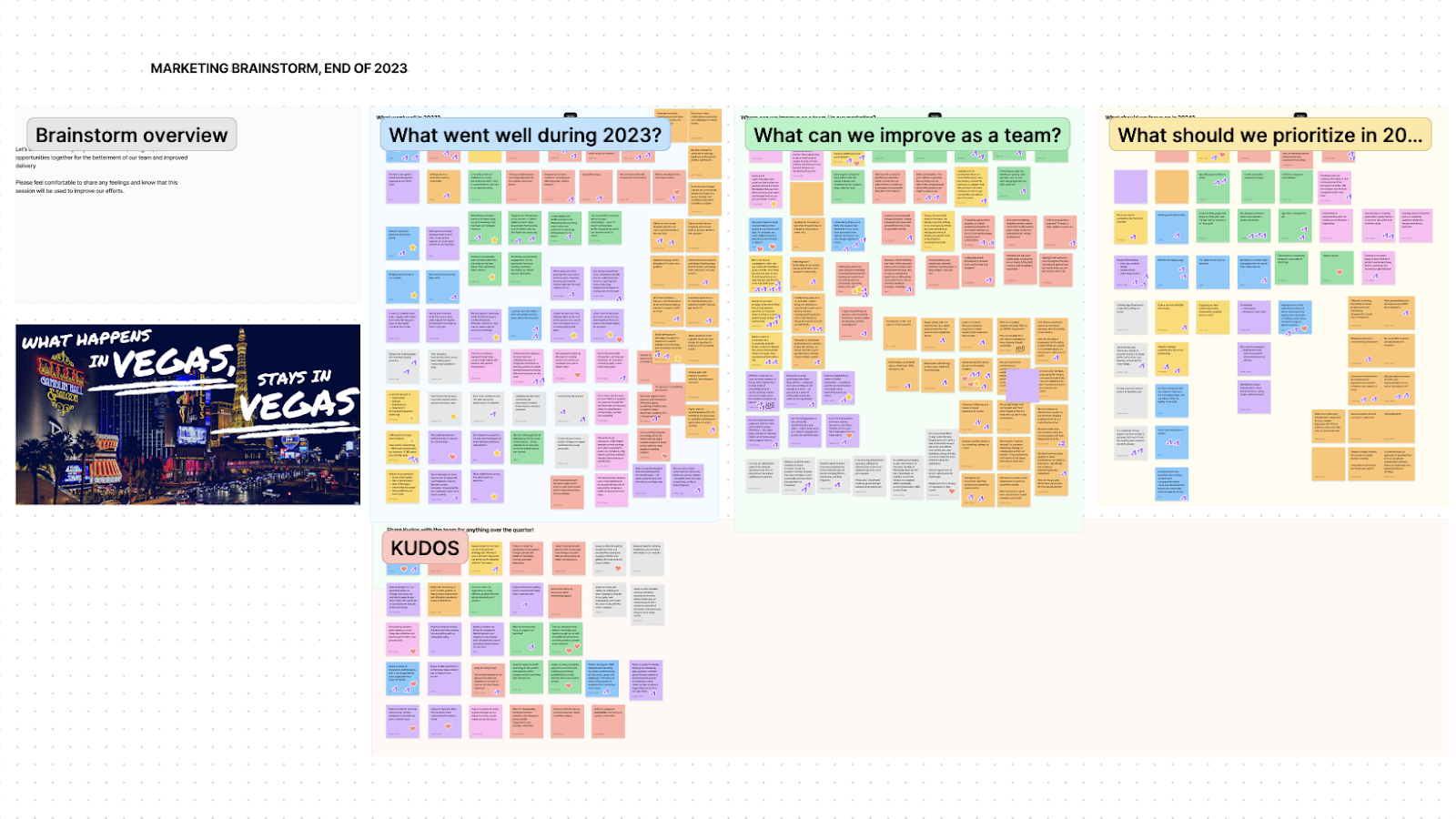
Pricing: Free plan available for up to three Figma and three FigJam files. Professional plan starts at $15/month per editor (or $12/month billed annually).
8. Zoom
Best for video calls and chats
As a remote team, synchronous Zoom calls make up a major part of social media collaboration for us.
Here's something we do a lot: We take screenshots, clips, and chats from our Zoom calls and turn them into social media content. There have been a few gems brought out of these, shared across our social media. Our culture of transparency helps here — we share both the wins and the struggles.
Pricing: Free plan available for meetings up to 40 minutes. Pro plan starts at $13.33/month per user.
Quick collaboration tips on sharing to social media as a team
There’s a lot to consider when sharing together as a social media team – whether that be a team of two, 10, or more.
Here are some tips to help you when collaborating as a social media team:
- Determine your social media strategy and structure
- Establish a consistent voice and tone
- Know how, where, and what you’ll post
- If relevant, let your audience know who is posting
- Delegate by shifts or networks
- Use tools to make collaboration easier
- Give everyone the right access (contributors vs. managers)
What are your favorite collaboration tools?
What tools do you use to work together on social media marketing?
We'd love to hear what's working for you and your team. We’re always keen to try out new tools and workflows here at Buffer. We'd really appreciate any advice you have for us.
FAQ about social media collaboration tools
What is a social media collaboration tool?
A social media collaboration tool is software that lets several people plan, create, review, and publish posts in one shared workspace. Everyone sees the same drafts, feedback, and schedules, so work moves faster, and nothing gets lost in email threads.
What are the four main types of collaboration tools?
Most teams use a mix of tools to stay organized and work smoothly together. Project management tools help you assign tasks and track progress. Cloud storage tools give everyone access to shared files. Document collaboration tools let you write and edit together in real time. And chat and video tools keep communication quick and easy, whether you’re meeting live or sharing updates async.
How can I pick the right social media collaboration tool for my team?
Start with ease of use — if it’s not simple, your team won’t use it. Look for clear permissions and approvals so you can manage who drafts, reviews, and publishes content. Make sure it integrates with your existing tools, fits your budget as you grow, and offers reliable support when you need help.
Can I collaborate with teammates for free in Buffer?
Yes, you can. Buffer offers a free plan that includes basic collaboration features, which is a great starting point for individuals and small teams. If you need more advanced options, like additional permissions or approval workflows, you can try Buffer Teams with a 14-day free trial. You can cancel anytime, so it’s easy to explore what works best for your team without any pressure.
More social media marketing resources
- Best Content Format on Social Platforms: 45M+ Posts Analyzed
- 20+ Top Social Media Sites and Platforms to Grow Your Brand
- The 11 Best Social Media Analytics Tools for Creators and Marketers
- The 11 Best Social Media Management Tools — Tried + Tested
- Beyond Publishing: How to Make the Most of All Buffer’s Features
Try Buffer for free
200,000+ creators, small businesses, and marketers use Buffer to grow their audiences every month.