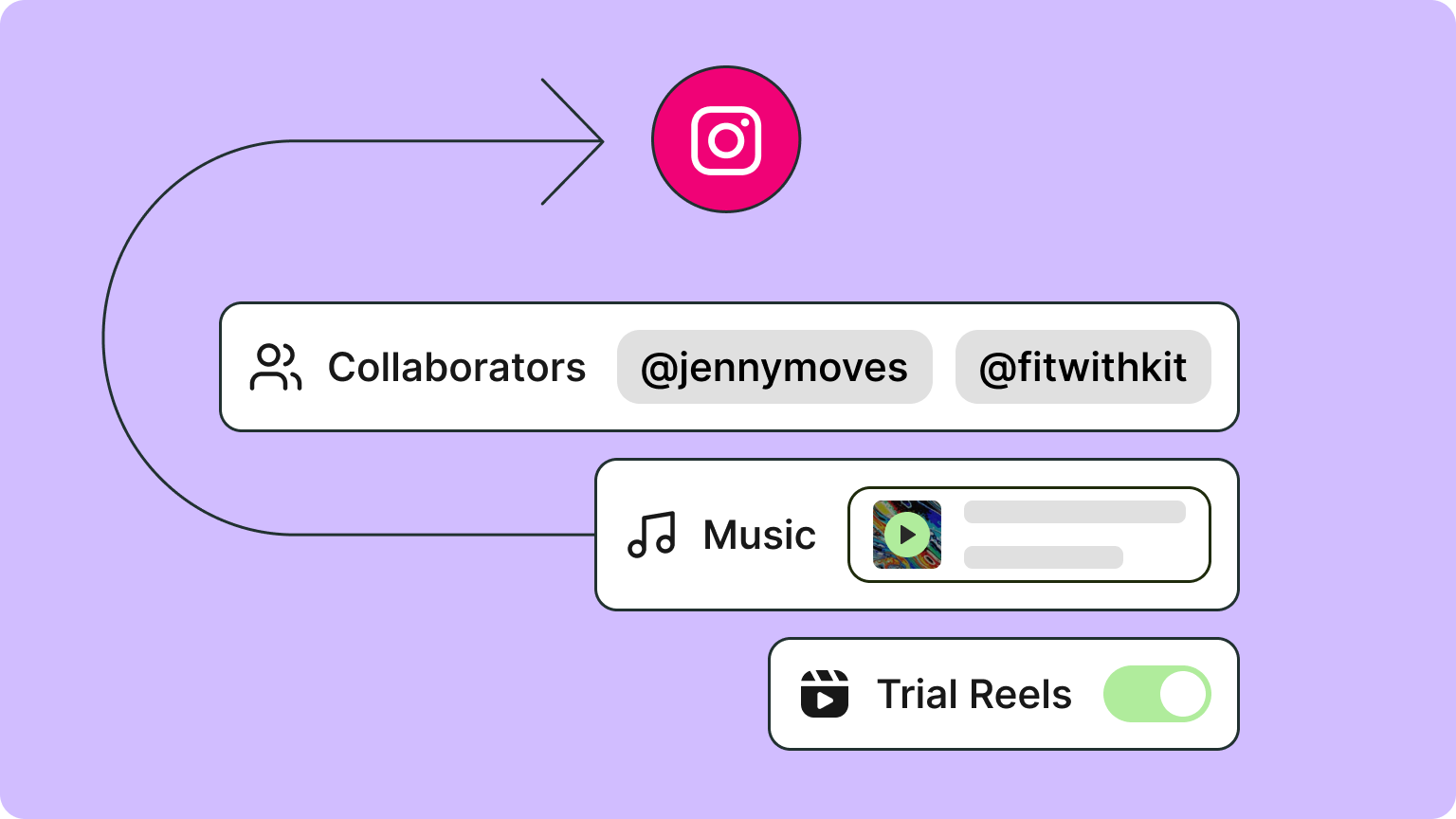
Music, collaborators, and more for Instagram
If you've scheduled Instagram content in Buffer before, you probably had to finish some of it in the Instagram app, like adding a sound to a reel, tagging a bra…
Product updates, improvements, and stories straight from the Buffer team. New releases land here as soon as they ship.
If you've scheduled Instagram content in Buffer before, you probably had to finish some of it in the Instagram app, like adding a sound to a reel, tagging a bra…
We've just rolled out support for a much-requested feature: You can now schedule posts in Buffer with both images and videos together in the same post! Simply…
Substack Notes has been one of the most-requested features on our roadmap, with more than 1,000 upvotes. It's now live: connect your Substack account and your N…
You can now manage your Push notification settings for Buffer's iOS and Android apps from the web app! Just visit the Notifications page in Settings to toggle t…
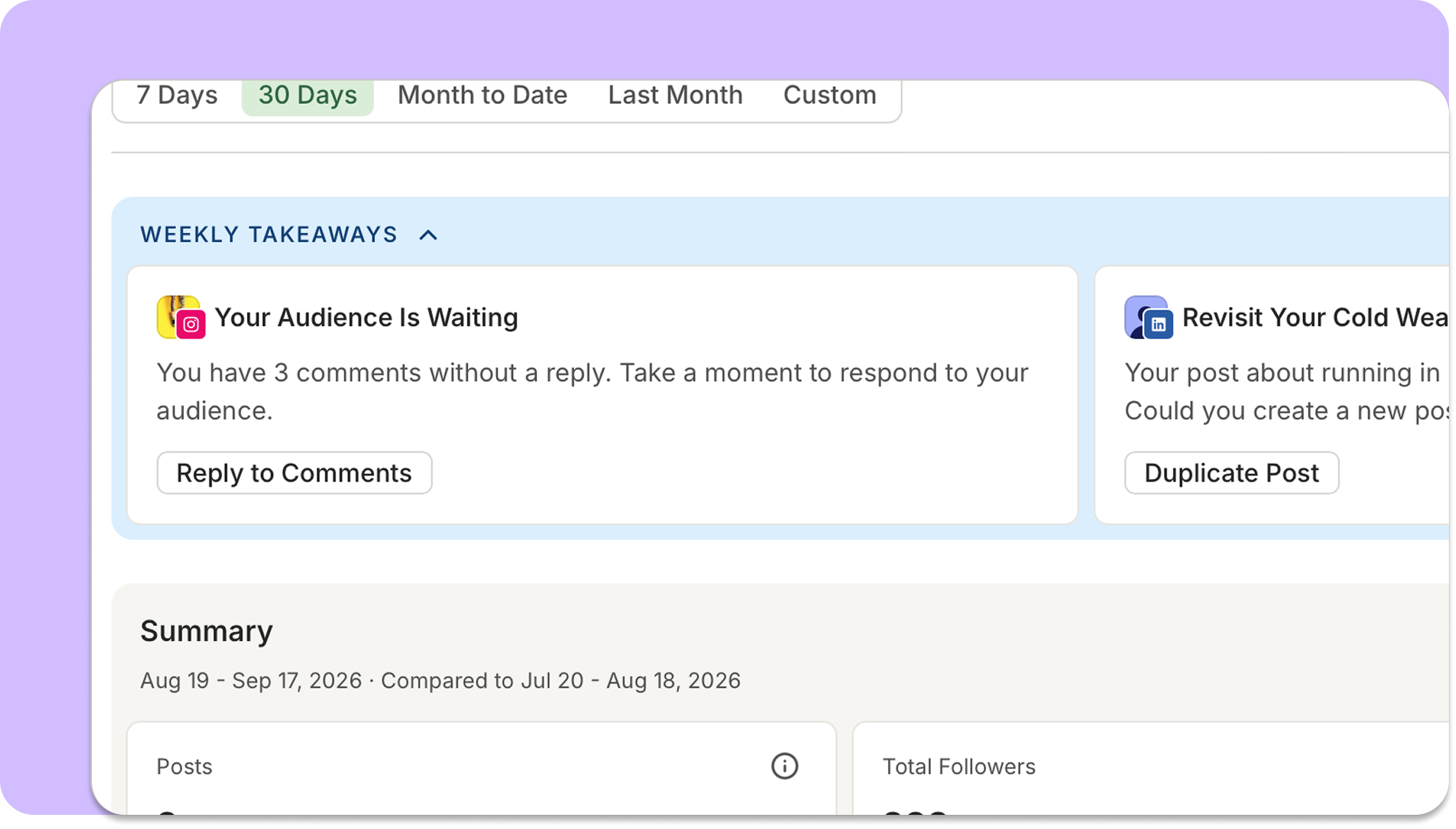
Takeaways, one of the early favorite features of Insights, now supports the All Channels / multi-channel view! Takeaways will now surface a mix of simpler cross…
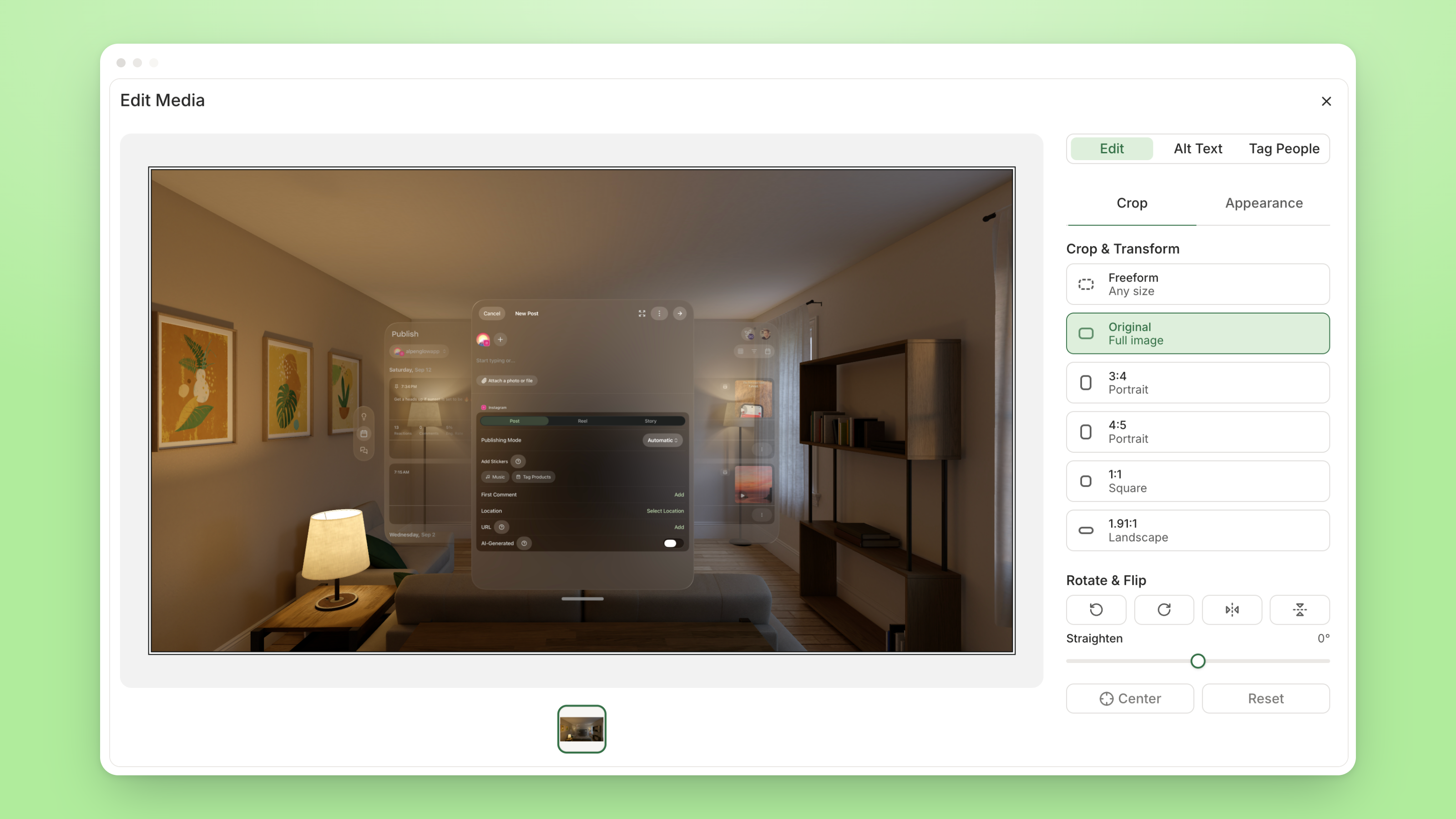
Open any image attached to a post and you can: Crop, rotate, flip, and zoom Move between every image in the post without closing the editor Add alt text, or gen…
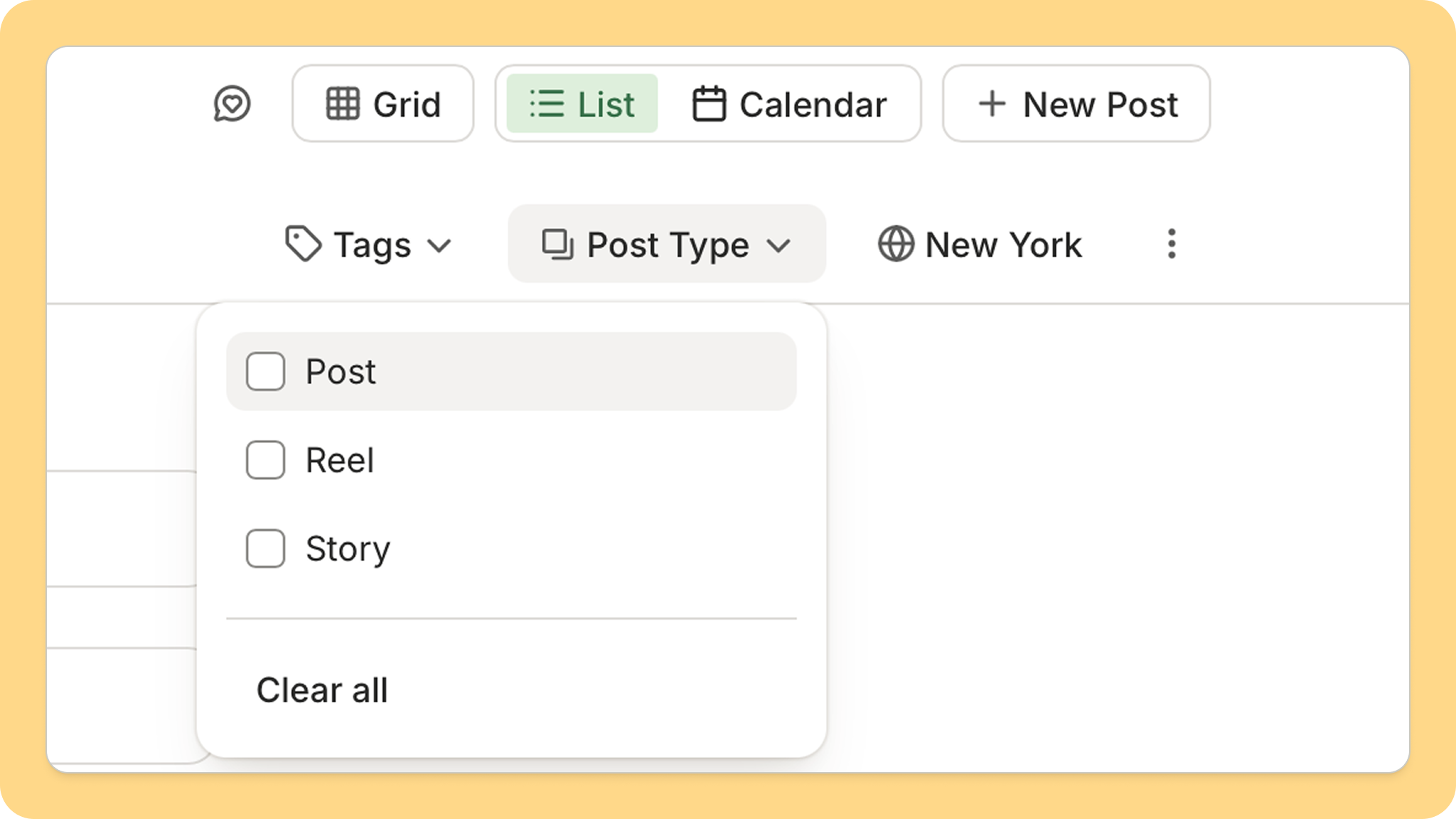
We've added the ability to filter by post type (Story, Post, Reel) to Insights & Publish, for Instagram and Facebook! This will allow you to check on your sched…
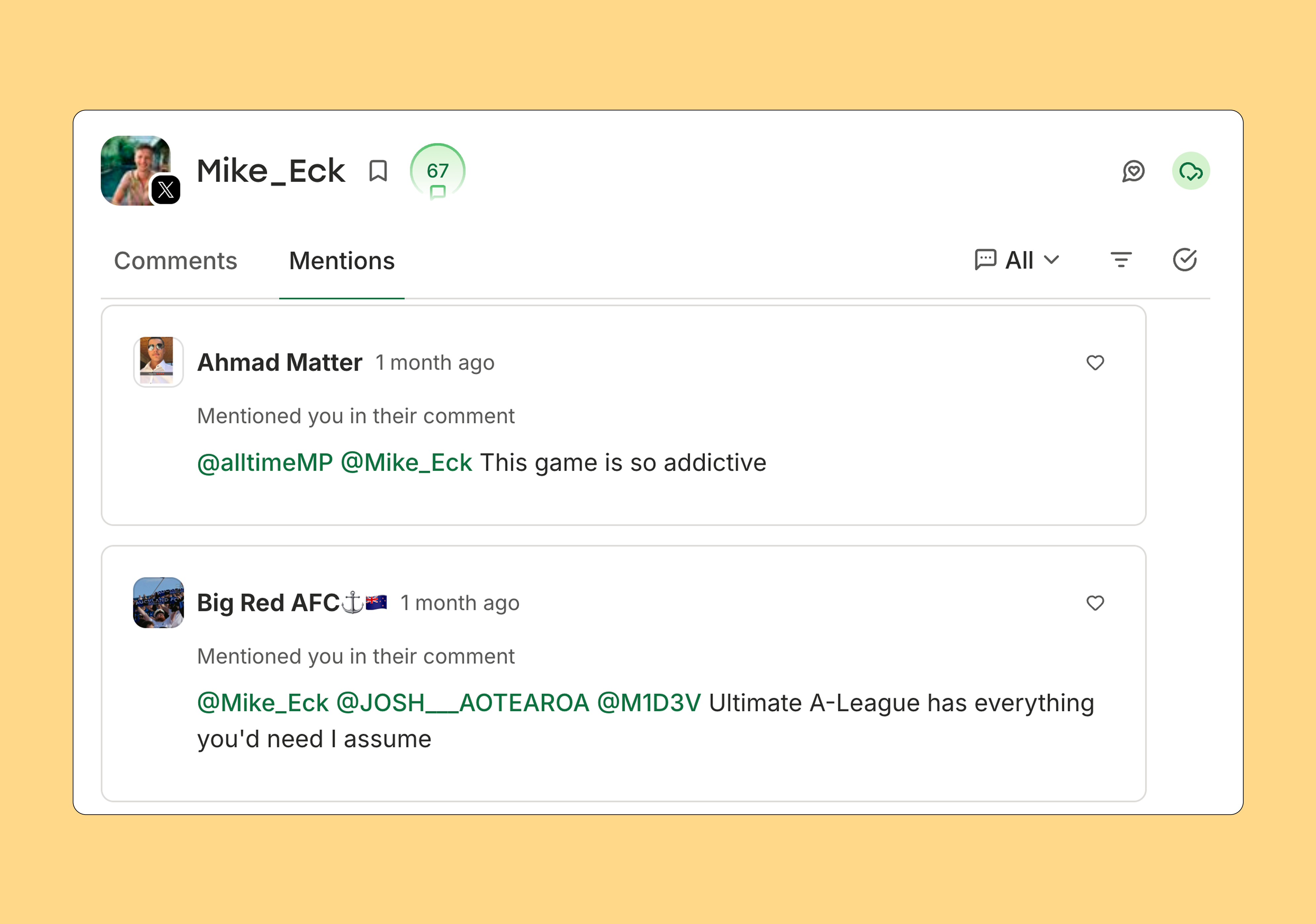
You can now see every post that mentions your X account in Community. Alongside comments, you'll find a new Mentions tab that pulls in posts where you've been t…
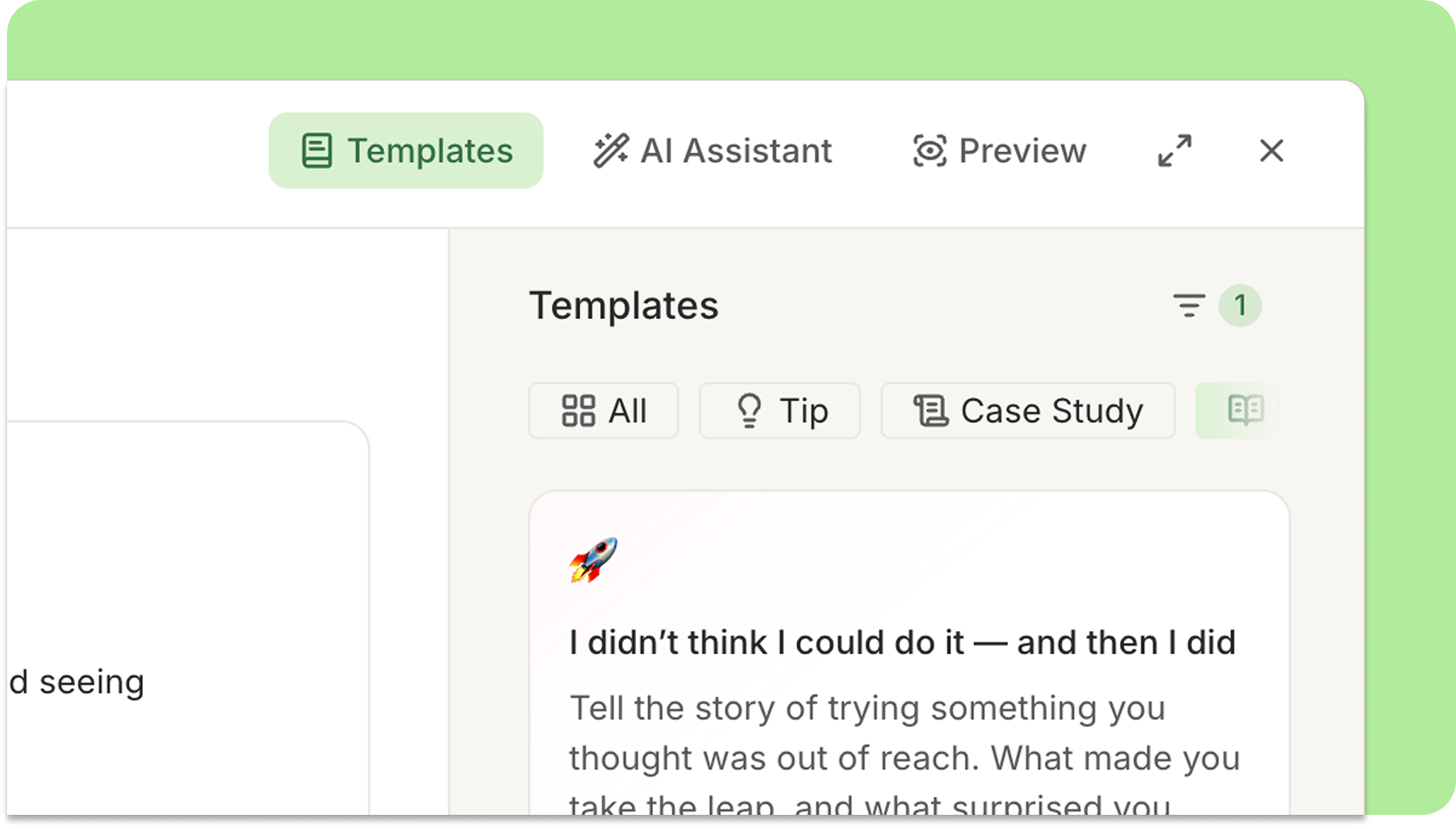
You can now create your own post templates in Buffer, and share them with your team! Head to the Create -> Templates tab to write a template from scratch, or…
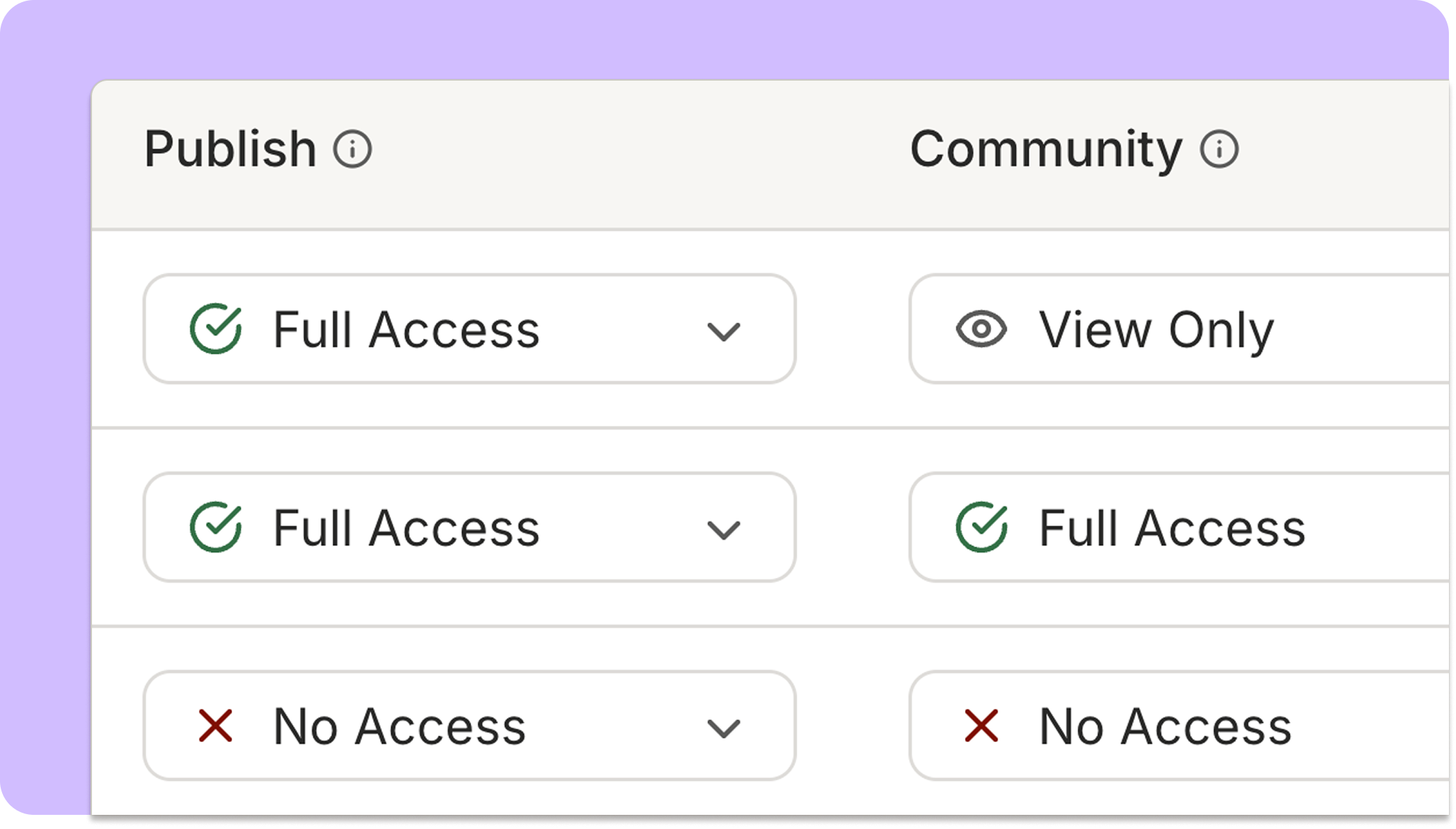
We've rolled out several improvements to make it easier for an administrator for a team using Buffer to manage access. First, you can now set access levels for…
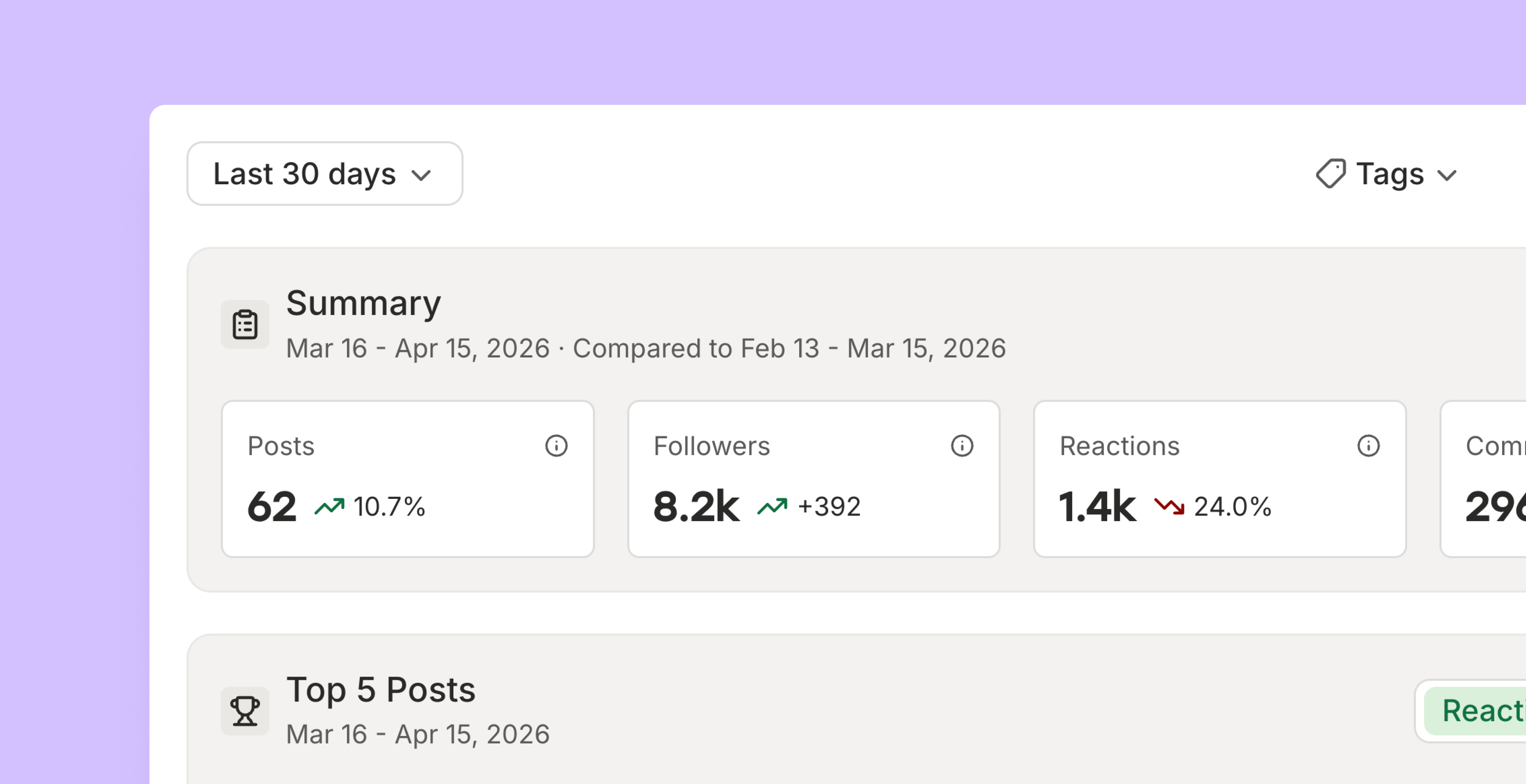
Insights is a completely rebuilt analytics experience. See how all your channels are performing in one view, dive into detailed metrics for any individual chann…
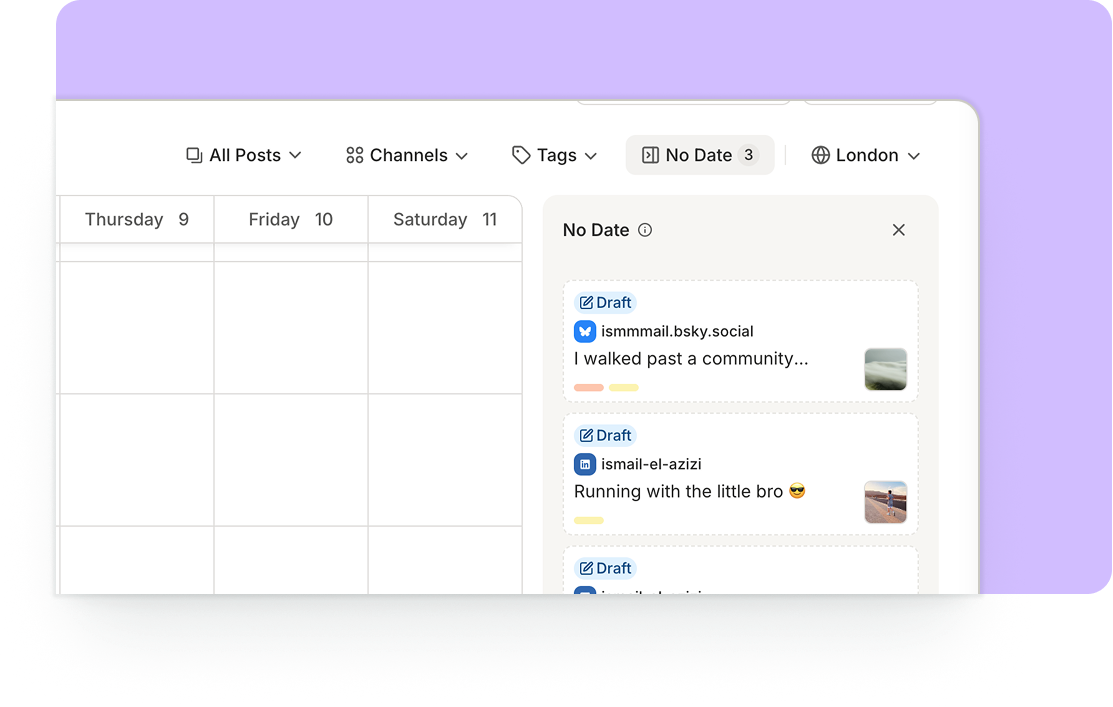
A big point of friction in Buffer, for a long time, has been: "How can I get back to my draft posts?" There's been no clear way to find them if you rely on the…
You can save custom filters of your content as Views in the sidebar! Saved Views is a way to quickly reference and get back to specific pages in the Buffer app…
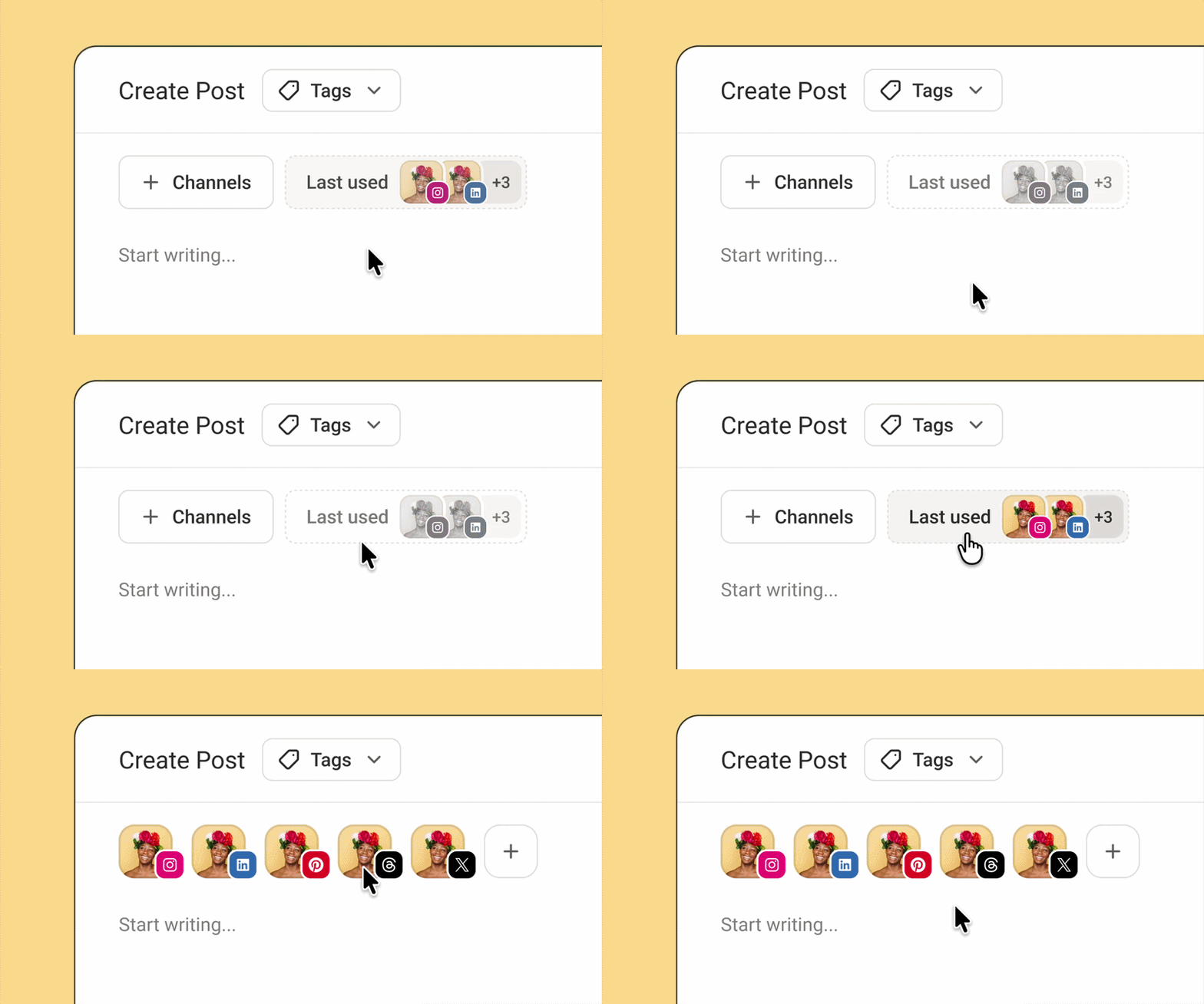
We've bundled three improvements to make creating posts quicker and less stressful: Start writing right away with the Post Composer You no longer need to pick c…
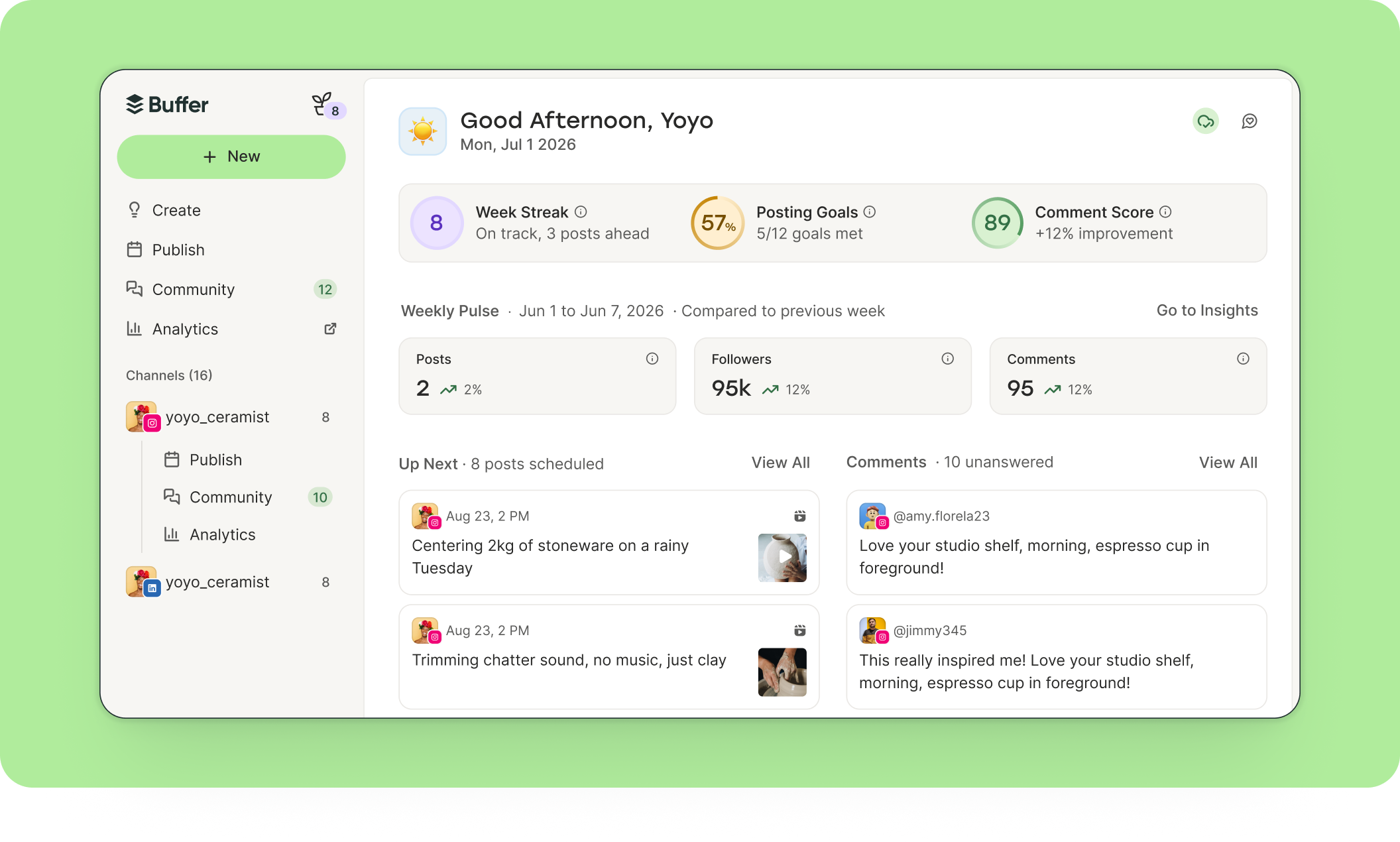
Introducing a new landing page and hub for all your social activity: Buffer Home . Home brings elements of each area of Buffer into a single view: Your posting…
Adding image descriptions (otherwise known as "alt text") makes your images accessible to people who use screen readers. But writing it for every post can be te…
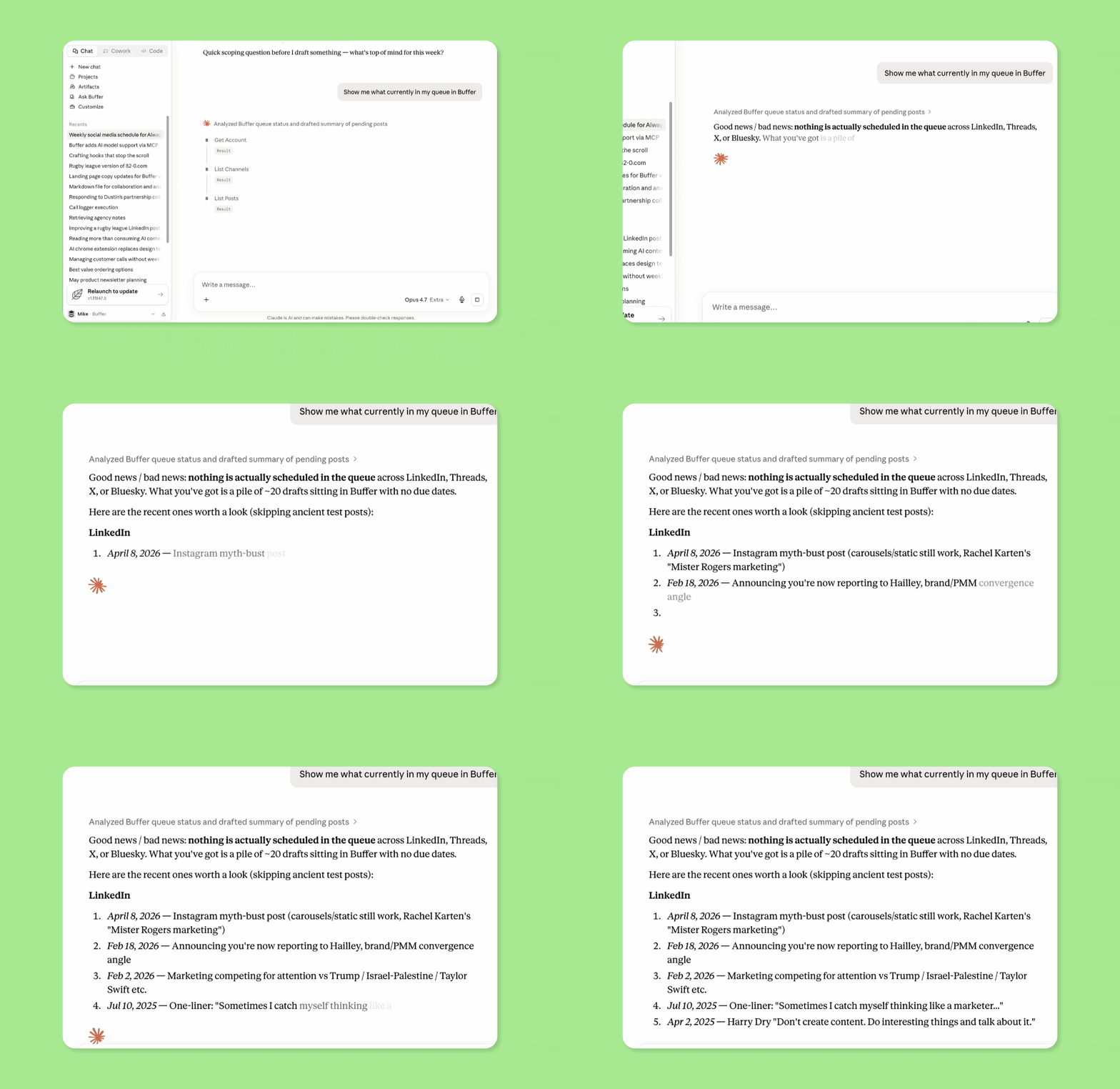
You can now connect Buffer to Claude, ChatGPT, and Perplexity using the Model Context Protocol (MCP), so you can manage your Buffer account from inside the AI t…
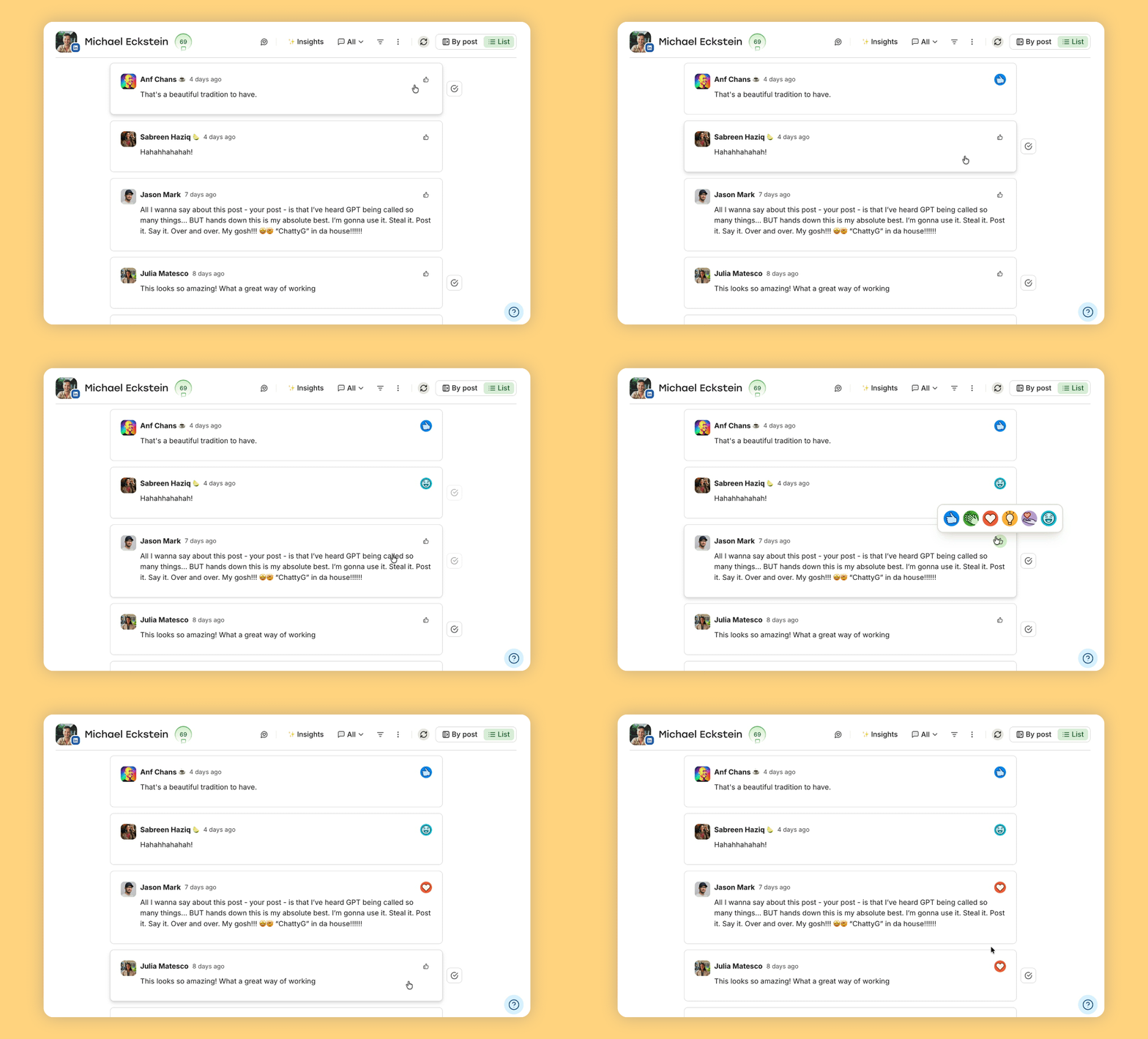
You can now react to LinkedIn comments with the full range of LinkedIn reaction types, right from Buffer. Previously, you could only "like" a comment when manag…
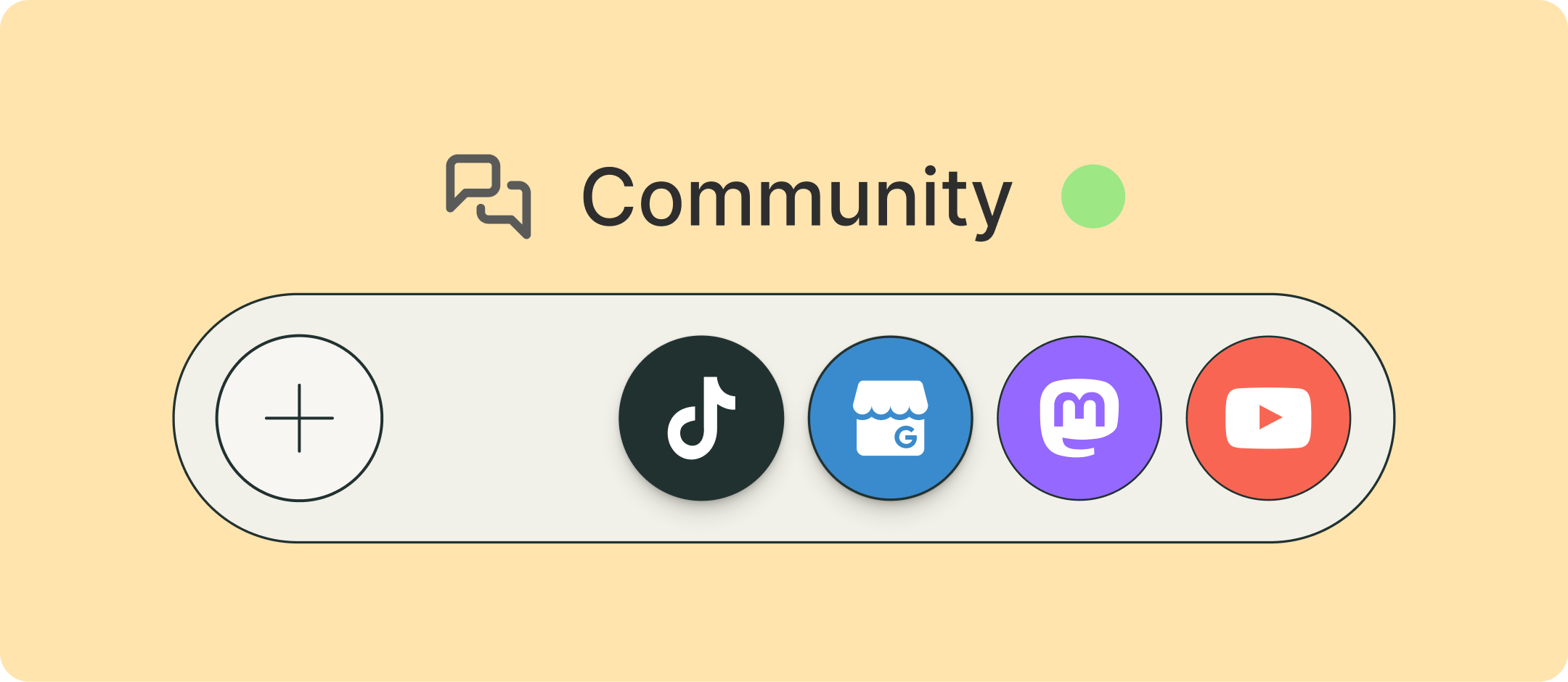
Community now supports TikTok, YouTube, Google Business Profiles, and Mastodon . That brings the total to 10 channels you can manage from one inbox. See and rep…
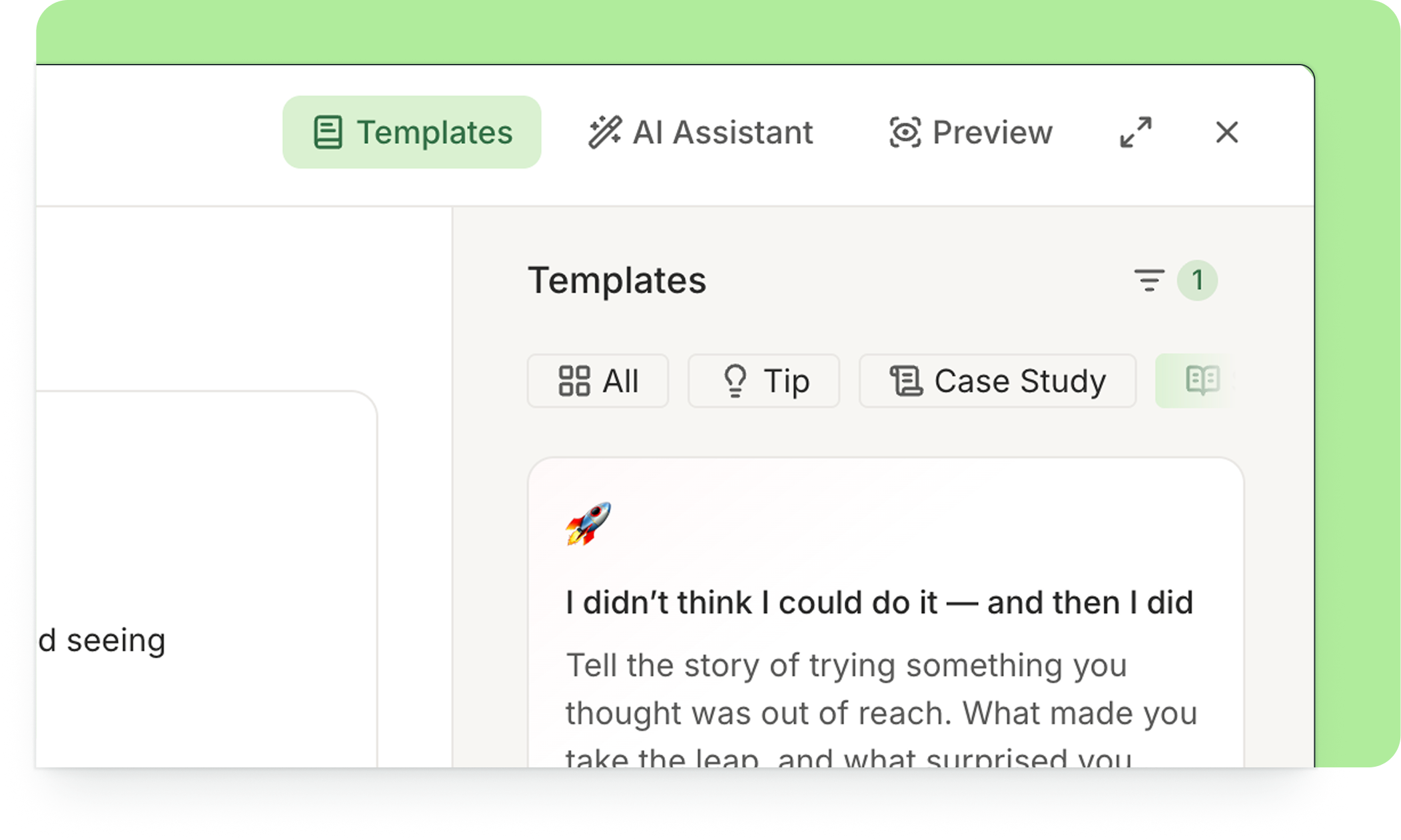
Blank composer staring back at you? We've all been there. But, no more! With 100+ ready-to-use post templates now available directly in the Composer, inspiratio…