LinkedIn Marketing: The Complete Guide for 2025
Everything you need to know about marketing on LinkedIn, from optimizing your profile to creating content that drives engagement.
Social media management built for schools and universities
Buffer helps your team plan, publish, collaborate, and report across departments and campus — without complicated workflows or tools that feel overwhelming.
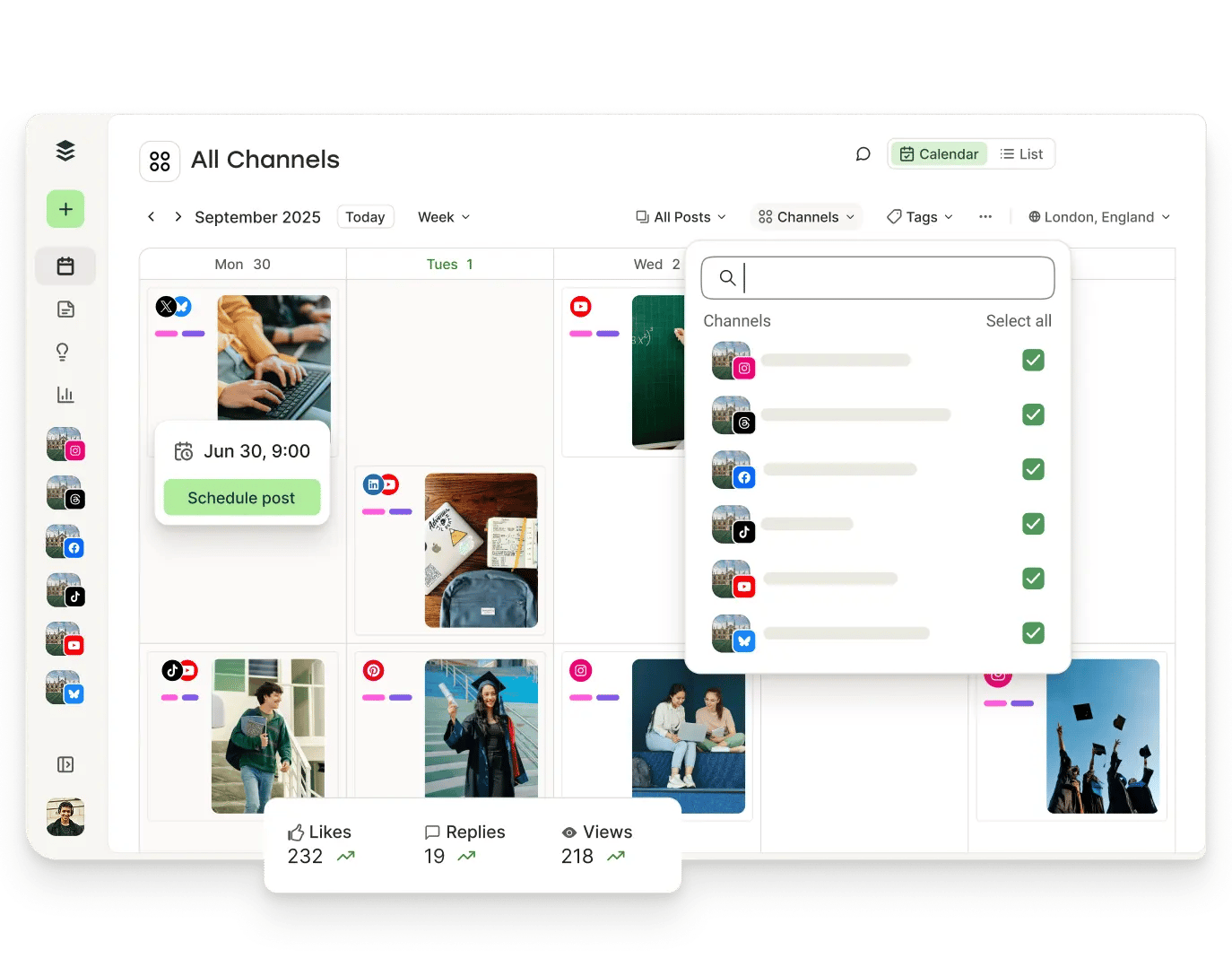
Keep admissions, events, student life, and academic updates in one shared space. No scattered logins. No disconnected social calendars.
Set clear permissions and shared access so the right people can post, review, and collaborate — without risking off-brand or accidental posts.
Connect your favorite RSS feeds to Buffer to automatically pull in fresh ideas and industry updates.
Draft a post, refine your message, or adapt it for another platform — all in one place. AI can help you move from idea to publish-ready faster, while keeping your school's voice consistent.
Reach students where they already spend time
Share event reminders, academic updates, campus news, and organization highlights in minutes. Buffer helps you schedule ahead across social platforms, so your team can stay consistent without adding more to your day.
Get started for free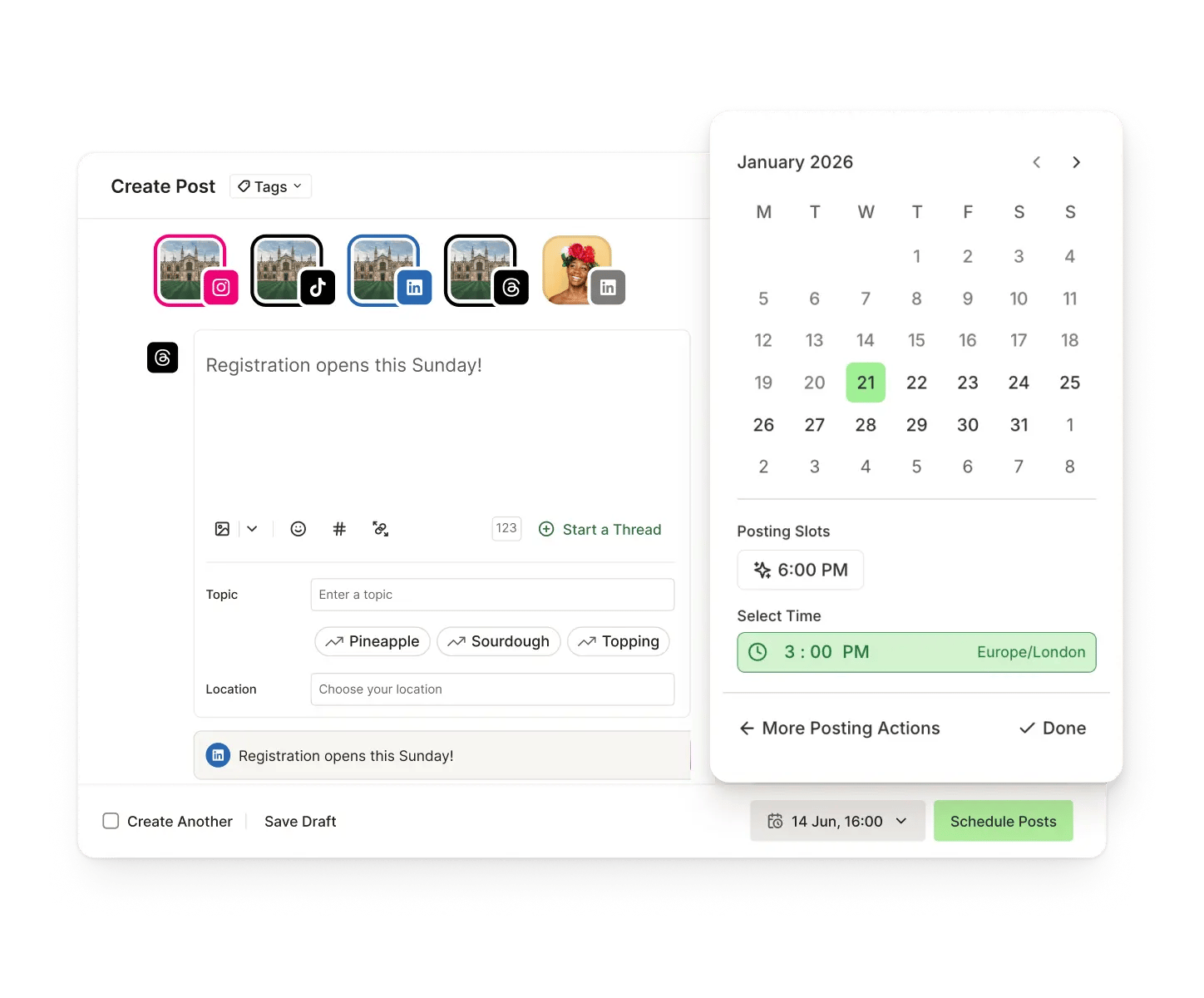
Stay connected with your community
Reply to comments from all your social media platforms in Buffer. Use saved replies and smart suggestions to respond faster while matching your school's tone.
Get started for free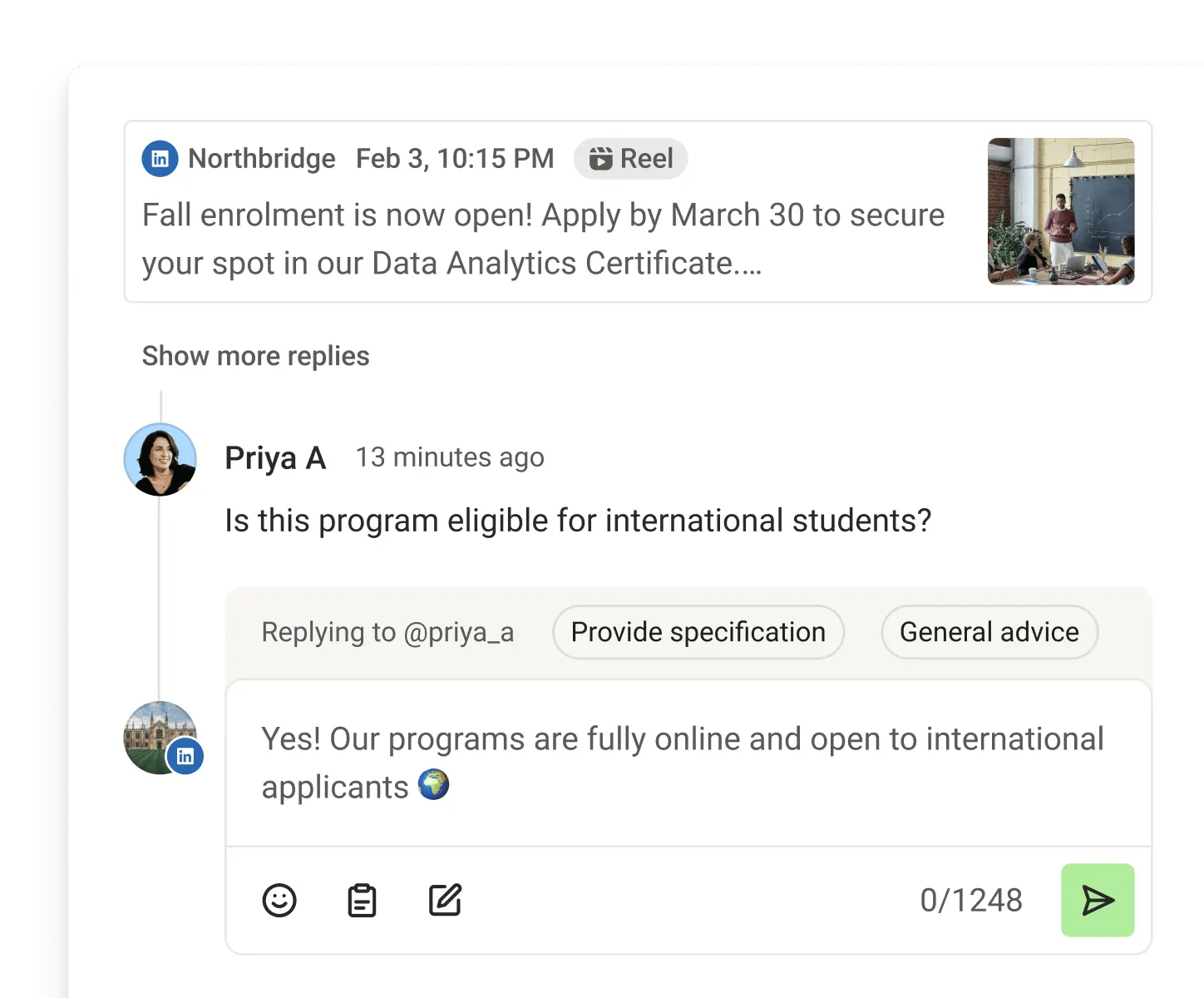
Create once, tailor for every platform
Build a post, then easily adjust it for a thread, carousel, or video caption. You don't need separate workflows for every channel — just a simple way to adapt your message.
Get started for free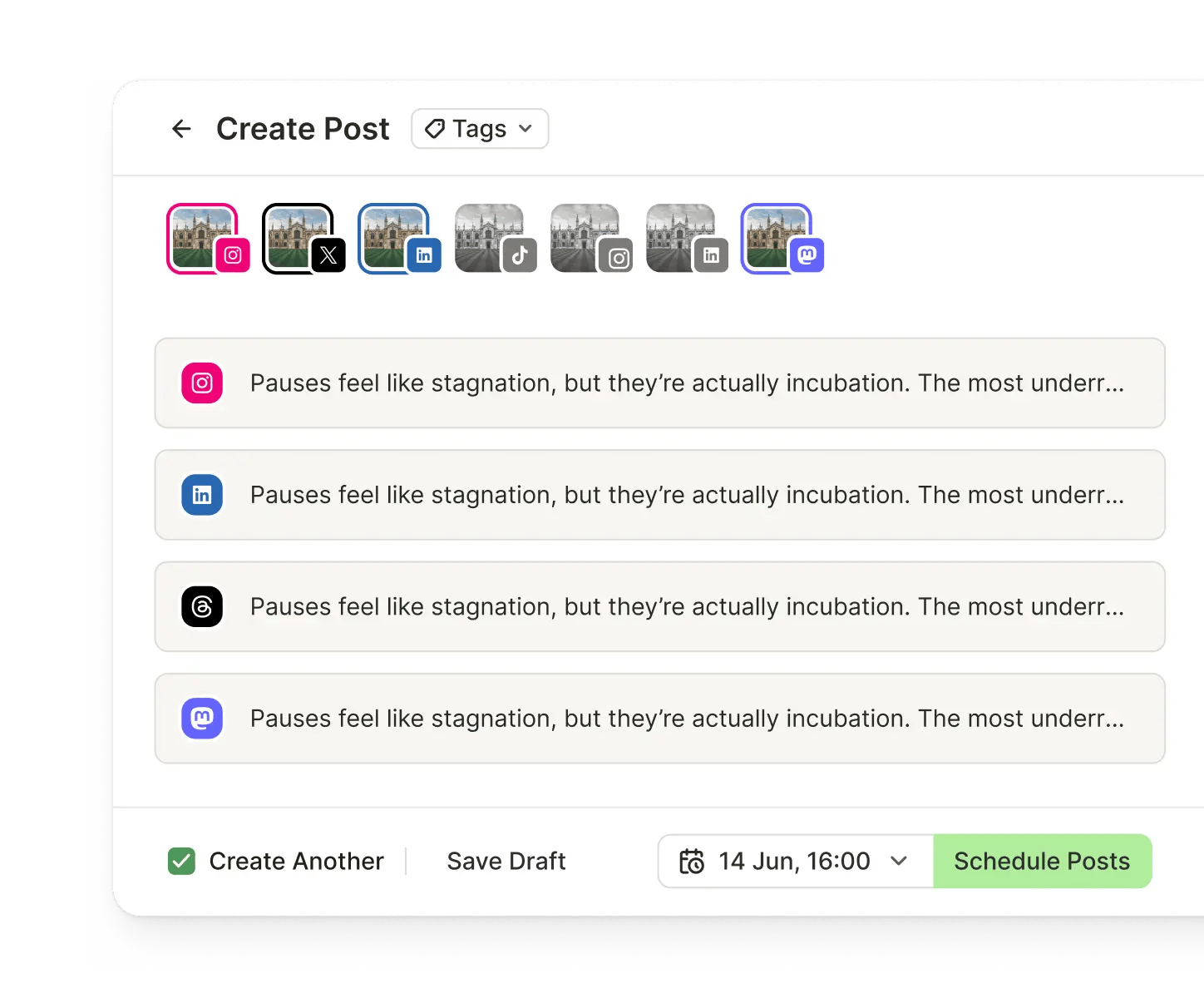
Understand what resonates on campus
See which posts spark conversation, which formats drive engagement, and how your audience is growing. Clear insights help you refine your strategy and create content your community actually cares about.
Get started for free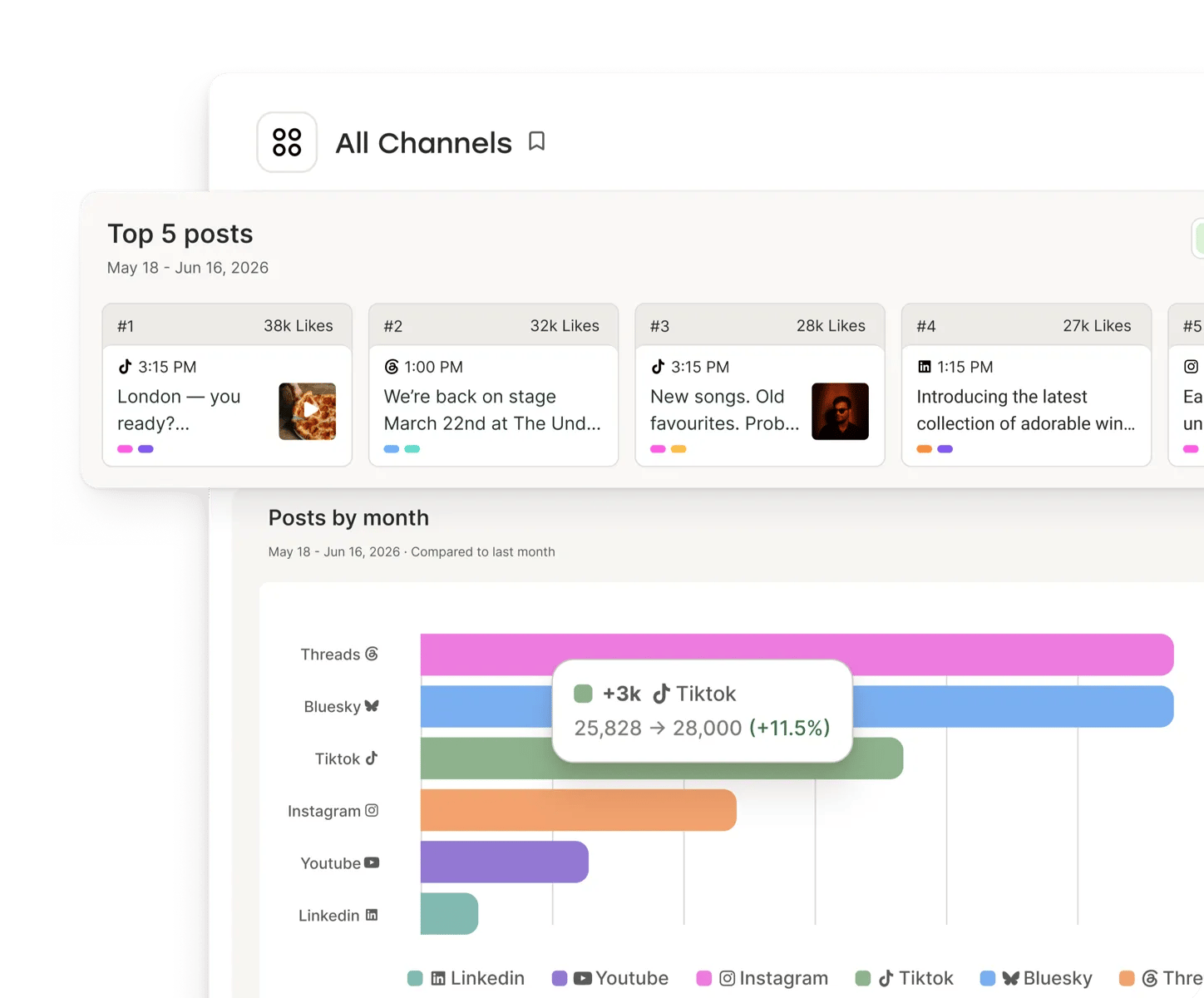
Social media management tips for higher education
Everything you need to know about marketing on LinkedIn, from optimizing your profile to creating content that drives engagement.

Practical strategies and tips to grow your following from zero to 1,000 on Twitter, Facebook, Instagram, and more.

Learn how to use LinkedIn effectively for your business, from setting up your company page to building a content strategy.
No credit card needed. Free forever.
Yes. Buffer helps teams coordinate across all social platforms with shared visibility and clearer workflows.
Yes. You can manage access and permissions so the right people can publish or review content, while keeping accounts protected.
Yes. Planning tools make it easier to align on what's going out, when, and why—so your school's communication feels consistent and intentional.
Yes. You can connect RSS feeds to bring in updates from your favorite sources and turn them into scheduled posts more quickly.
Buffer is designed to be easy to adopt. Most teams can start scheduling and collaborating quickly without a big onboarding effort.