
Buffer MCP

Manage social media using an AI agent

Draft posts, schedule them, and check what's coming up right in Claude, ChatGPT, or the other tools you're already in all day.

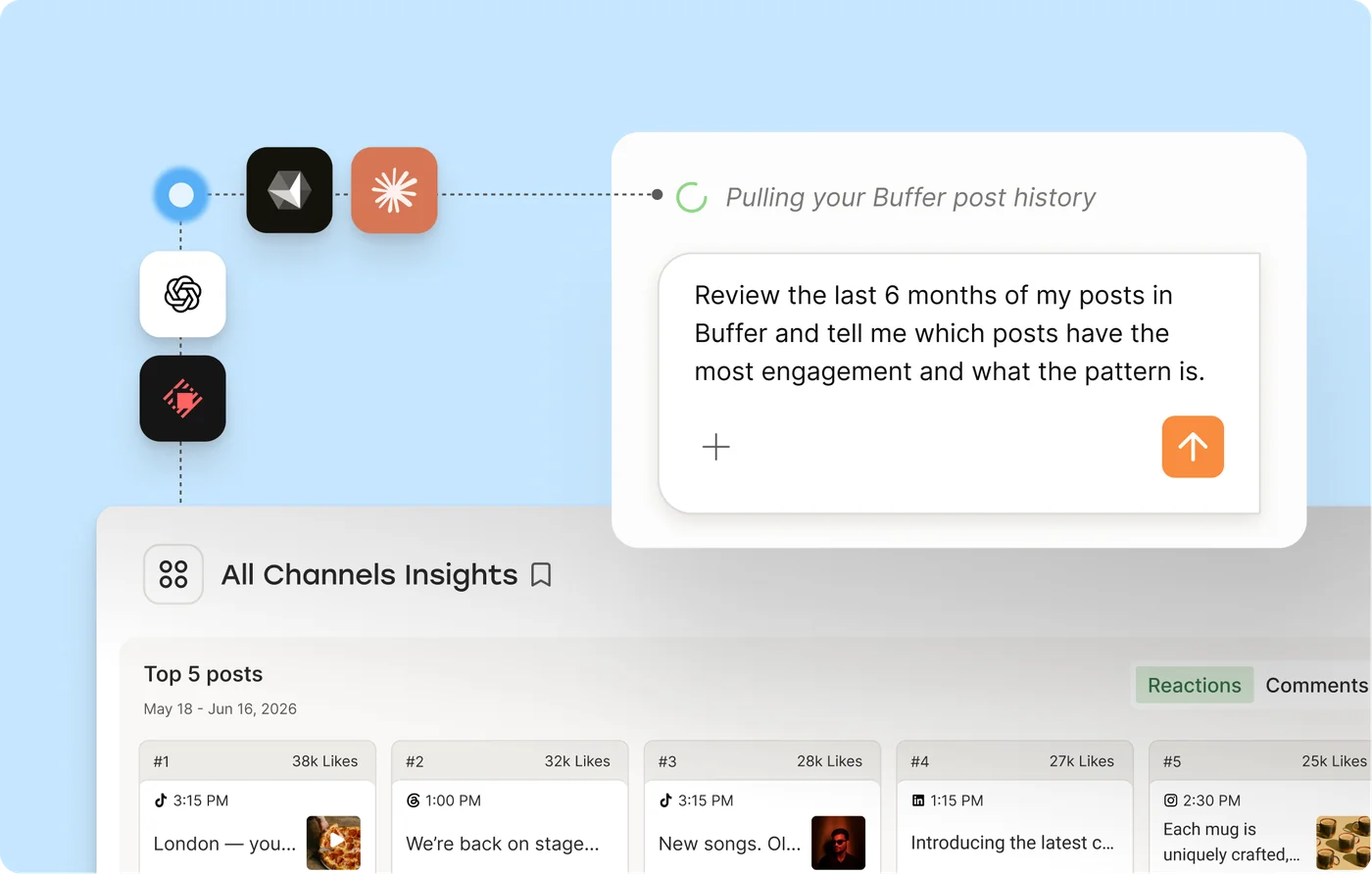
An AI assistant reviewing Buffer post history and showing channel insights
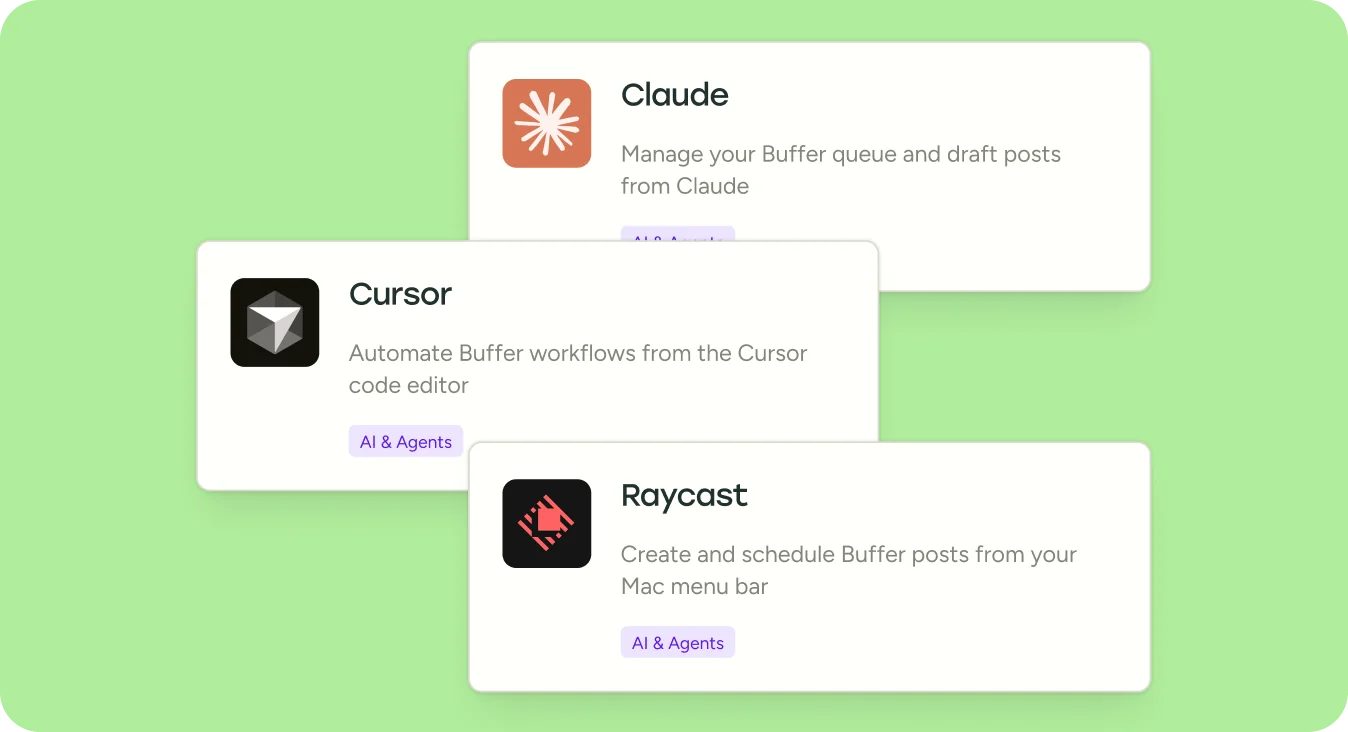
Integration cards for Claude, Cursor, and Raycast connecting to Buffer

How it works

It takes about a minute to set up, and you only do it once.

  1. Connect your tools

    Head to Settings → Integrations in Buffer, pick your tool, and connect. No code required (promise!)

  2. Ask your AI to do the work

    Just ask. "Draft a LinkedIn post about our product update and schedule it for Thursday morning." Your assistant sends it straight to Buffer.

  3. Review and publish from Buffer

    Everything lands in your Buffer queue. Review it, tweak it if you want to, then let Buffer handle the publishing.

What you can do

  • Draft posts in conversation

    Bye bye, copy-pasting between endless tabs. Prompt your AI assistant to draft your posts and send it straight to Buffer.

  • Schedule from a prompt

    "Schedule this for tomorrow at 9am on LinkedIn and Threads." Your assistant handles the timing and the channels.

  • Check what's coming up

    Ask what's in your queue this week. Get a summary without opening Buffer.

  • Capture ideas on the fly

    Had an idea mid-conversation? Tell your assistant to save it as a Buffer idea for later.

  • Manage across channels

    Your assistant can see all your connected channels and post to whichever ones you choose, all from one conversation.

  • See what's working

    Ask your assistant to review your recent posts and spot the patterns. Find out what to post more of.

Integrations

Works with the tools you already use

Most connections are one-click. For tools that need an API key, Buffer walks you through it in under a minute.

Browse all integrations
Logos of tools that integrate with Buffer including Claude, ChatGPT, Cursor, Zapier, IFTTT, and more

Benefits

Understand your performance

Ask your assistant what's working across your channels. It can pull your Buffer insights and turn them into plain answers about what to post next.

Post more consistently

When publishing is this easy, it happens more often. Fill gaps in your calendar without sitting down for a dedicated social media session.

Keep control of what goes out

Your AI assistant drafts and schedules, and you approve. Everything goes through your Buffer queue, so nothing publishes without you seeing it first.

Free on every Buffer plan

MCP access is included on every plan, including Free. Connect your tools and start using it today.

FAQs

What is MCP?

MCP (Model Context Protocol) is the standard that lets AI tools like Claude and ChatGPT connect to apps like Buffer. You don't need to understand how it works. Just connect your tool and start using it.

Do I need to know how to code?

No. Most integrations connect with a single click. If your tool needs an API key, Buffer shows you exactly where to find it and where to paste it.

Which AI tools work with Buffer?

Claude, ChatGPT, Cursor, Raycast, Perplexity, Notion, Zapier, n8n, Manus, and Antigravity. We're adding more regularly.

Is this free?

Yes, MCP access is available on every Buffer plan, even Free — no catch.

Will my AI assistant post without my permission?

Nope — you're always the last step. Posts created through your AI assistant land in your Buffer queue as drafts or scheduled posts. You can review and edit everything before it goes live.

What can my AI assistant actually do in Buffer?

Create posts, schedule posts, manage your queue, save ideas, and check your connected channels and upcoming content. More capabilities are being added as the API grows.

I use Buffer for my business. Is this secure?

Yes. Each connection uses your personal API key or OAuth sign-in, and you control exactly which tools have access. You can revoke access at any time from Settings → API in Buffer.

Where can I learn more about the technical details?

If you're a developer or want to go deeper, visit the developer documentation or the API landing page.

Resources

Learn more about Buffer and AI

The Best MCP Servers for Social Media: The 8-Tool Stack I Use Every Week As A Creator

For a long time, my ideas were scattered everywhere. Some were in my Notes app. Others were screenshots on my phone that I’d never opened again, or buried in old Claude conversations. Sometimes I'd remember a good line from a voice note I recorded months ago, but have no idea where to find it. Everything was saved somewhere, just never anywhere I'd look when it was time to make something. And even with this mega-level disorganization, I had been getting by fine. I have an 80-week creation stre


Ready when you are. Connect your AI tool and start posting.

Read the docs