
We've rolled out several improvements to make it easier for an administrator for a team using Buffer to manage access.
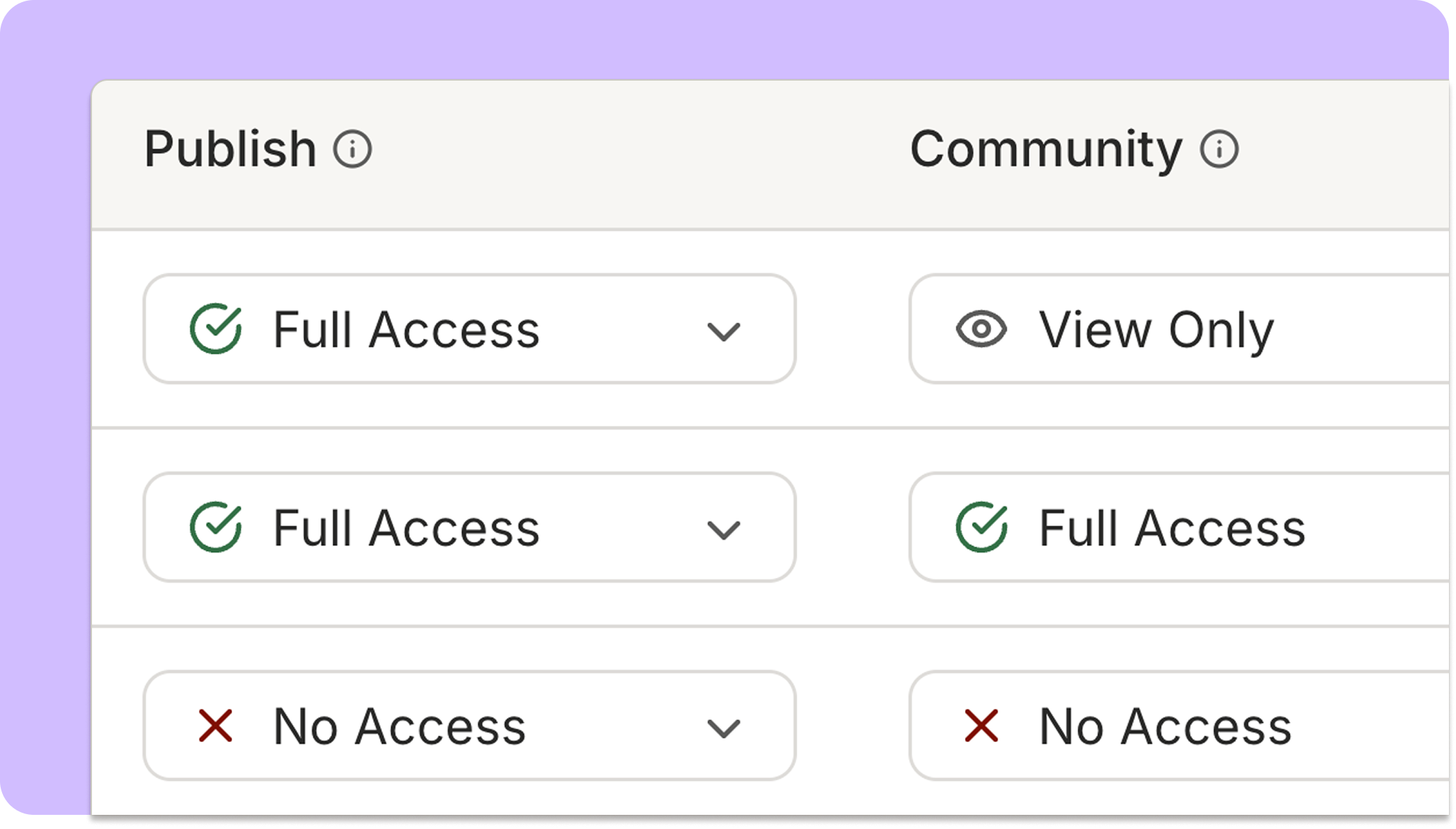
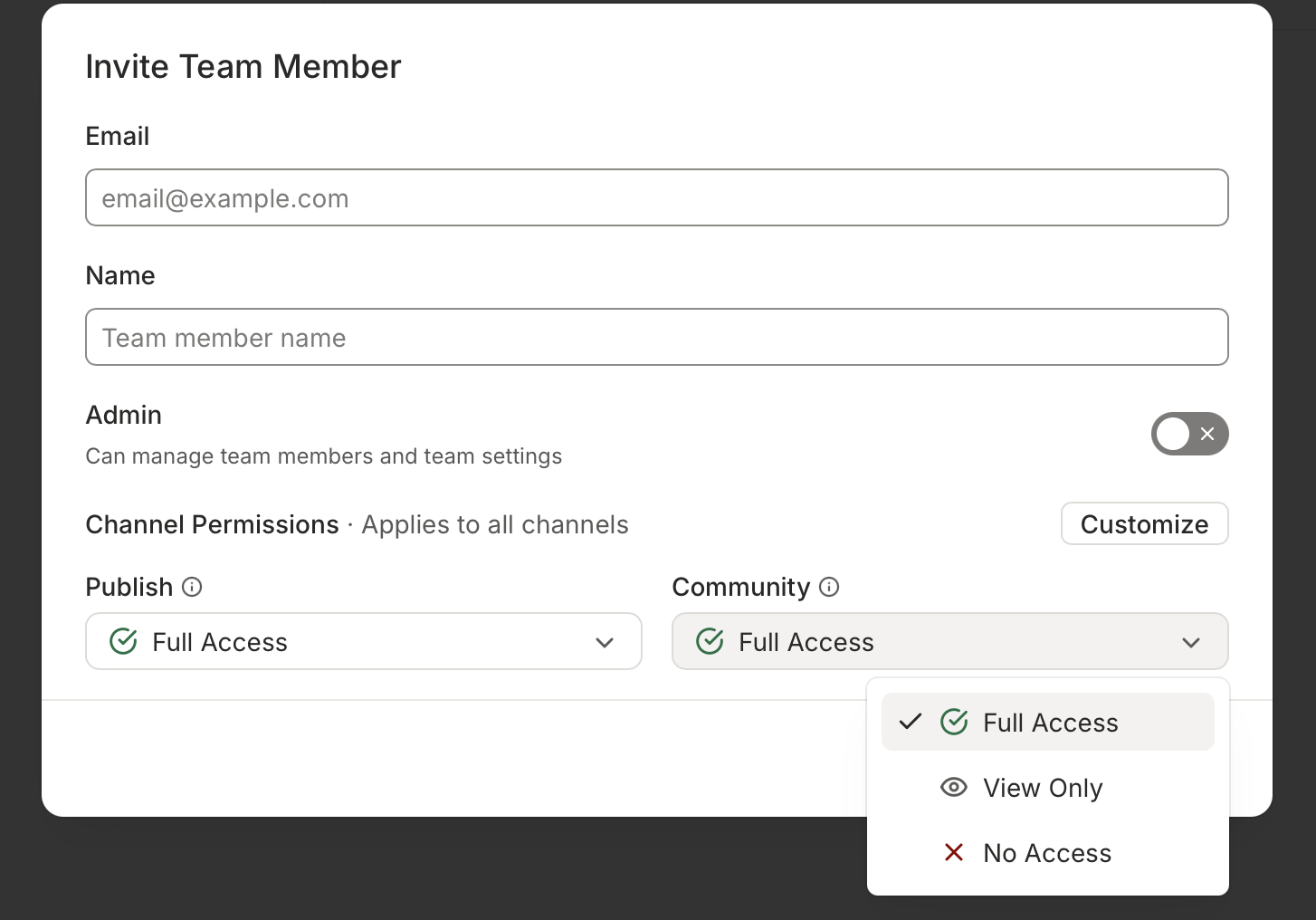
First, you can now set access levels for the Community area, separately from Publish! This makes it easy to both restrict on which channels your teammates can reply to comments, or grant commenting access alongside restricted posting access.
- The Community options are: Full Access (can reply to comments), View Only, or No Access.
- You can set a teammate's Community access level either across all channels, or for specific channels.
---
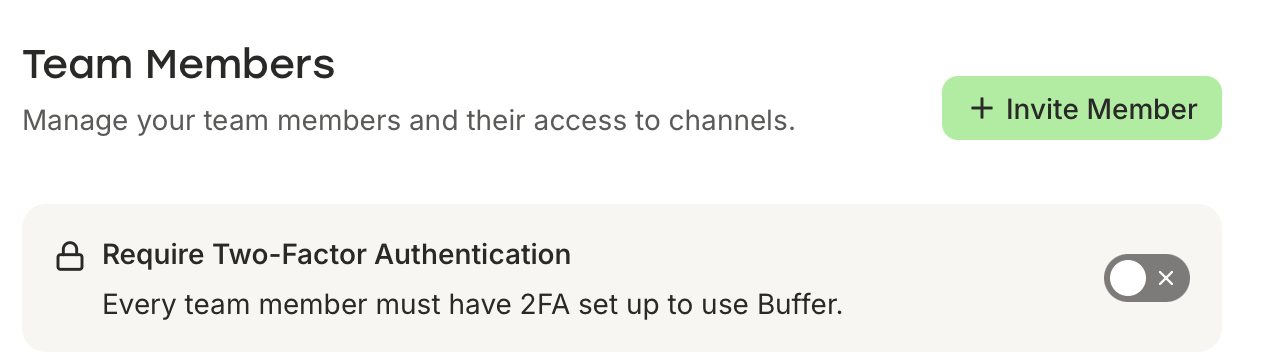
We've also added the ability to require two-factor authentication for your team. Toggle this on in your Settings -> Team Members page, and next time a teammate logs in they will be prompted to set up a 2FA method.
---
Finally, we've improved the process of inviting teammates to your organization.
- Admins can now see a list of pending invitations, and easily copy, resend or revoke invitations if they get lost.
- Teammates invited to a new Buffer team will see a prompt to accept an invite after logging in or signing up for Buffer, with clearer guidance on where to go and what they have access to.