
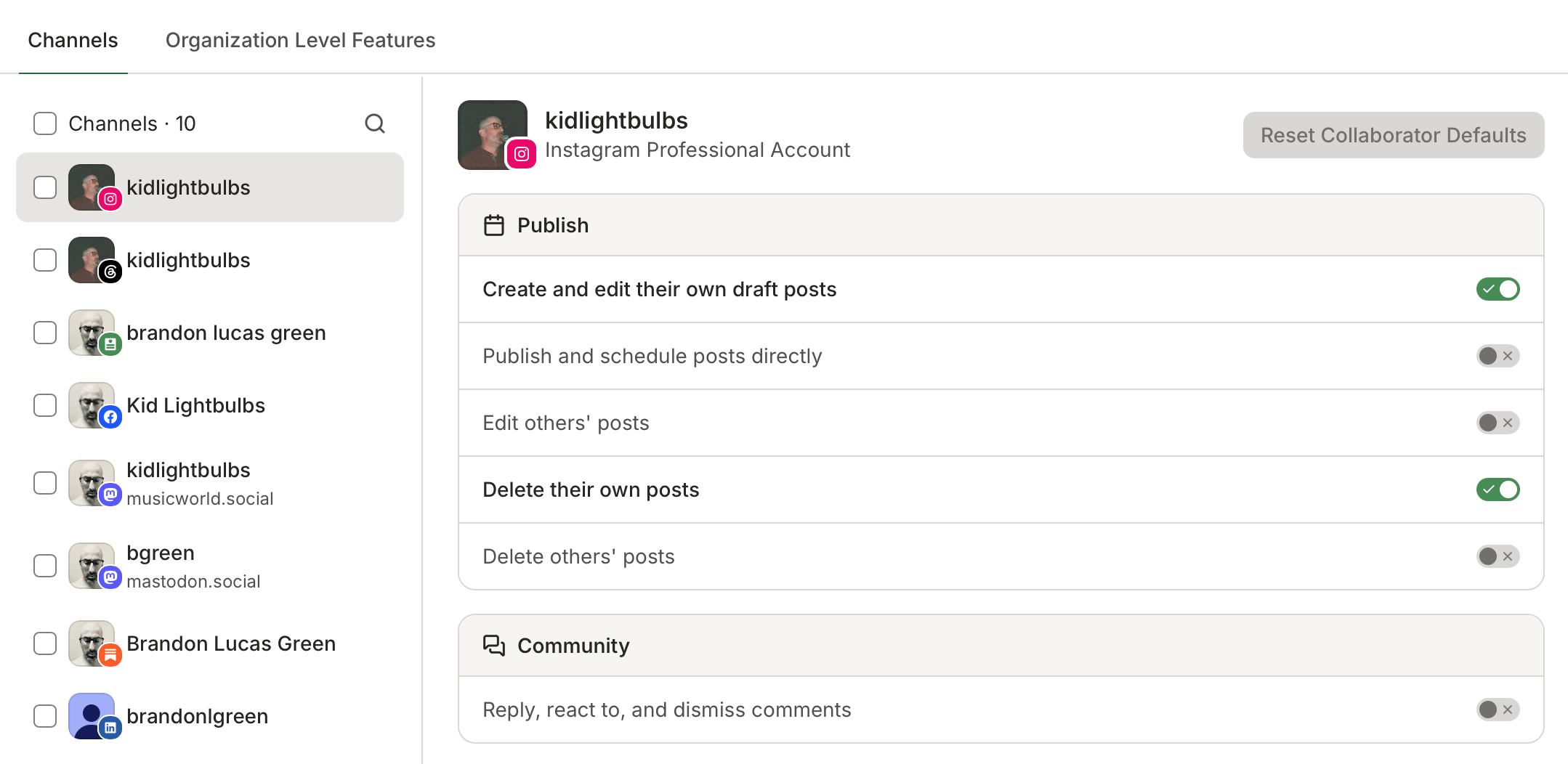
We've completely overhauled the system for managing roles & permissions for teams using Buffer, adding flexibility and greater controls for admins managing a team's social media workflow. Our customers on the Team Plan have access to this as of today.
The new system introduces four different “Roles” a team member can take. Each role includes a set of default permissions, which can then be customized with further restrictions (both organization-wide and per specific channel) as needed.
- Admins: full access to everything in the organization, including management of team members and billing
- Creators: full posting and commenting access on selected channels, plus the ability to connect and manage individual channels to which they have access
- Collaborators: can create draft content and submit for approval, plus view comments and analytics data, for the channels to which they have access
- Viewers: View-only permissions for the channels to which they have access
Permissions can also be customized and further restricted per teammate and per channel. For example, if a specific team member should be restricted from replying to comments on one specific social channel, or exporting Insights data, you can set these singular restrictions in the Team Member management area. If a team member should not have any access at all to a specific channel, you can simply exclude it. All of this is managed in the Settings → Team Members area of the Buffer account.
Roles & Permissions are available for all current Team Plan customers. If you are a current customer, we've migrated your organization to the new system with no changes to the access levels of any team member. In other words, no actions needed unless you'd like to make any adjustments to your team.