
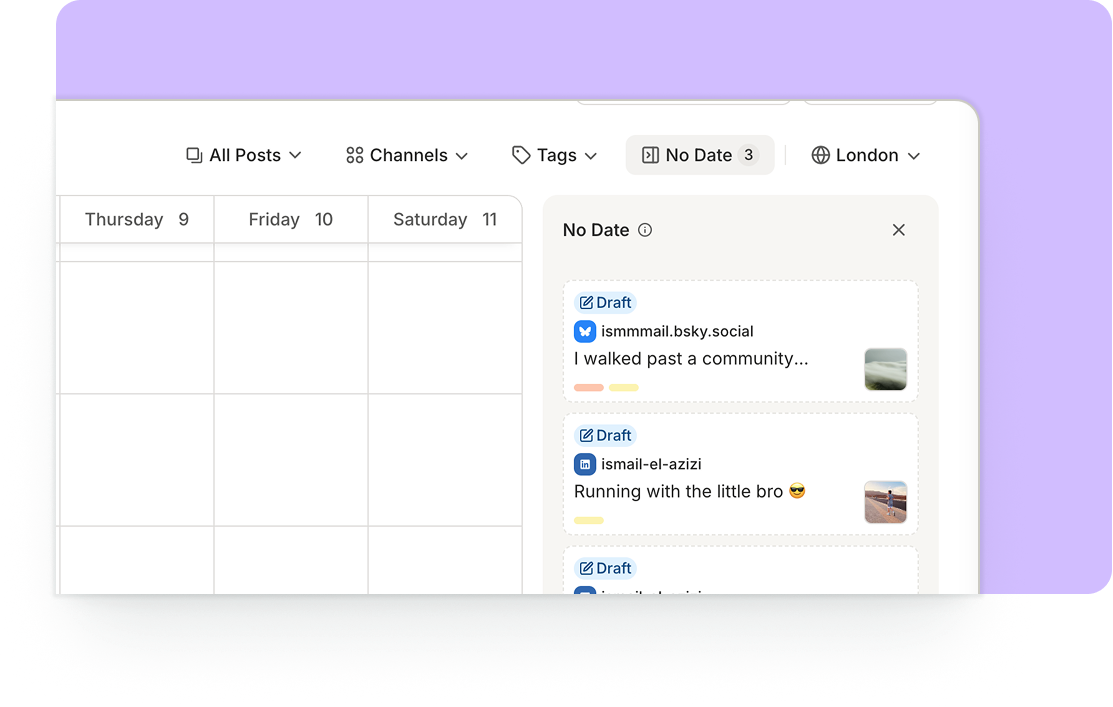
A big point of friction in Buffer, for a long time, has been: "How can I get back to my draft posts?" There's been no clear way to find them if you rely on the Calendar to manage your content.
We've now introduced a sidebar to the Calendar, which lists all your drafts (including posts pending approval, if you work on a team) for easy editing and scheduling. Drag a post right onto the calendar, or hover over the post to make edits, duplicate it, and more.
Toggle it open by clicking the "No Date" button in the top-right corner of the Calendar screen.