
How to Manage Multiple Social Media Accounts: 7 Tips + Tools
Managing 3, 5, or 10+ accounts? Here are 7 tactics to schedule, crosspost, and run every social account from one dashboard.
Every brand, every channel, one workspace
Whether you manage one publication or a portfolio of brands, your team runs it all from one place.
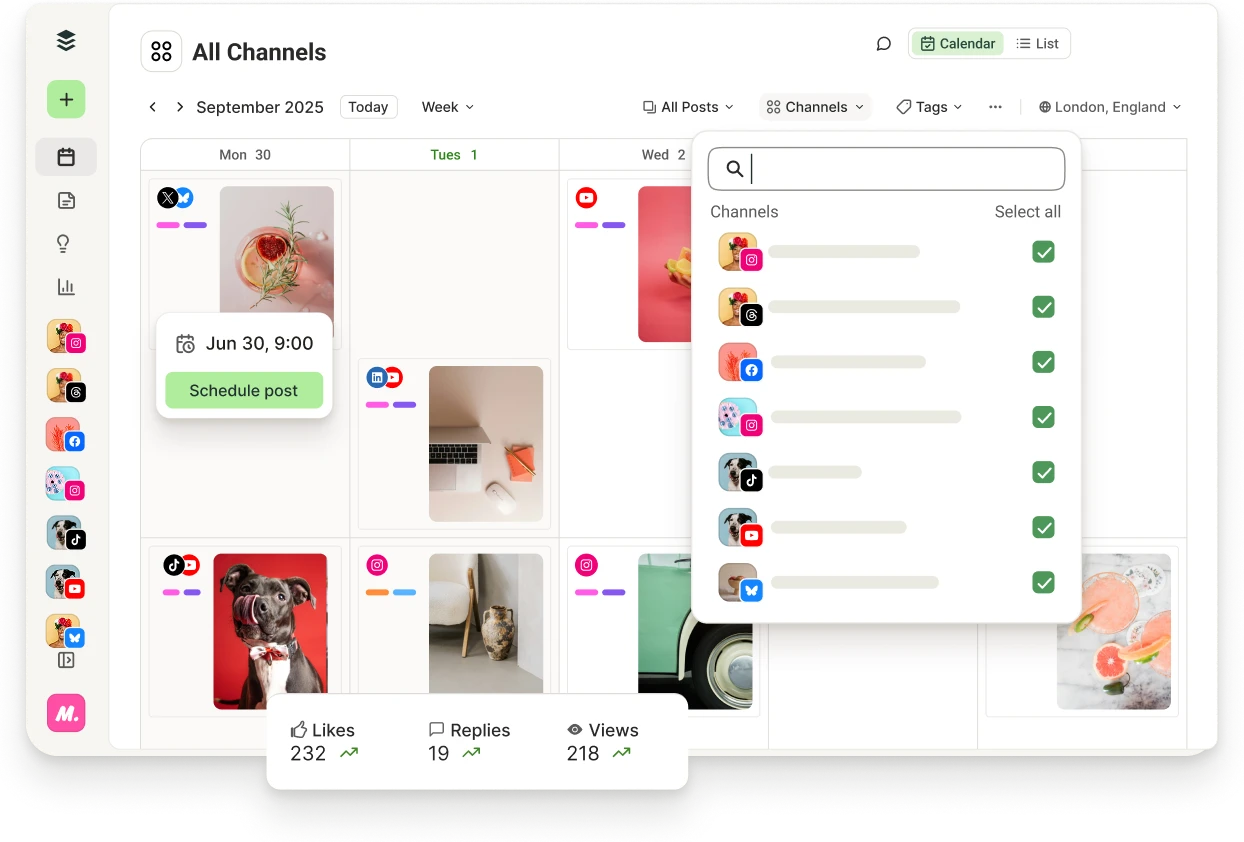






Every brand's channels in one place. Plan, schedule, and publish across your whole portfolio from a single calendar.
Connect Buffer to your CMS and automate posting when a story goes live, or plug it into the AI tools already in your workflow.
Buffer Insights pulls all your channels into one clear view and turns performance into a decision, so reporting takes minutes.
Reply to comments across your channels and keep the conversation going, without hopping between apps.
Every title in one place
Bring all your mastheads' channels into one account and publish to any of them without juggling logins. Run one newsroom or a whole network, it's the same simple workflow.
Get started for free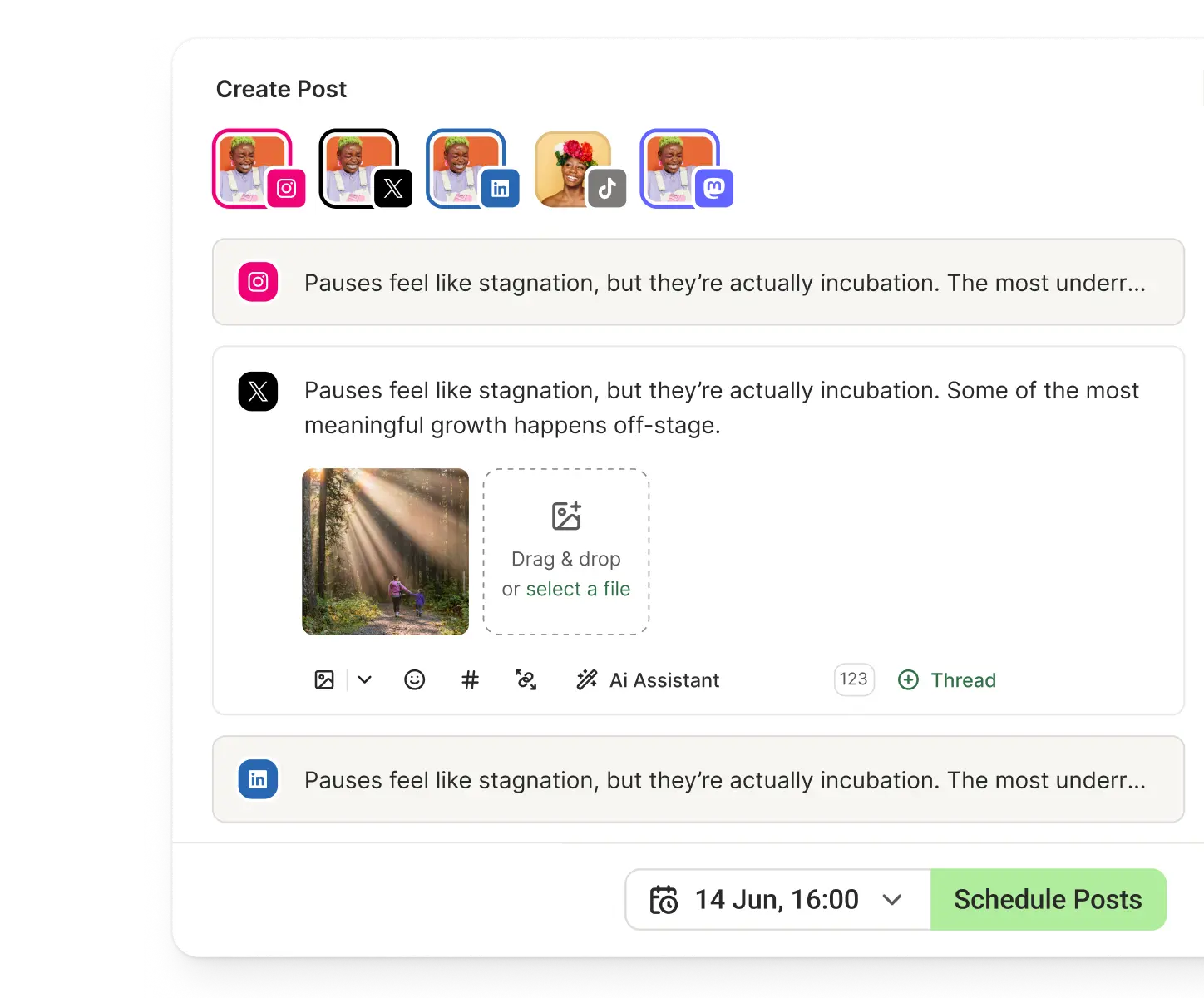
Pricing that scales by the channel
Whether it's one brand with 15 channels or a network with 40, you pay for the channels you connect. Launch a brand and add its channels; wind one down and drop them.
Get started for free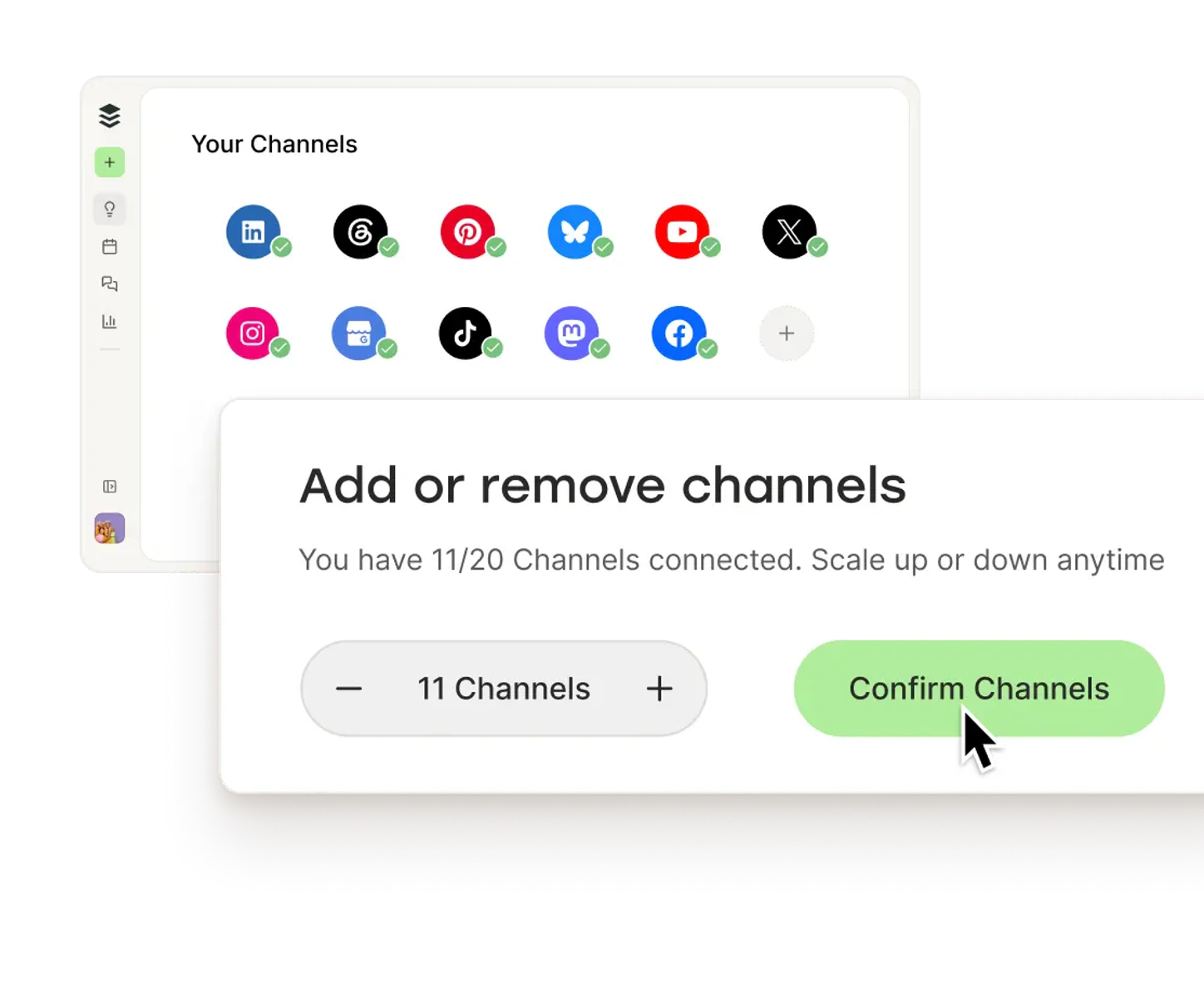
Steady publishing when the news moves fast
Buffer is an official API partner with the major social platforms. That means deeper, more stable connections, so when a story breaks, your posts go out on schedule.
Get started for free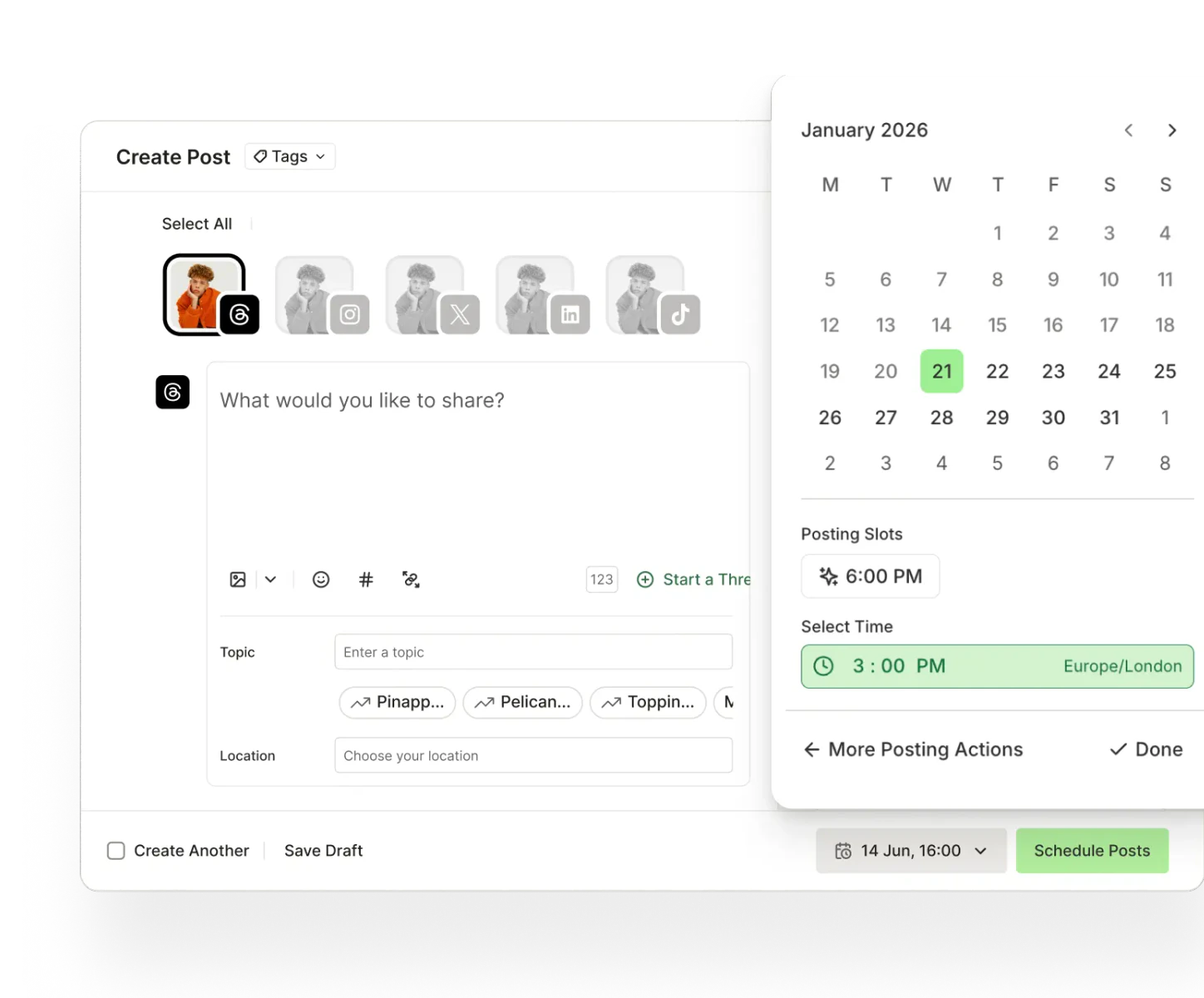
Reporting you can put in front of anyone
See all your channels in one view, or focus on a single one, then turn what's working into your next move. Buffer Insights makes the numbers clear enough to share with editors and stakeholders, and you can even ask a plain-language question about last week and get an answer.
Get started for free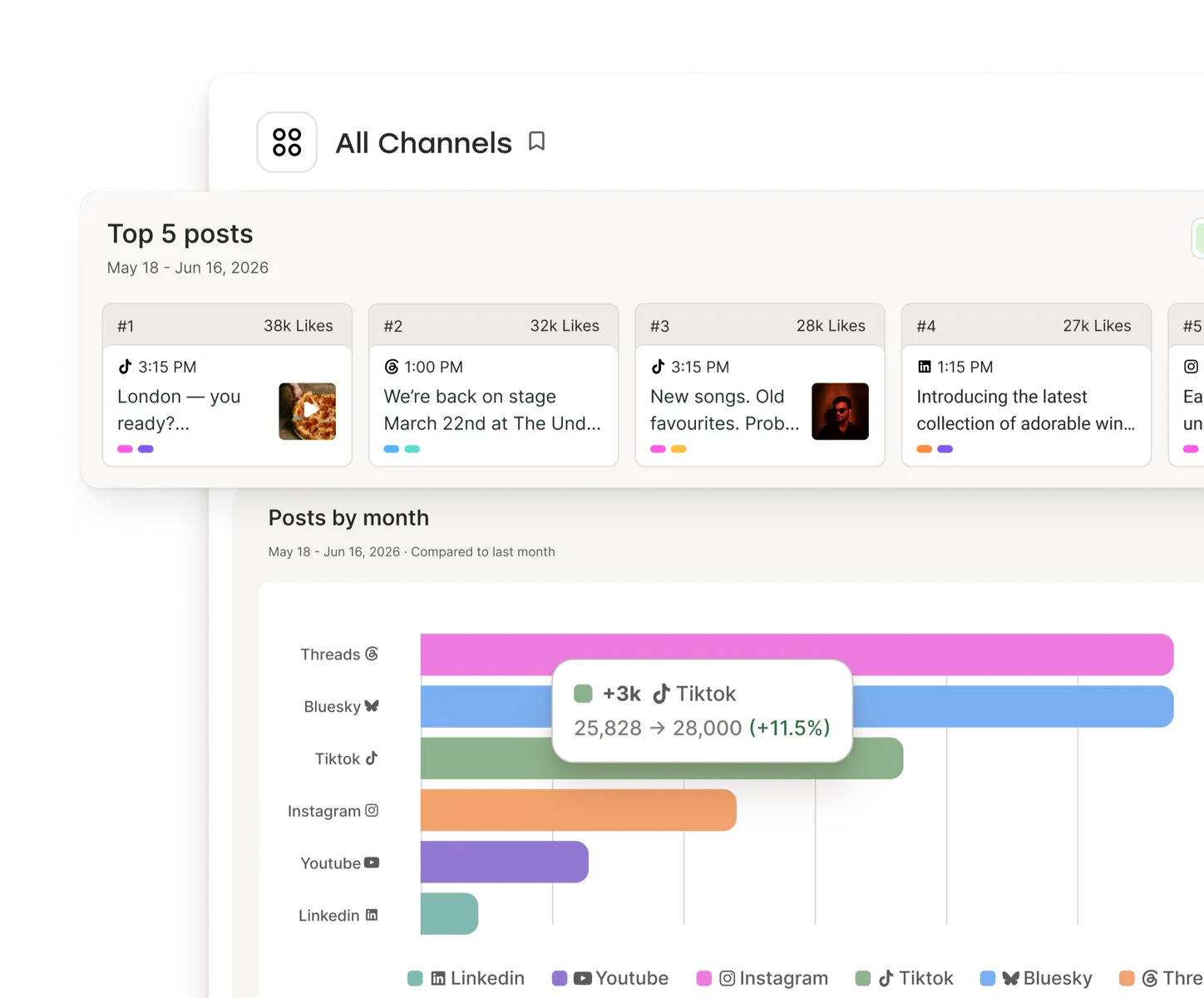
Turn readers into a community
When your audience engages in the comments, reply from the same place you publish. Keeping the conversation going is how a brand turns casual readers into a loyal community.
Get started for free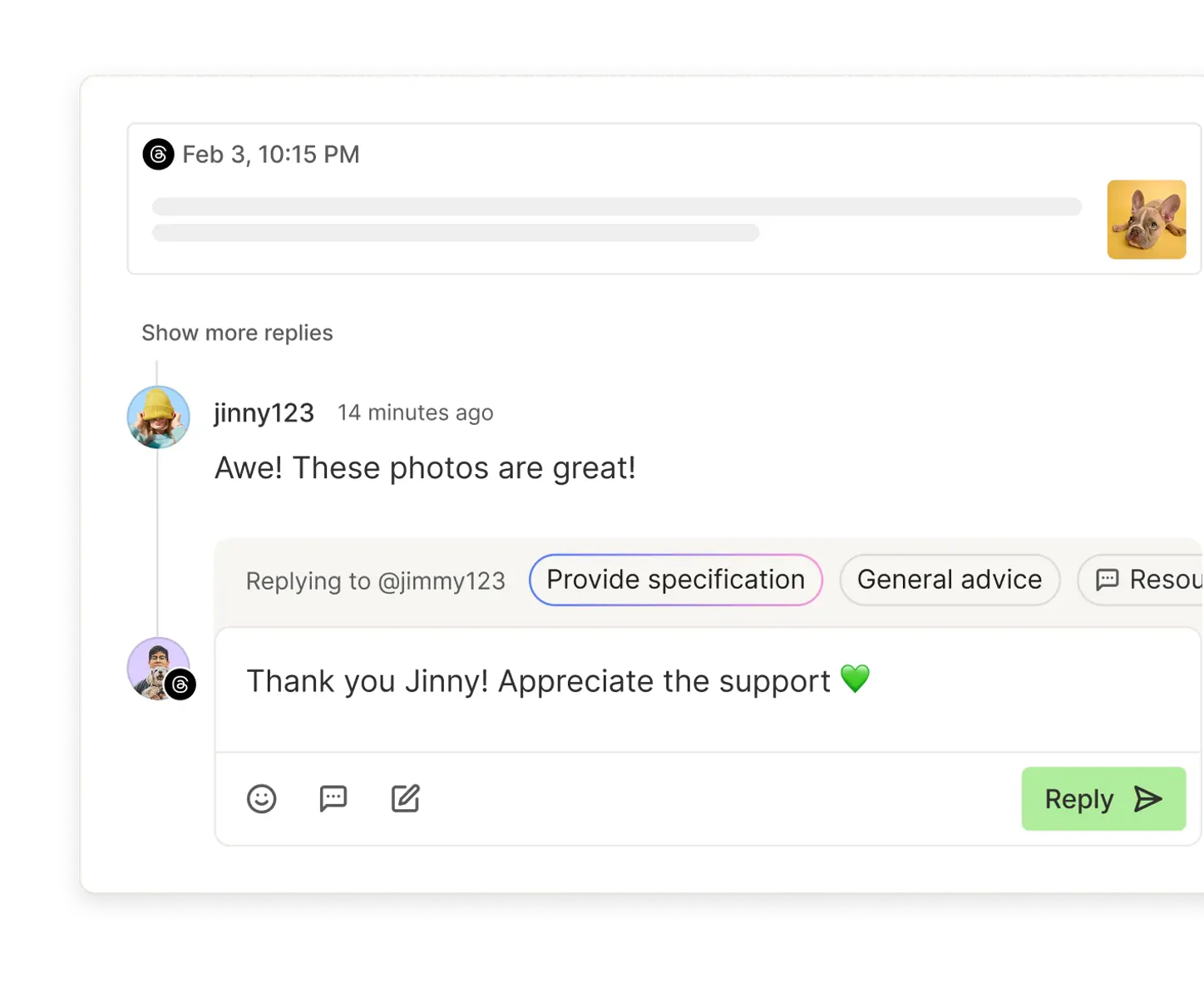
Social media management tips for publishers
Managing 3, 5, or 10+ accounts? Here are 7 tactics to schedule, crosspost, and run every social account from one dashboard.

A social media dashboard is a visual representation of the key metrics that prove the impact of your social media efforts. Here’s how to create one from scratch.
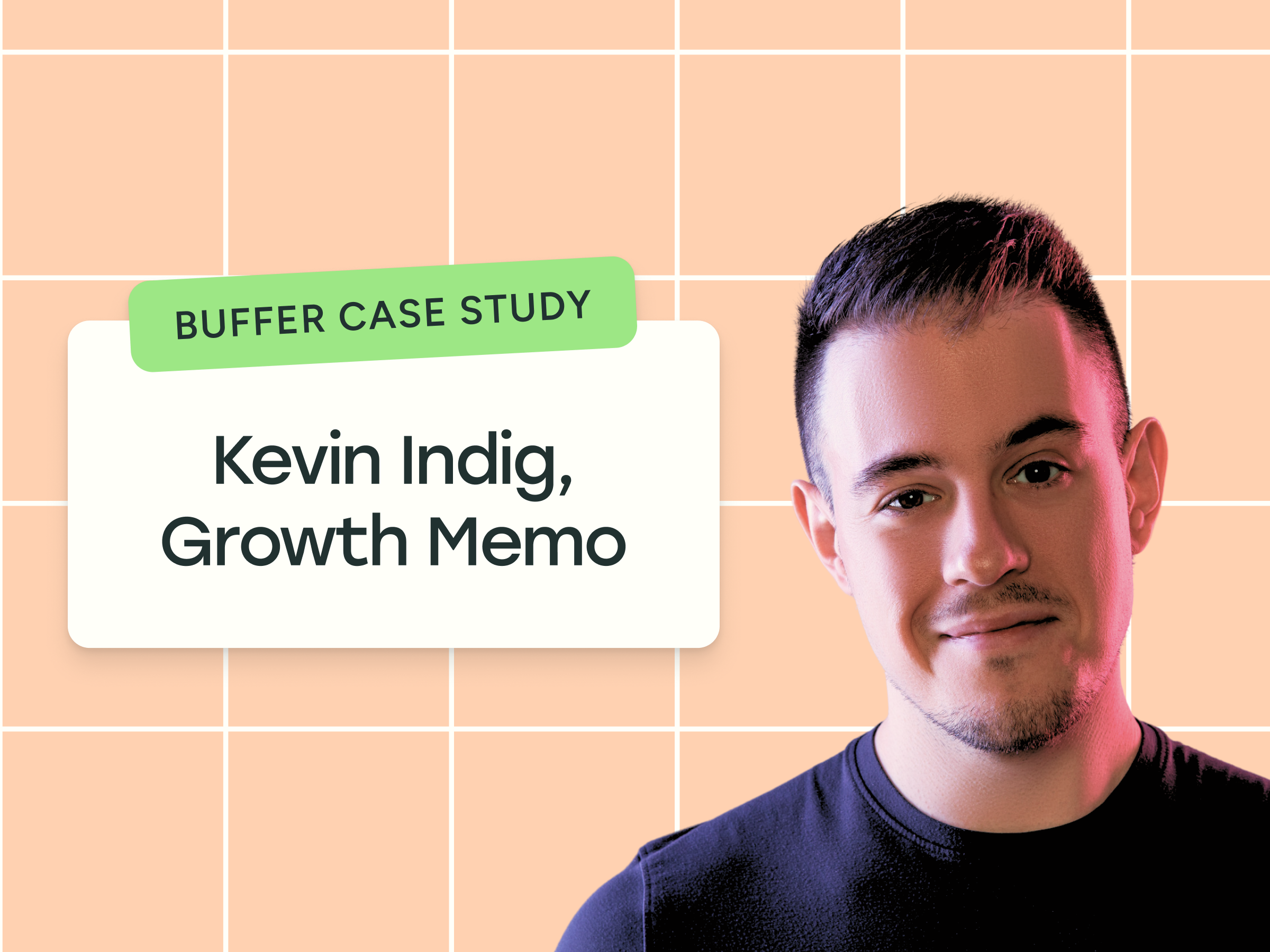
Discover how Kevin Indig uses Buffer to repurpose every issue into social posts, test new ideas on Substack Notes, and save 2 to 3 hours every week on content distribution.
Start free and add channels as you grow.
Buffer is an official API partner with Instagram, LinkedIn, Threads, Facebook, Bluesky, and X, and also supports YouTube, TikTok, Pinterest, Mastodon, and Google Business Profile. Official partnerships mean deeper, more reliable connections.
Buffer charges per channel, so you pay for the channels you connect. Add channels as you launch new brands and remove them when you don't need them. See our pricing.
Yes. You can invite team members and manage who has access on Buffer's paid plans, so a social lead and the editorial desk can work from the same channels.
Yes, Buffer has a free plan you can start on today, with no credit card required. You can upgrade when you need more channels or team access.
Buffer flags the channel so you can reconnect it and keep your queue moving. Because your channels connect through official partnerships, they stay more stable and reliable.
Yes. Connect every title's channels to one Buffer account and publish to any of them from a single calendar, handy for networks running many mastheads at once.
Not at all. Media brands and editorial teams use Buffer too. It's designed to grow with you, from a single account to a full team running social across a whole network of titles.