

The Best Time to Post on Social Media in 2026: Times for Every Major Platform
We pored over millions of posts on Instagram, Facebook, Twitter/X, YouTube, TikTok, and LinkedIn to pinpoint when the best-performing content was published.
Everything you post, planned in one place
Start planning right here, no account needed. Sign up when you're ready to publish, and the drafts you've written come with you.
Connect every social account you post to and run them from one dashboard, leaving behind the endless tabs.
Manage your content the way that works for you, from the browser, mobile app, or your favourite apps.
Save ideas, inspiration, or even something you've come across on the web straight into your queue easily.
Check how each post performed in your Insights, so next month builds on the last one instead of starting over.
Never miss a day
Give each channel its posting times, tailor the post for each network, and Buffer sends it while you're doing something else:
Everything at your fingertips
Every channel's posts in one grid your whole team can see, so nobody asks what's going out this week.
Sound right everywhere
Write once and shape it for each network as you go, so every post lands like it was made for that feed.

As a full-time software engineer and part time content creator, I’m short on time. Buffer helps me visualize and prioritize tasks. It’s great for recording initial ideas and keeping everything organized by status in one place, which really helps me stay focused without overloading my mind.
Plan your next month of content
Data-backed guides on what to post and when, so filling your calendar is the easy part.
We pored over millions of posts on Instagram, Facebook, Twitter/X, YouTube, TikTok, and LinkedIn to pinpoint when the best-performing content was published.
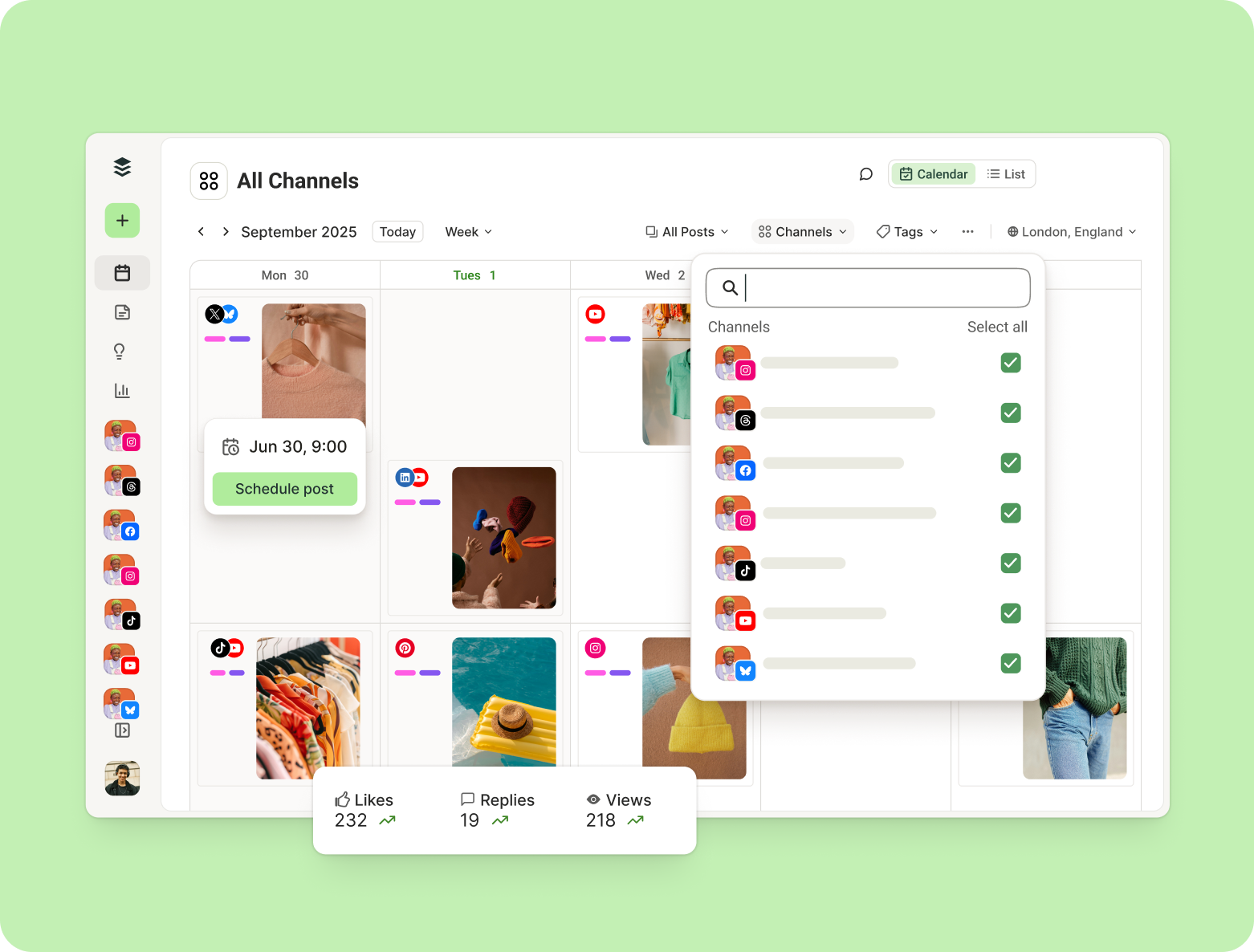
A step-by-step guide to creating your own social media content calendar, expert guidance on why you need a social media calendar, plus the system we use in our marketing team at Buffer.
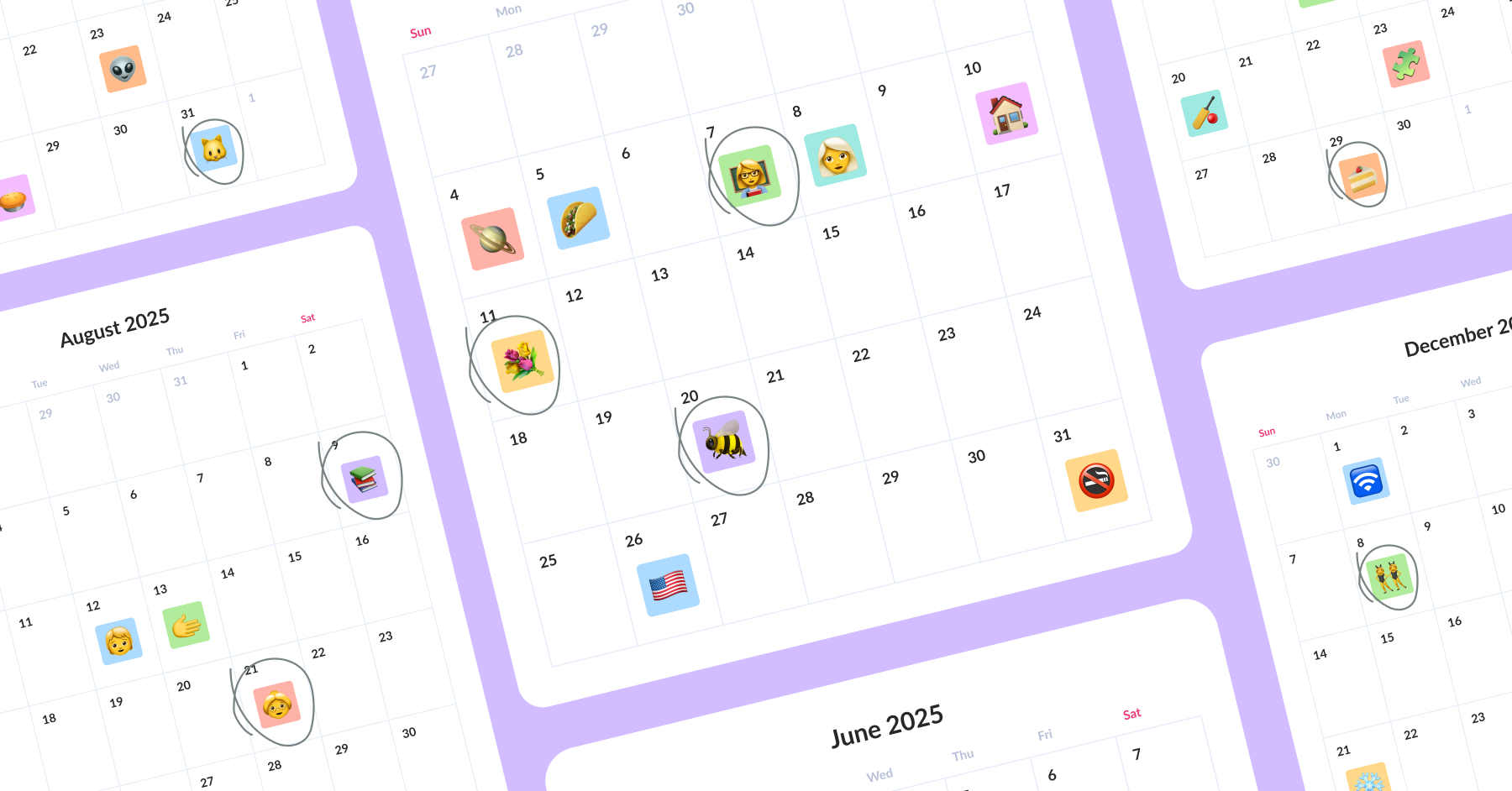
Plan your social media content for 2026 with this handy list — it covers monthly themes, major international and U.S. holidays, and fun ‘national celebration’ dates.
Start free today, and connect a channel whenever you're ready to publish.
Buffer publishes your posts for you at times you set in advance. You write a post once, pick the channels it should go to, and either drop it into a recurring posting slot or choose a specific date and time. Buffer holds it in the queue and sends it to each network when that time arrives, so you're not opening 12 apps to post the same thing.
Buffer's publishing and scheduling tools help you plan, collaborate, and publish content that drives engagement and growth. Key features include customizable posting schedules, a composer to tailor posts for each platform, a visual calendar to plan your posts, and a queue to plan when each post is delivered. We support integrations with 12 channels and are always adding more.
Buffer publishes to 12 channels: Facebook, Instagram, TikTok, LinkedIn, Threads, Bluesky, YouTube Shorts, Pinterest, Google Business Profile, Mastodon, Substack Notes, and X. You can also publish to a Buffer Start Page, a link-in-bio page that sits alongside your other channels. Connect as many as your plan allows, and post to any combination of them from one composer.
Yes, you can open the calendar on this page, write posts, preview them, and save drafts without signing up. Scheduling and publishing need an account and at least one connected channel, because nothing can reach a network until you've connected it. Drafts you write without an account are saved in that browser for 30 days.
Text and images carry over into your Buffer account when you sign up. Video doesn't in this version, so a post with video attached needs that file added again. Drafts saved without an account live in one browser for 30 days, so switching device or browser, clearing your site data, or passing the 30 days will lose them, and Buffer can't recover them.
Buffer allows you to easily schedule posts to multiple social channels by clicking the + New button at the top of your dashboard. Click the + New button to open the composer, and then simply click each channel to which you want the post scheduled. As you make your selections, channel avatars will be colored. Channel avatars that are not selected will remain uncolored.
Yes. You can create one post, select multiple channels, and customize the caption, hashtags, link, and scheduled time for each platform before scheduling. After scheduling, each platform version becomes its own post in that channel's queue and calendar, so you can edit or reschedule them independently.
Auto-publish means Buffer sends the post to the network at the scheduled time with nothing else needed from you. Facebook Pages, X, LinkedIn, Threads, Bluesky, Mastodon, Pinterest, and Google Business Profile all work this way. Notification publishing is for formats the network's API won't let any tool post directly: posts to Instagram, TikTok, YouTube, and Facebook Groups may send you a reminder instead, and you finish posting in the app.
Buffer supports a wide range of content and media formats across our supported social channels. Get a detailed breakdown of all supported content types.
Yes. Buffer supports scheduling Instagram carousels and Reels, and on paid plans you can also schedule a first comment. This lets you keep captions clean while publishing hashtags automatically when the post goes live.
You can schedule X (Twitter) threads directly in Buffer. Create the thread in the composer by adding multiple posts, preview it, and schedule it. Buffer publishes each post in order at the scheduled time.
On the Free plan you can keep 10 scheduled posts per channel, up to 30 in total across three channels. Paid plans raise that to 5,000 per channel. These are limits on how many posts sit in a queue at any one time, not caps on how many you can publish over a week or a month, so slots free up again as posts go out.
Yes, anyone on your team can save a post as a draft instead of scheduling it, on any plan. On the Team plan, drafts can be sent for approval, so a post needs a second pair of eyes before it enters the queue. Everyone works from the same calendar, so there's no separate spreadsheet tracking what's been approved.
Buffer's recommended times are suggestions based on general engagement patterns and, on some plans, recent performance. Use them as a starting point, then compare against native analytics and adjust your posting schedule based on what actually performs for your audience.
Yes, each channel has its own time zone, so a post scheduled for 9 a.m. goes out at 9 a.m. local to that channel's audience rather than to wherever you happen to be. Buffer also shifts posting times automatically when daylight saving starts and ends, so a schedule you set in the summer keeps the times you meant through the winter.
This usually happens when Meta revokes or expires the access token Buffer uses, often after password changes, security checks, role or permission changes, or removing Buffer from Business Integrations. Reconnect the channel in Buffer and confirm your Facebook Page or Business permissions are still correct. If the issue continues, capture the error and contact Buffer support.
Connect your first channel and you can schedule a post within a few minutes. Sign up free with no credit card, add the channels you post to, and set a posting schedule for each one. Anything you've already planned on this page comes with you when you create your account.