Buffer × LinkedIn
Your Buffer capabilities, on your LinkedIn profile
When you connect Buffer to your LinkedIn profile, your real Buffer activity shows up as capabilities on your profile.
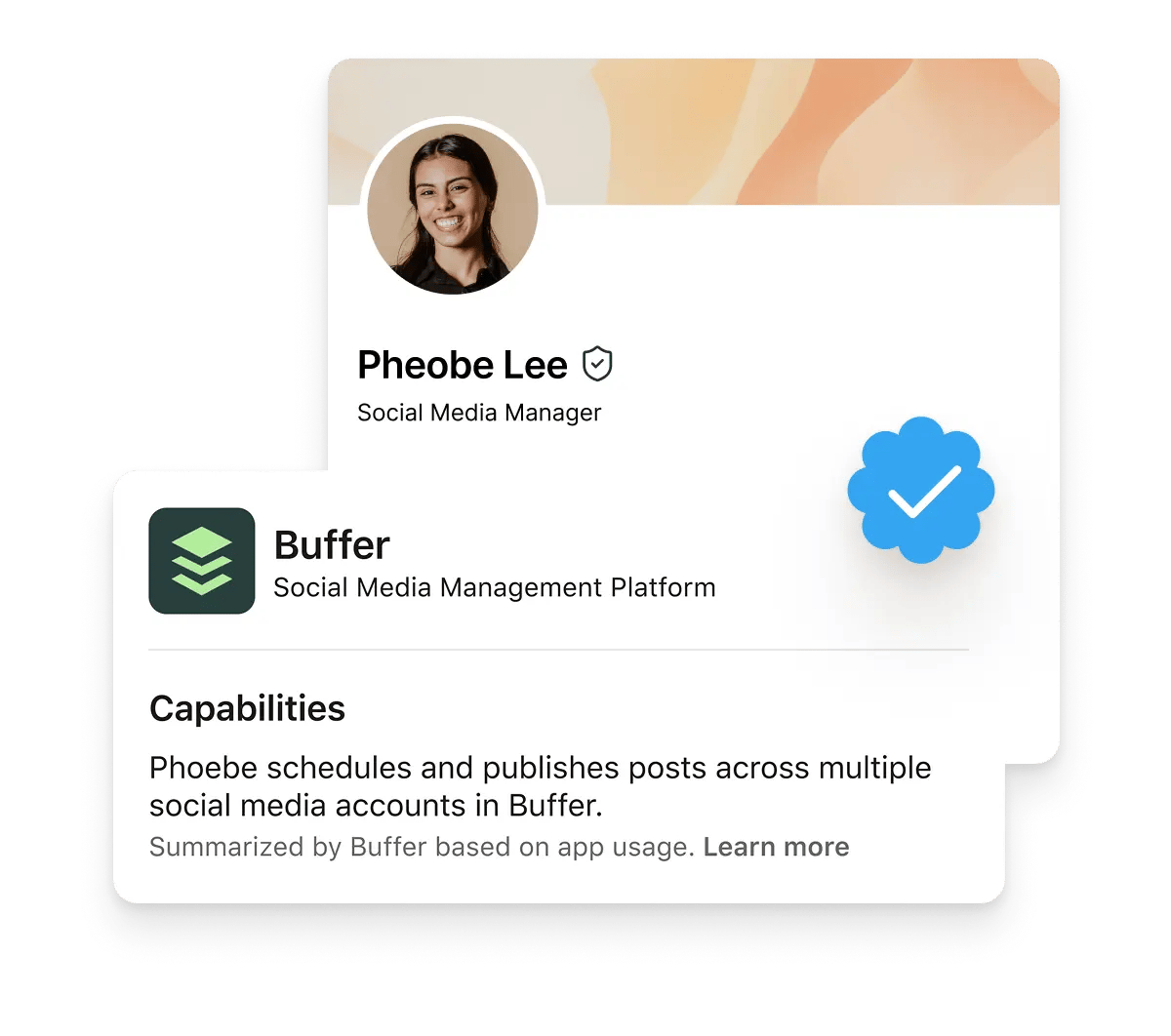
How a Buffer capability works
Buffer is part of LinkedIn's Connected Apps, which turn real-world product usage into credible expertise on your profile.
You use Buffer
Schedule posts, reply to your community, and publish across your channels.
Buffer verifies the work
When your usage shows a clear pattern, Buffer captures it as a capability statement describing what you've done.
It appears on LinkedIn
Your capability shows up on your profile, attributed to Buffer.
Capabilities you can add
Each Buffer capability is based on a specific kind of work in the product.
Here's what you can add to your profile, and what earns it.
- Schedules and publishes posts across multiple social media accounts in BufferEarned by publishing posts to two or more connected channels.
- Responds to comments and tracks mentions across multiple social channels in BufferEarned by engaging with comments, replies, and mentions across connected channels.
- Publishes social content across Instagram and LinkedIn in Buffer for B2B and consumer audiencesEarned by publishing posts to both Instagram and LinkedIn through Buffer.
- Uses the Buffer API to build applications that automate social publishing and scheduling workflowsEarned by building an API client or shipping a Buffer integration.
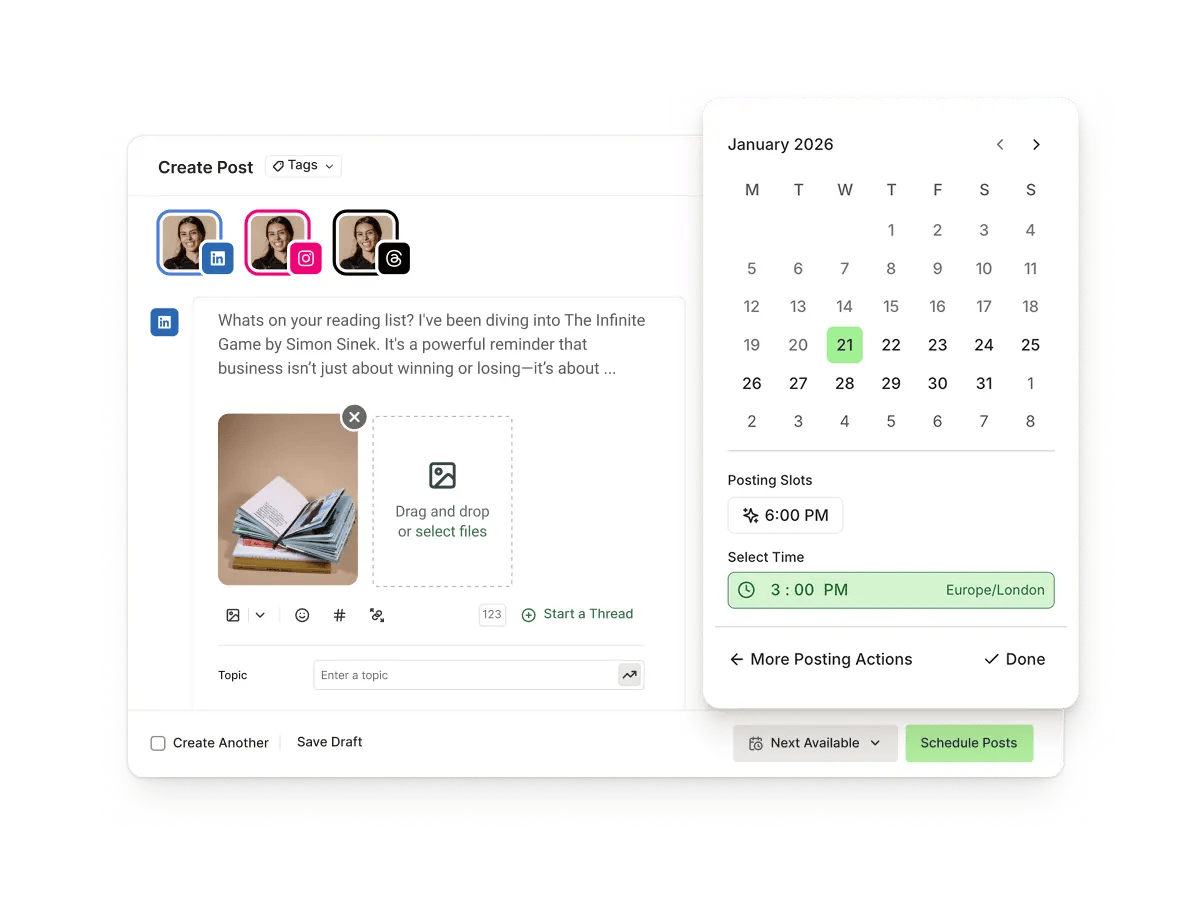
Millions of posts, every month
Buffer is used by people and teams managing social media every day.
- 10M+
- posts are scheduled with Buffer every month.
- 230K
- active users and 75,000+ paying customers rely on Buffer.

- Buffer works directly with LinkedIn as an official marketing partner.
FAQs
How do I set up and display a capability?
How do I set up and display a capability?
In Buffer
- Connect the LinkedIn profile you want to use in your Channels.
- Open that channel's settings, go to the General tab, and find Show your Buffer Capabilities on your LinkedIn Profile. Turn the toggle on, then pick the capability to display in the Show column. Achieved capabilities have a ribbon icon; locked ones list what's needed to unlock them.
On LinkedIn
- Go to your LinkedIn profile and click Add section.
- Under Recommended, choose Add connected app.
- Select Buffer and follow the prompts to authorize.
Once connected, your chosen capability appears on your profile and updates automatically. You can also start from Buffer and follow the sync prompt instead of beginning on LinkedIn.
What are LinkedIn capabilities in Buffer?
What are LinkedIn capabilities in Buffer?
LinkedIn capabilities are earned based on your activity in Buffer. Once earned, you can display a selected capability on your LinkedIn personal profile to showcase your social media expertise.
How do I earn a capability?
How do I earn a capability?
You earn capabilities by meeting specific criteria in Buffer. In your LinkedIn channel settings, you'll see:
- Earned capabilities marked with a ribbon icon
- Locked capabilities with requirements to unlock
Do capabilities update automatically?
Do capabilities update automatically?
Yes. Buffer re-evaluates your capabilities daily. If you've enabled synchronization, newly earned capabilities will be shown in your settings, where you can decide which capability you'd like to display. You can turn this off anytime in your settings.
Why am I being asked to refresh my LinkedIn profile?
Why am I being asked to refresh my LinkedIn profile?
If Buffer is missing the required permissions to publish capabilities, you'll see a prompt to refresh your LinkedIn connection. After refreshing, you'll be taken straight back to the capabilities section to continue setup.
Get started with Buffer
Manage your social media with Buffer, and turn the work you're already doing into proof on your LinkedIn profile.
No credit card needed. Free forever.