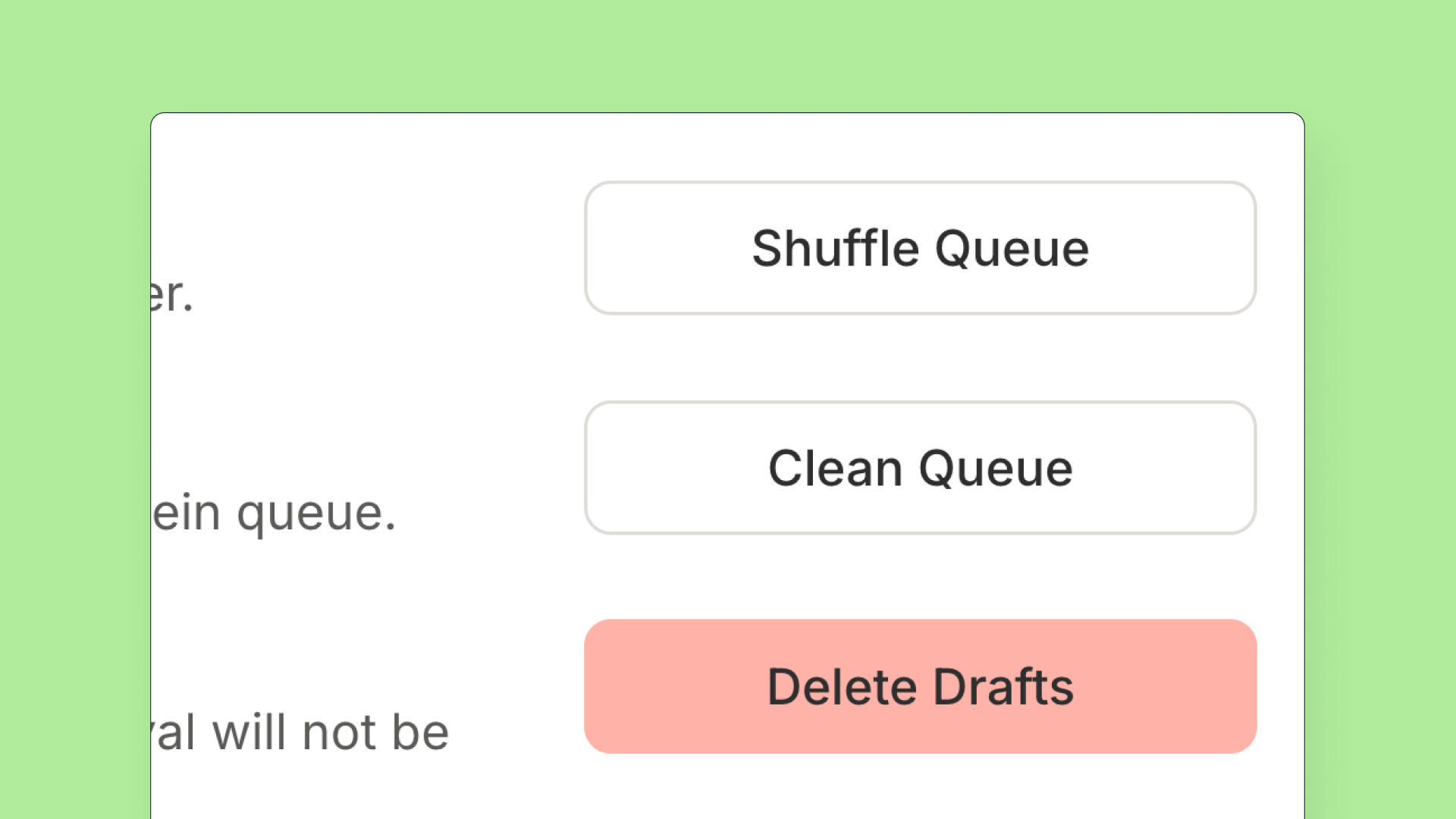
You can now delete all draft posts for a specific channel at once.
- Click the channel name → gear icon ⚙ → General tab
- Select "Delete Drafts" near the bottom of the page
- We'll show you how many drafts will be deleted before you confirm
- Drafts awaiting approval won't be affected