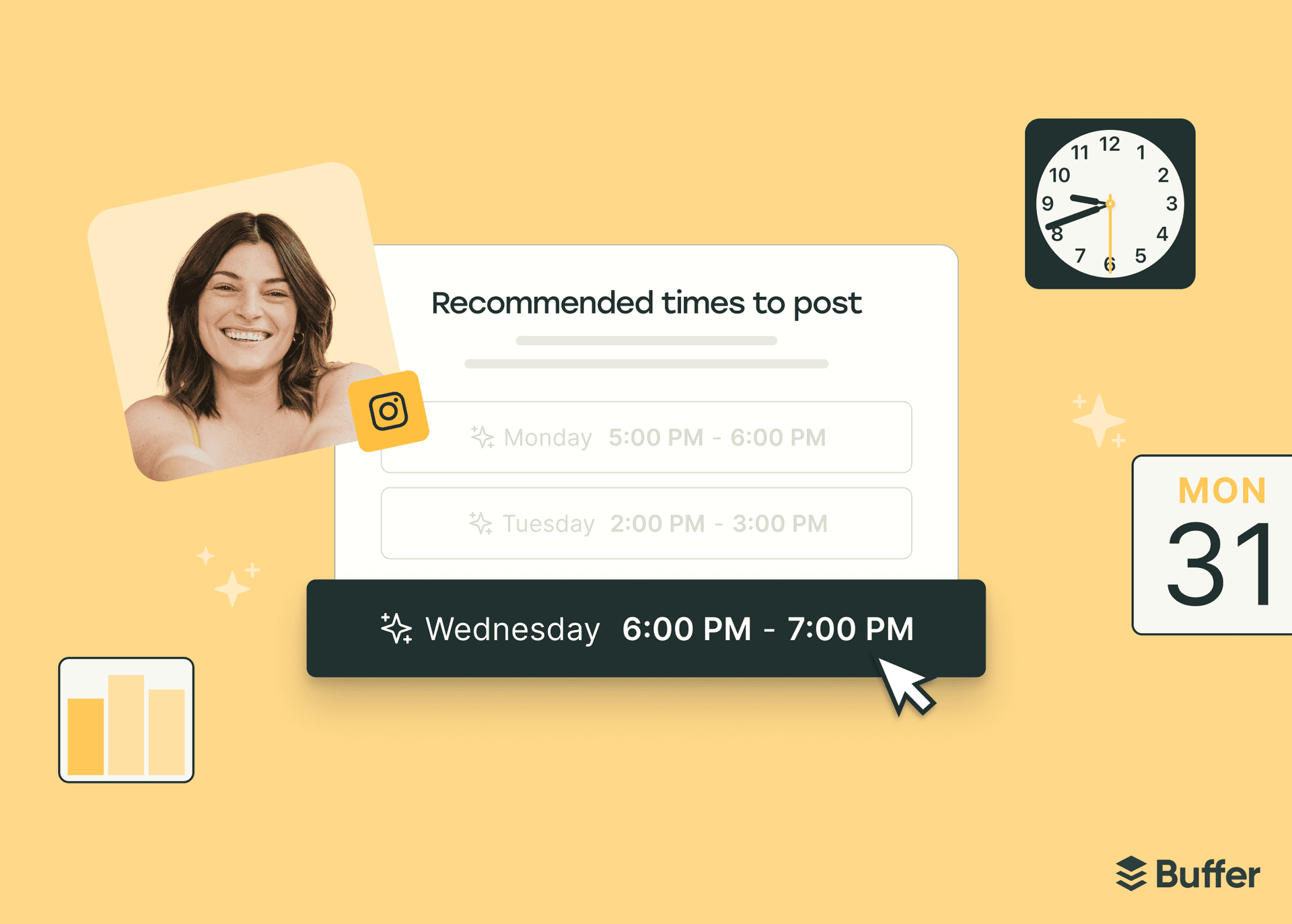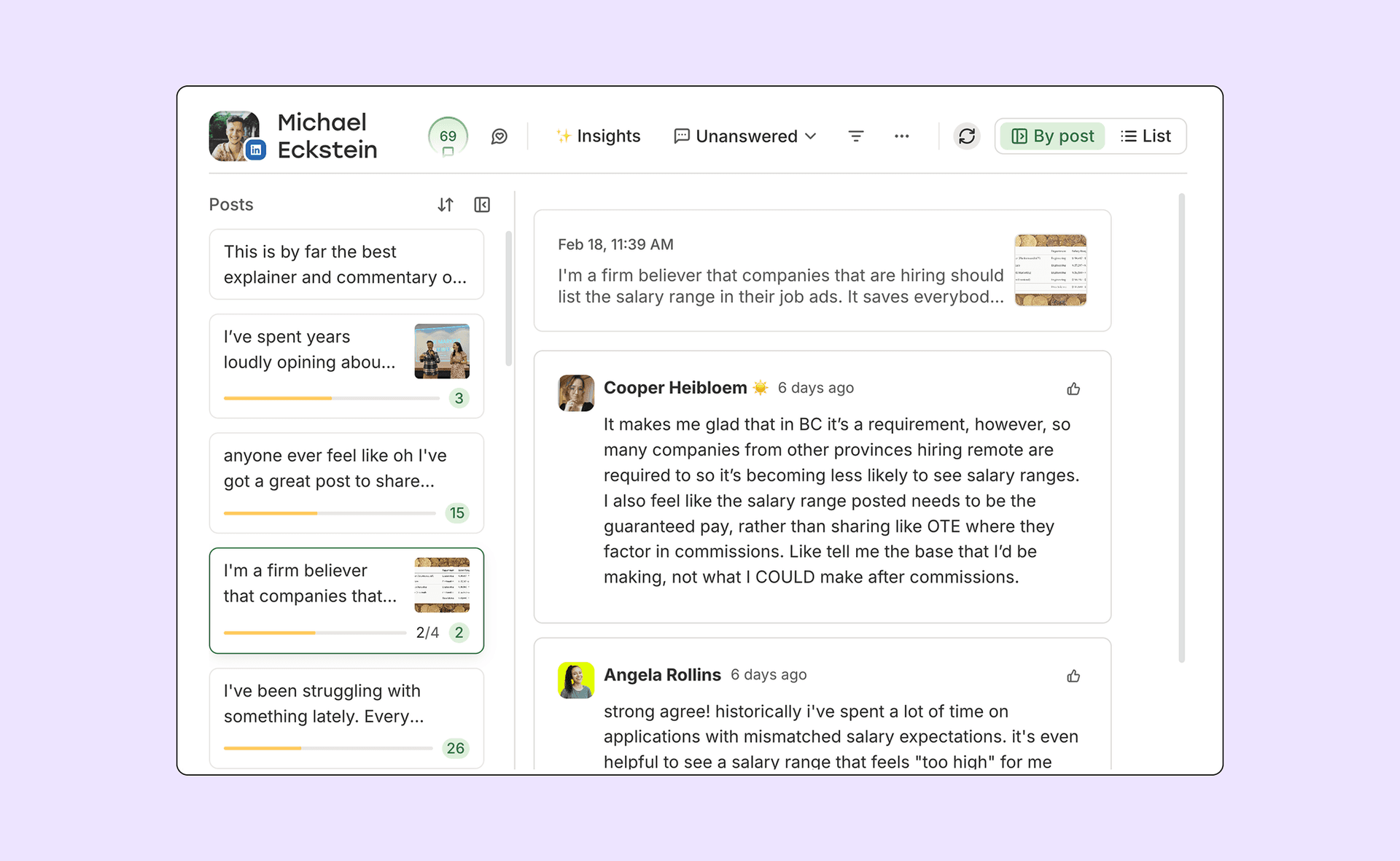
Buffer is a social media productivity tool for creators, small businesses, freelancers, and agencies. A place to schedule posts, manage comments, and track performance across Instagram, LinkedIn, Threads, Bluesky, Facebook, X, TikTok, YouTube, Mastodon, and Google Business Profiles without getting sucked into the feed.
Most social media tools are built for brands with big budgets and dedicated teams. We build for everyone else: the creator just starting out, the small business owner doing everything themselves, the freelancer building a personal brand between client work, and the agency managing multiple clients without the enterprise price tag.
In 2025, we shipped a lot. A unified inbox for comments. Bulk scheduling. Expanded LinkedIn analytics. A redesigned iOS app. Dark mode (finally). Some of it was big and obvious, and a lot of it was small and quietly useful.
Here's the full rundown.
Community
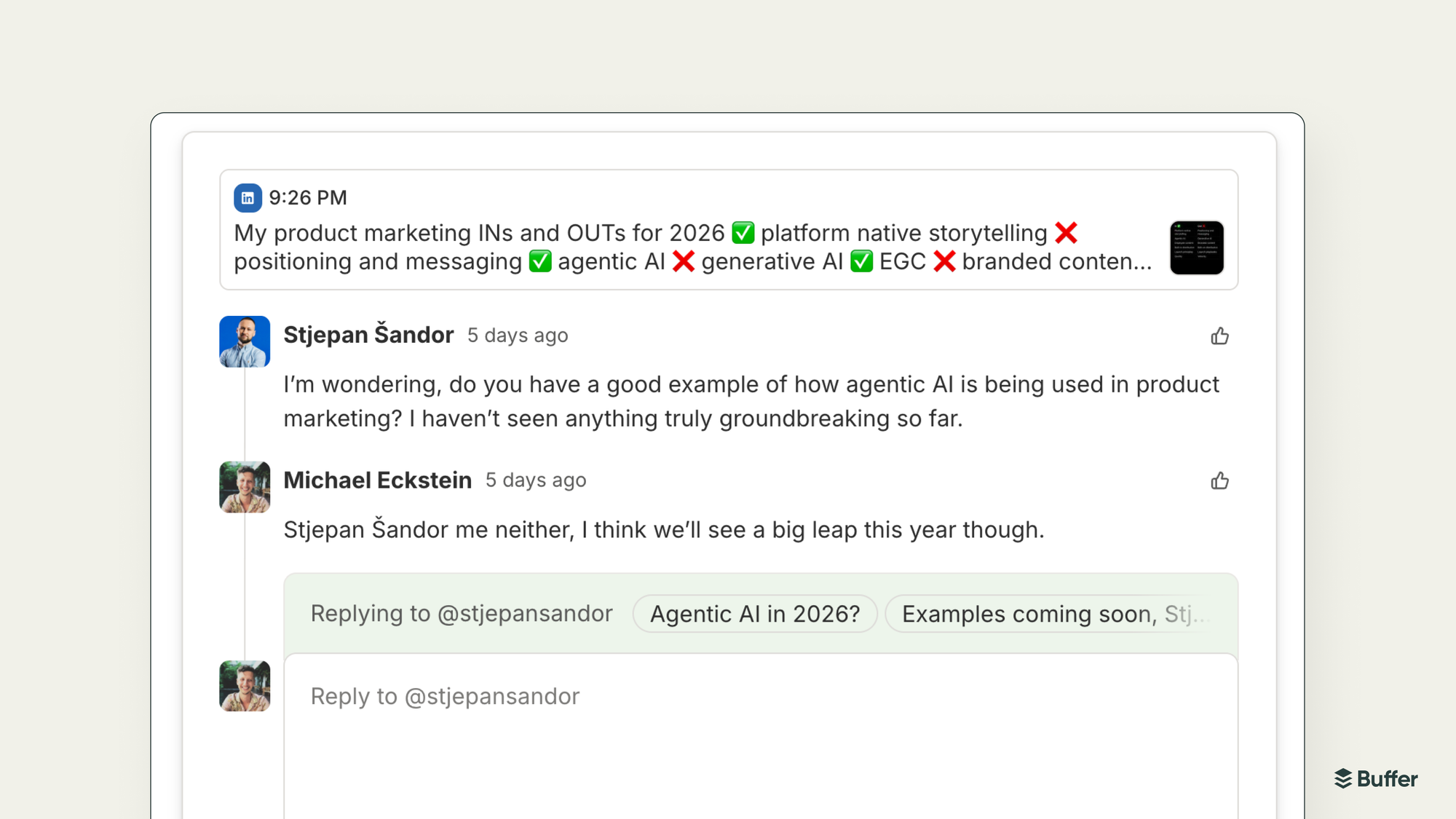
The biggest thing we built was Community, a unified inbox for comments across Threads, LinkedIn, Bluesky, Instagram, Facebook, and X.
The idea came from watching how creators actually work. Most people post something, close the app, and then forget to check back. Comments and notifications go unanswered, and the algorithm notices.
Community puts all your comments in one place, with filters and notifications so nothing slips through. You can reply faster, and even turn good comment exchanges into new posts. It's the "don't post and ghost" feature we'd been wanting to build for a while.
Composer
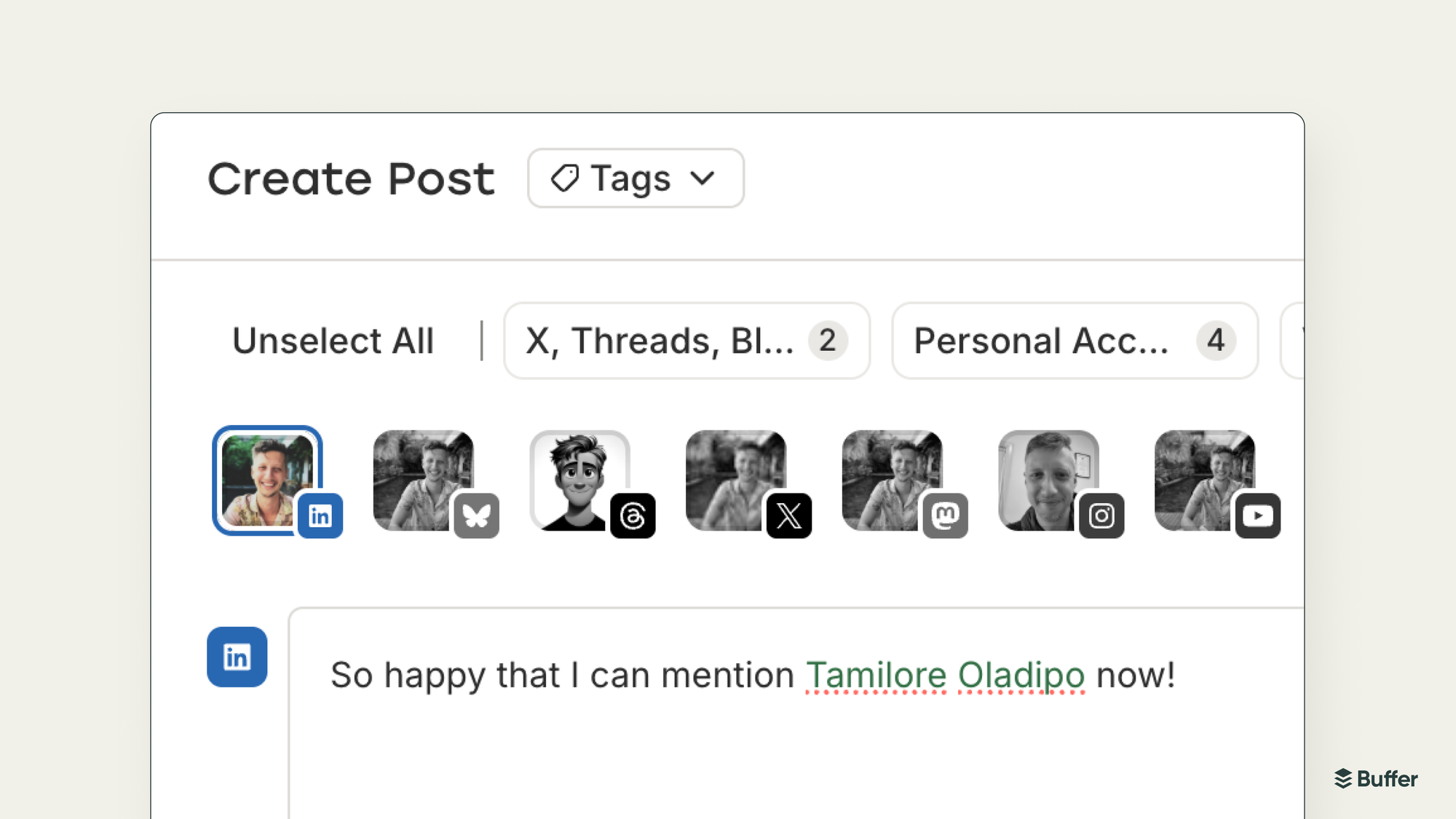
We made a bunch of improvements to the place where you actually write your posts.
LinkedIn Mentions lets you tag your connections when scheduling a post, handy for shoutouts and collaborations. Threads Location and Topic Tags help your posts surface in the right places. Instagram Alt Text finally made it in, which was long overdue for accessibility. And Facebook First Comment means you can schedule those hashtag dumps where they belong.
We also moved the Hashtag Manager out of the side panel and into a floating popover. Small change, but it clears space for some composer upgrades coming next year.
On the video side, we extended support for 3-minute Bluesky videos and 3-minute YouTube Shorts.
One more change worth mentioning: we turned off automatic link shortening by default. Most platforms handle long links fine now, and the old behaviour was confusing more people than it was helping. You can still shorten links manually if you want.
Queue and scheduling
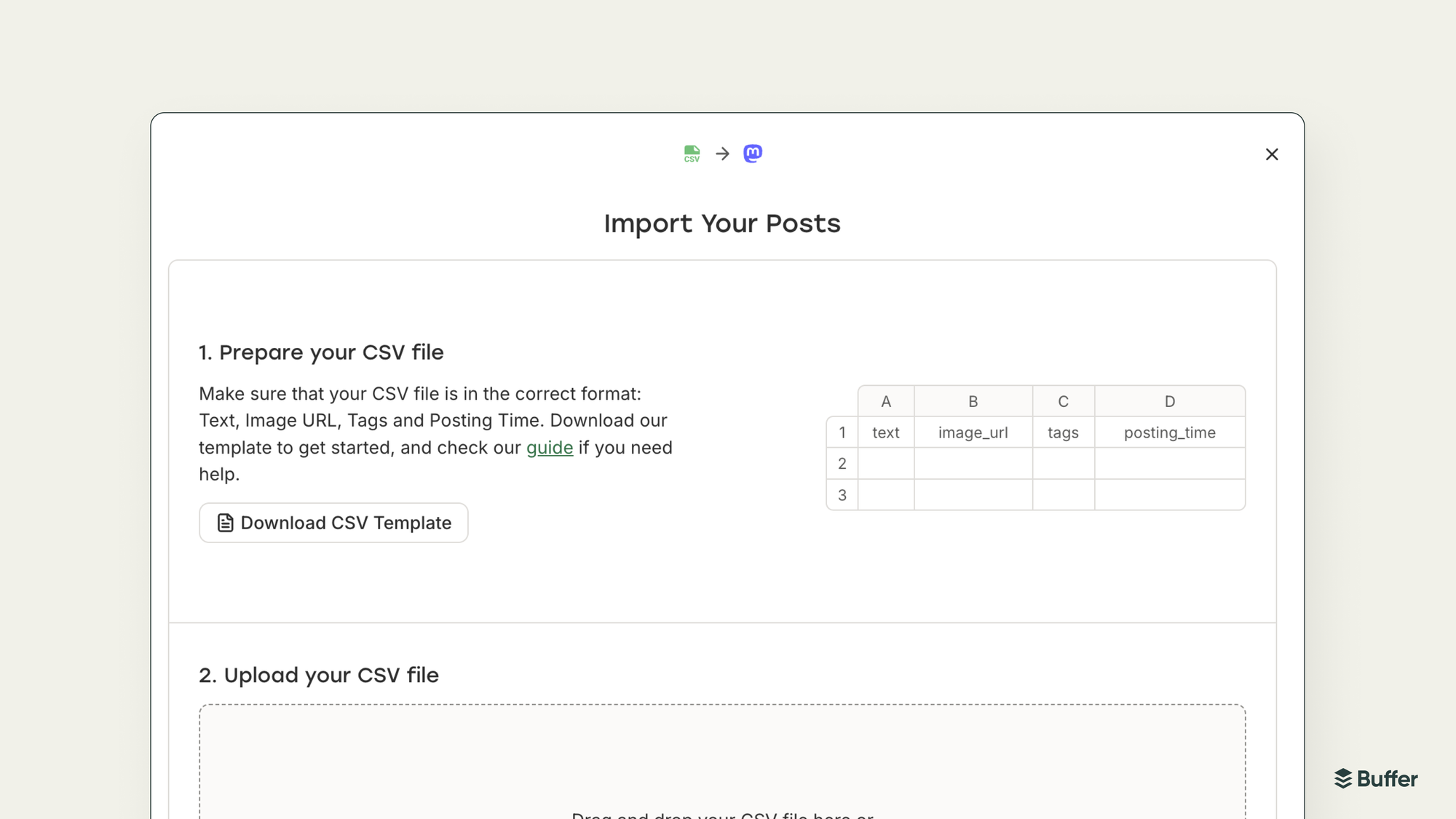
Bulk Schedule via CSV was one of the most-requested features we shipped. You can now import up to 100 posts at once from a spreadsheet. If you're the kind of person who batches content in Google Sheets, this one's for you.
Channel Groups let you save sets of channels and publish to them all at once. Less clicking, same result.
We added the ability to move posts to the top or bottom of your queue with one click. And you can now hide empty posting slots if you find them distracting.
Calendar
Double-clicking a post in the calendar now opens the composer (or a detailed view for published posts). Sounds minor, but it was weirdly annoying before.
We redesigned the post cards and overlays. They're cleaner now, and each post has its own URL you can share with teammates for quick reviews.
Calendar Posting Slots show your posting schedule directly in the calendar view, and you can drag posts into slots or create new ones from there.
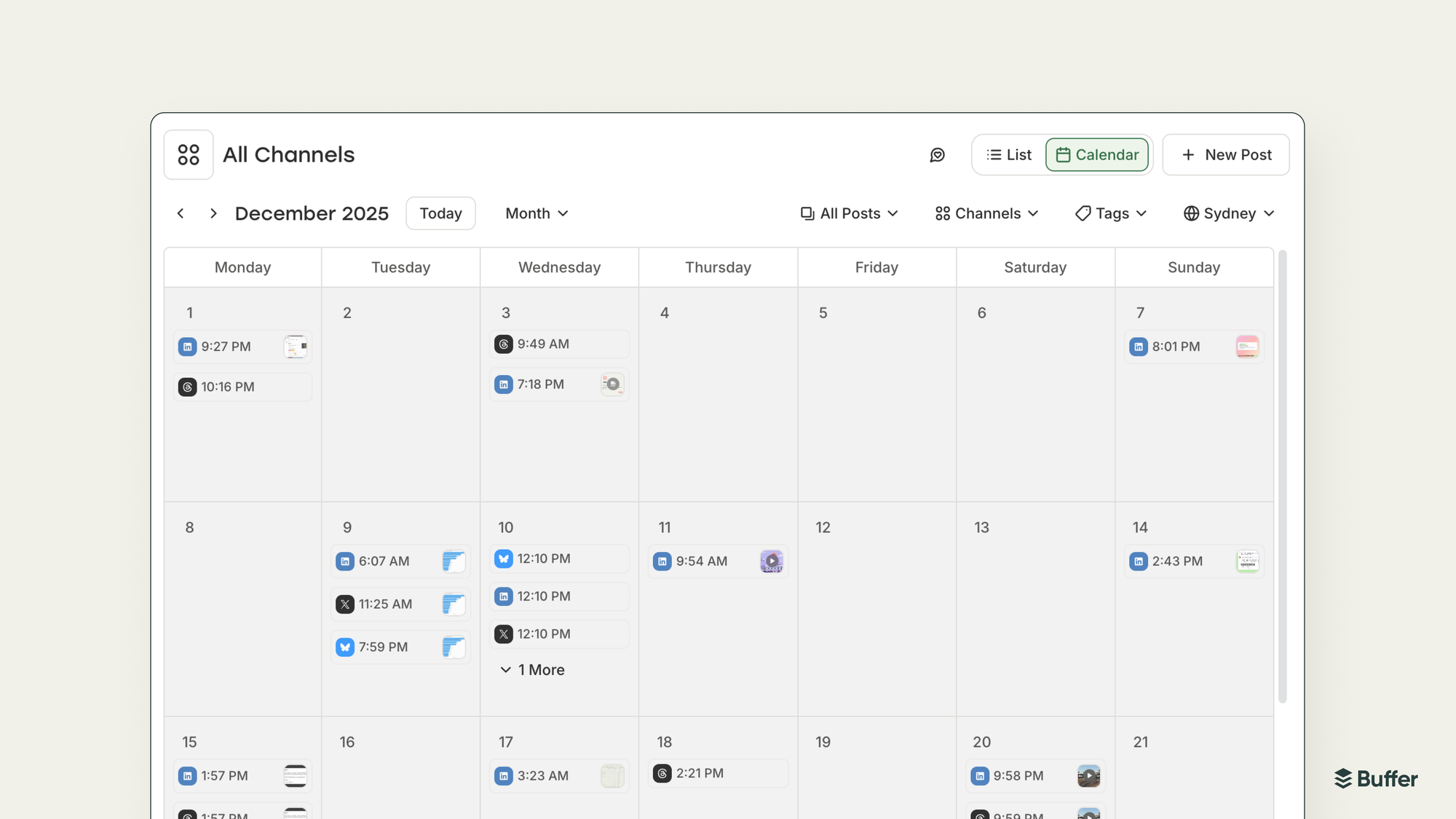
And we rolled out the All Channels View, which shows every scheduled post across every channel in one place.
Ideas
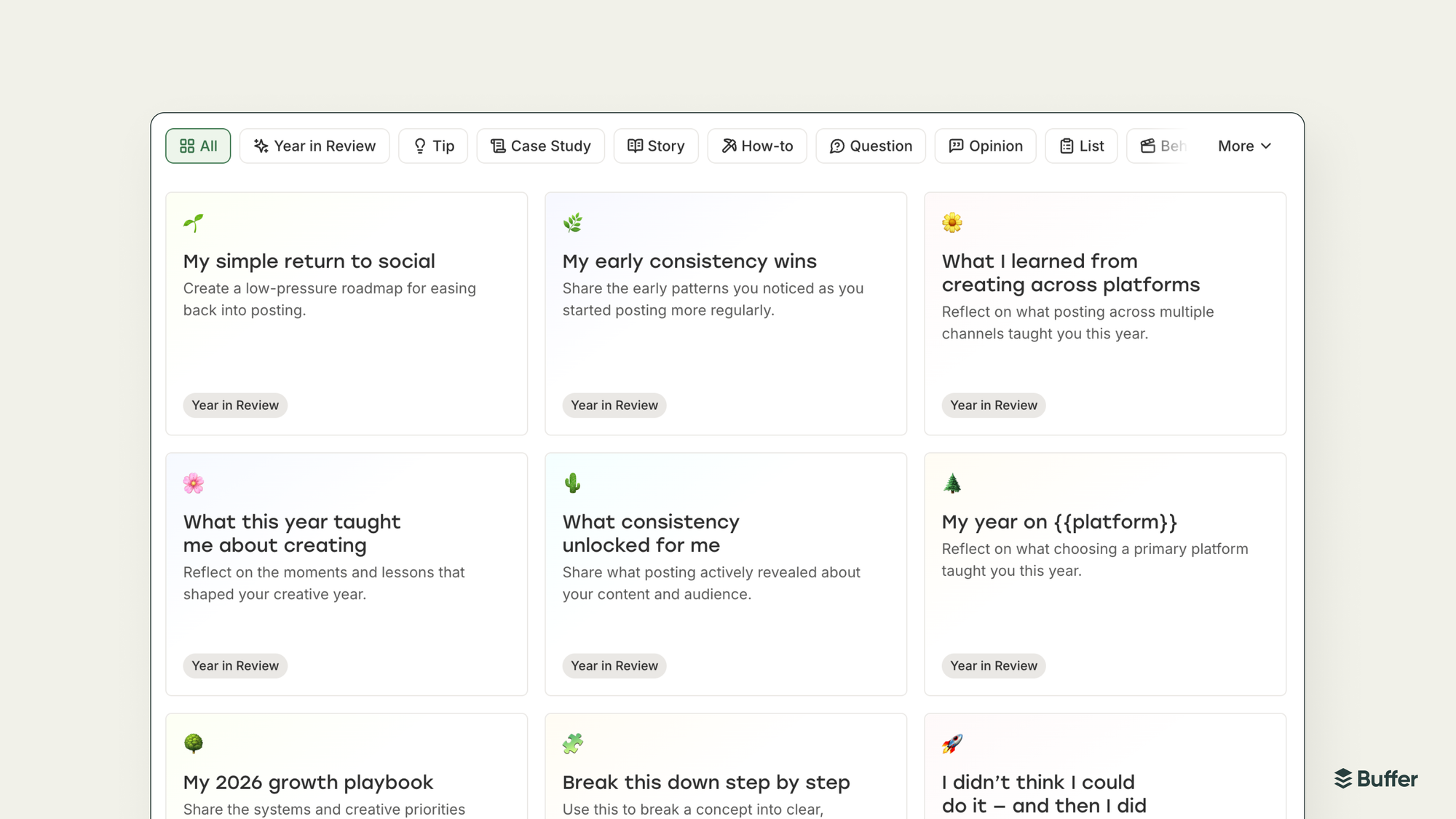
We launched the Template Library, a set of writing prompts for when you're staring at a blank composer and can't think of anything to say.
The Ideas section got a better menu. You can now duplicate, move, or select ideas more easily.
And we also shipped Feeds, which uses RSS to pull content from websites, blogs, and YouTube channels directly into Buffer. Good for content curation or just keeping an eye on what others in your space are publishing.
Analytics
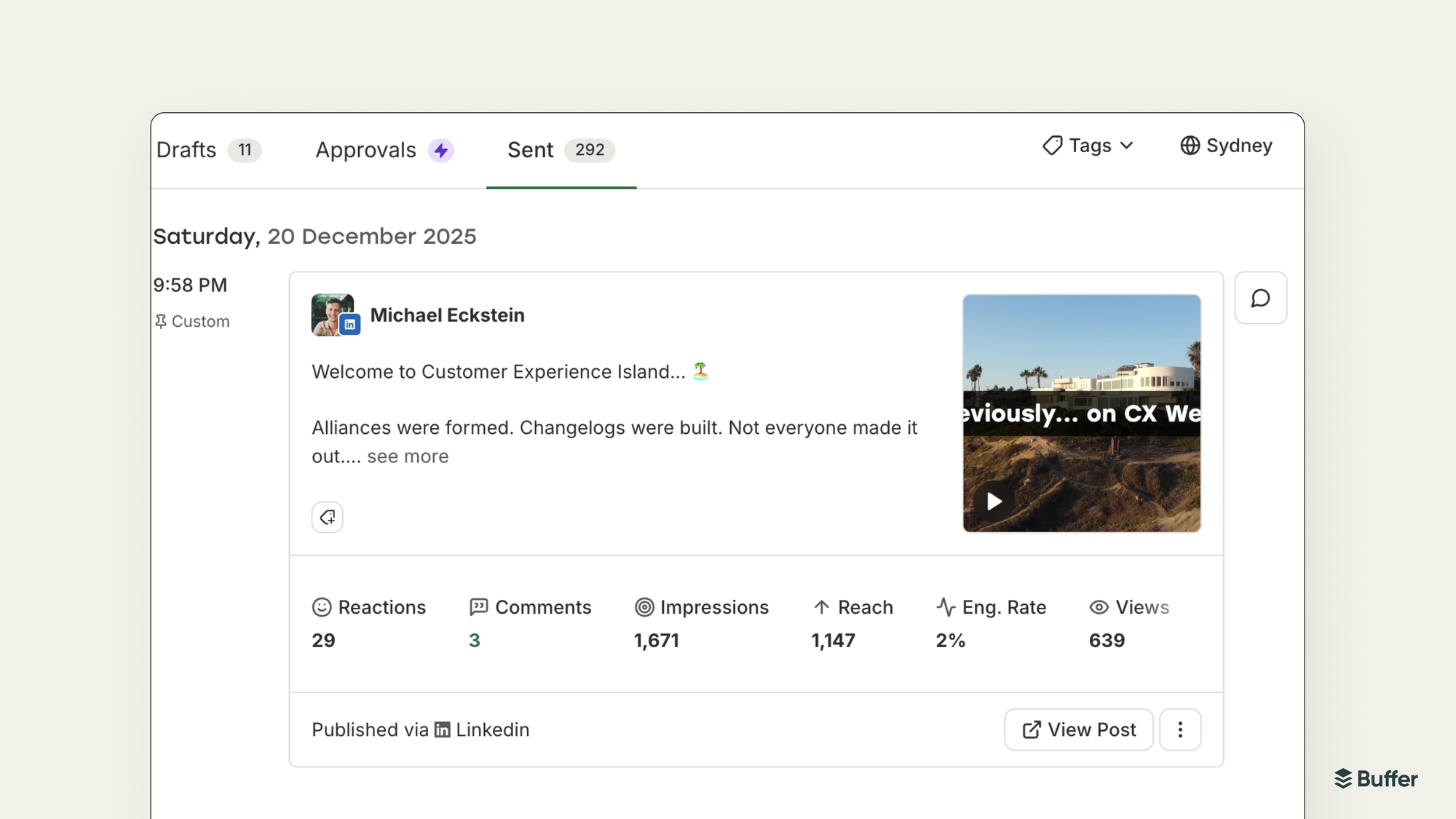
We partnered with LinkedIn to expand Personal Profile Analytics. You now get views, watch time, and engagement rate alongside the standard metrics, all inside Buffer's Sent Posts tab.
We also added basic X analytics to our free plan, something that's been requested for a while.
Consistency
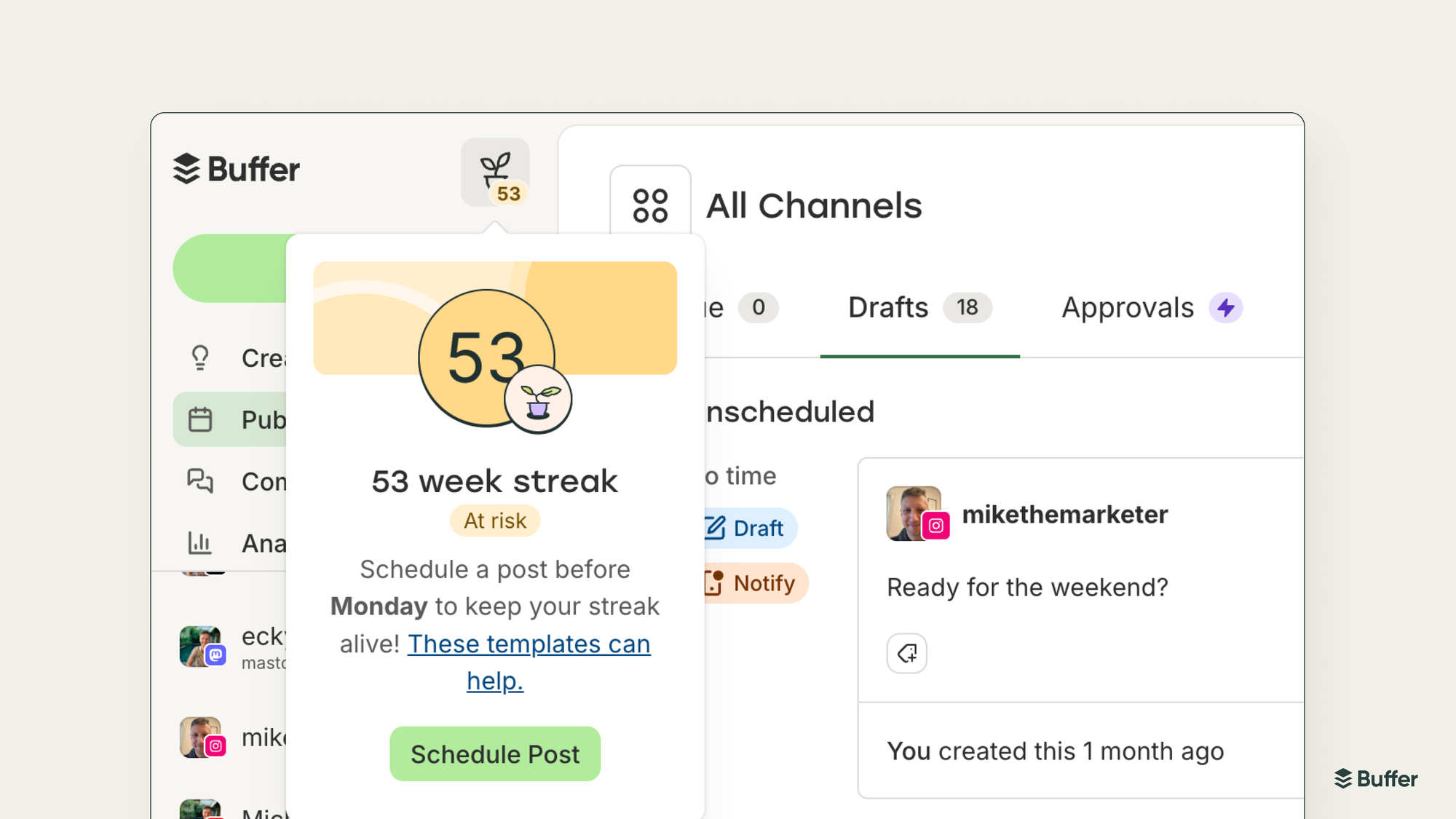
We introduced Streaks, a simple way to track your posting consistency. Post every week, and your streak grows. Miss a week and it resets. We also added gentle reminders when you're about to break a streak, which turns out to be surprisingly motivating.
Alongside that, we launched Posting Goals, weekly targets you can set per channel. And Share Your Streak lets you generate a post celebrating your streak count, complete with some nice visuals.
Instagram Grid Preview moved to all plans, so you can see how a new post will look in your grid before you publish it.
Mobile
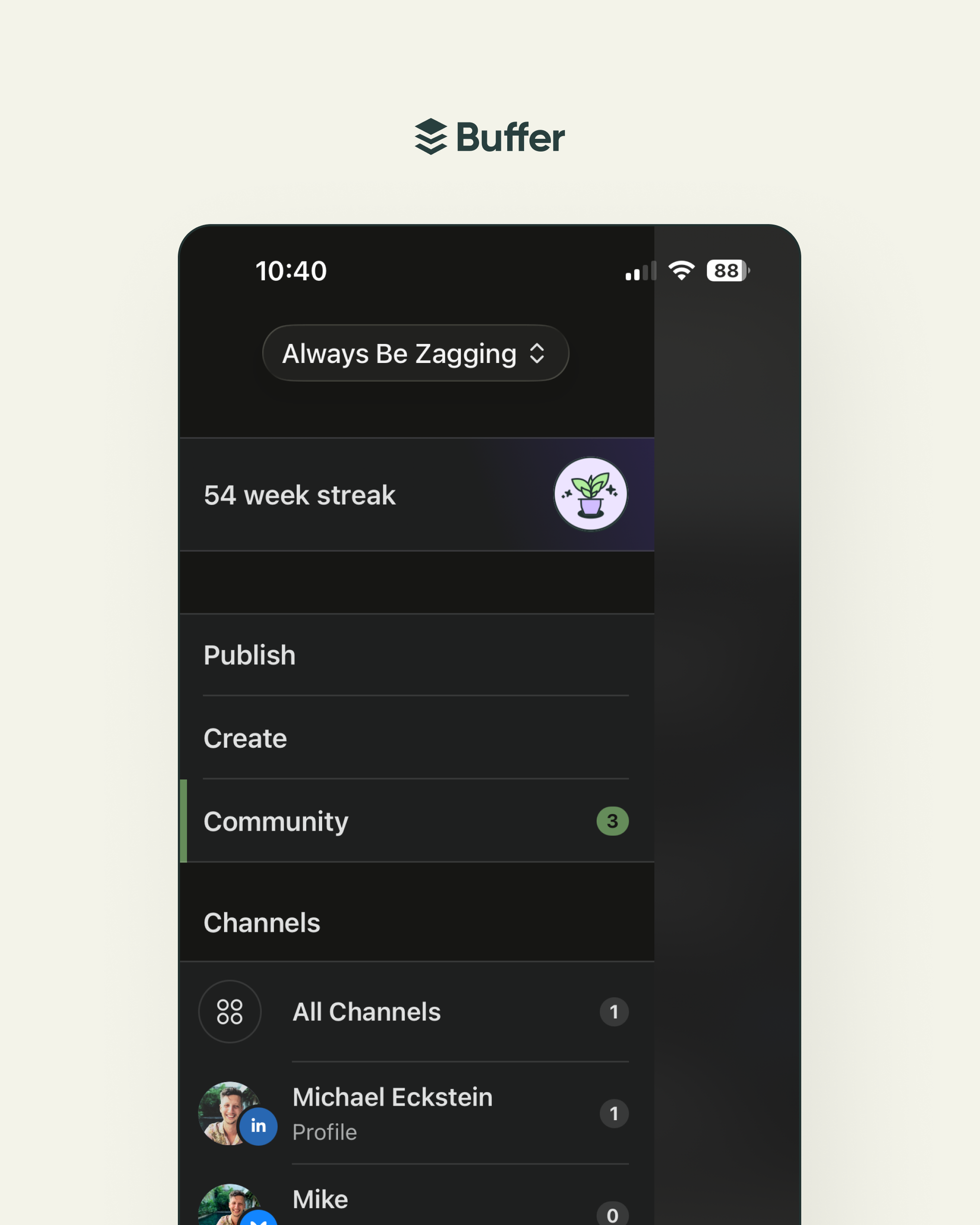
Buffer for iOS 26 was the biggest mobile update we've done in years. It's a full redesign using Apple's Liquid Glass system, plus a brand new Apple Watch app.
You can now capture ideas from Control Center, the iPhone Action Button, or your wrist. The calendar got a smarter day view. Posting goals show up as progress rings on your channel avatars. And there are dozens of smaller quality-of-life improvements throughout.
Settings & account
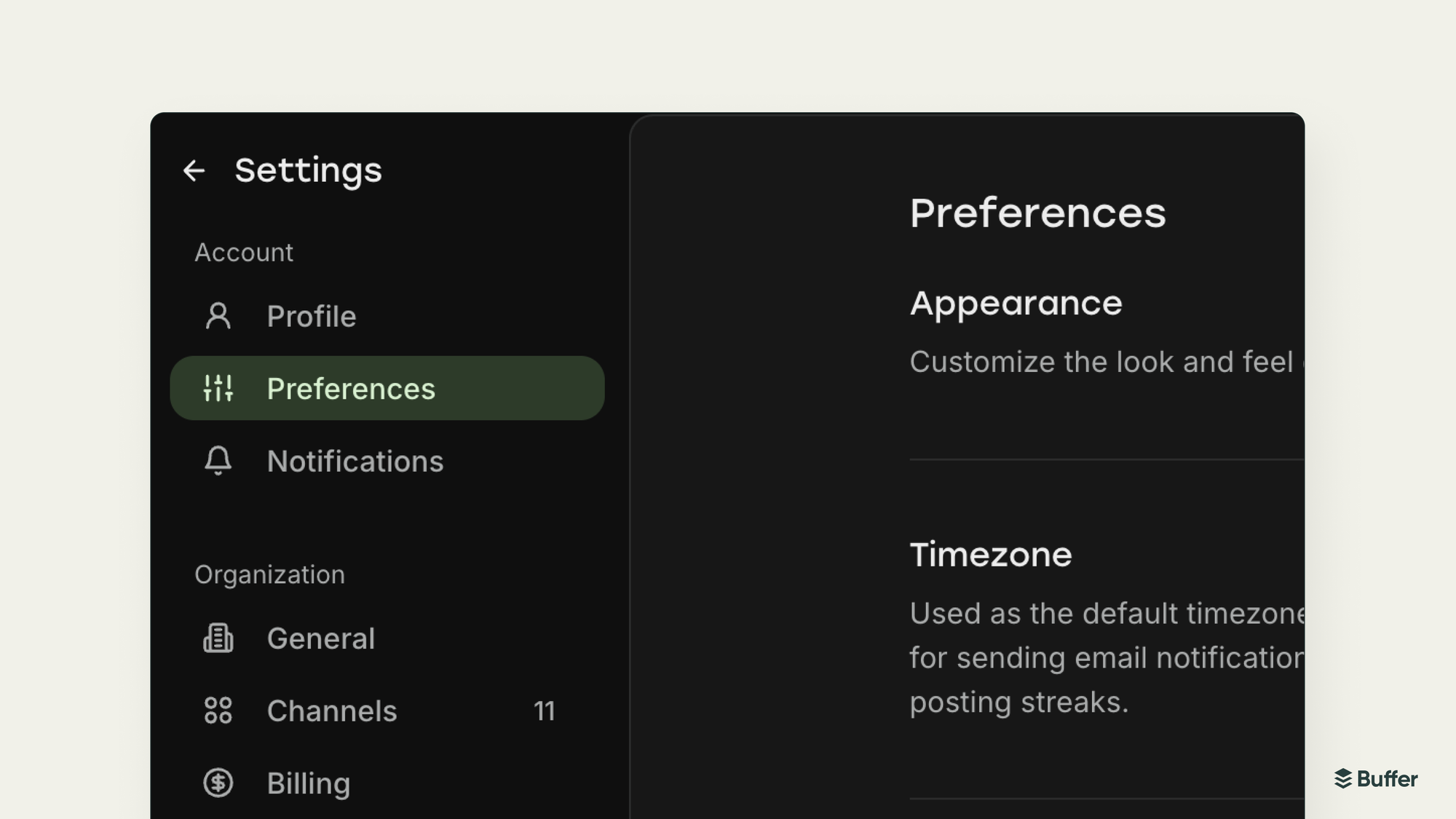
Dark Mode finally shipped. Enable it in Settings or let your system preferences handle it.
We redesigned the Settings pages. Cleaner layout, plus you can now set a profile photo and default time zone. We also added email as a two-factor authentication option.
Tags management moved to its own page, and we added the ability to transfer account ownership to another team member.
The sidebar is now collapsible, which helps if you're working on a smaller screen.
Platform support
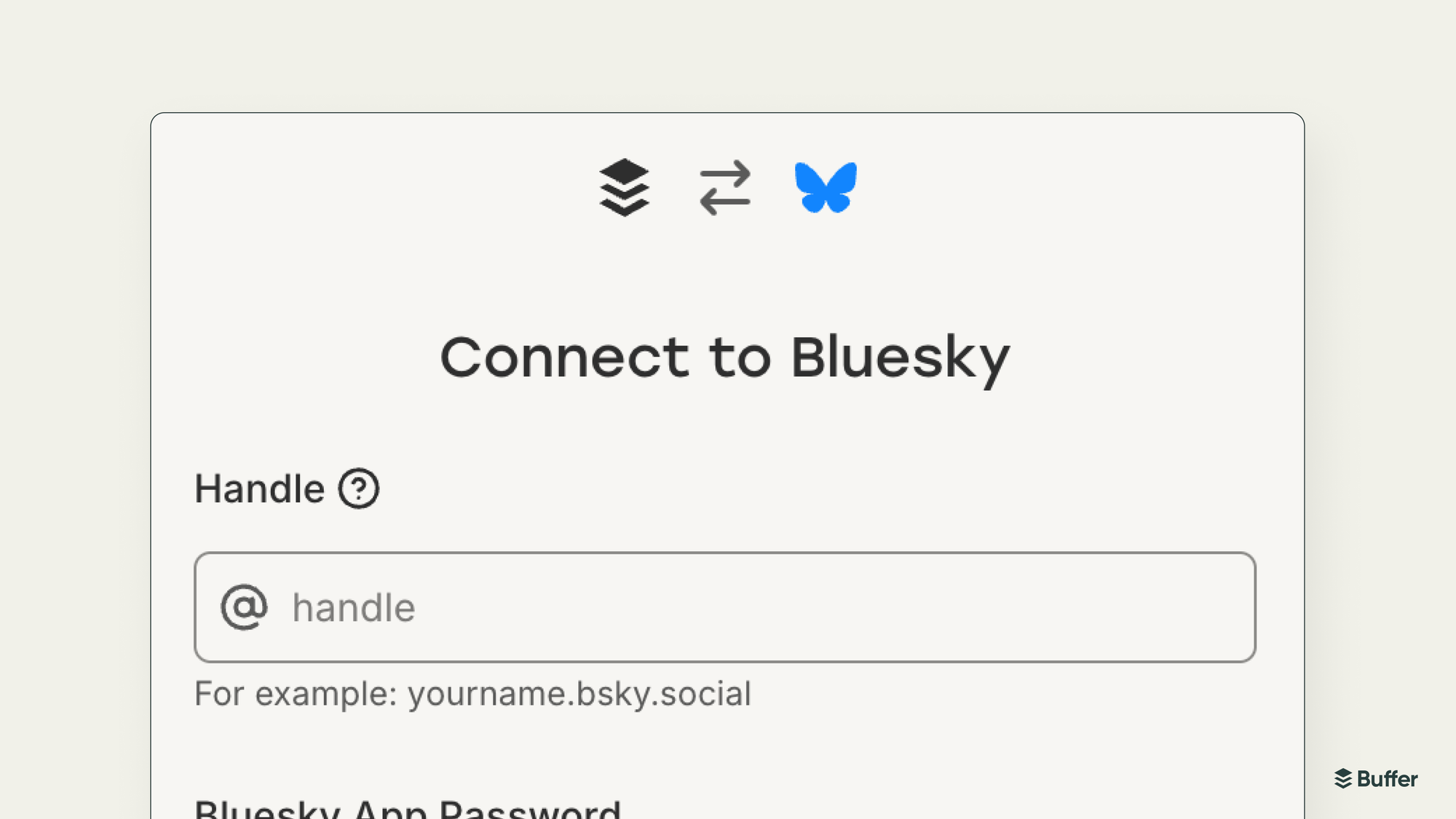
We added support for Custom Bluesky Servers. You can now connect personal data servers if you're running your own.
Pricing
We started rolling out new pricing that works better for people with a lot of channels. Agencies, publishers, and anyone managing multiple brands. The old per-channel model didn't scale well for those customers, and the new structure gives them more flexibility without the sticker shock.
Looking back at this list, it's exciting to see how much Buffer grew in 2025. None of it would matter without the people who use it every day, and we're grateful you trust us to be part of your creative process. We're not slowing down either. To wrap up the year, we had a Customer Experience Build Week, where we dropped everything else and shipped a bunch of small fixes and improvements as a thank you to our customers.
If you want to see what's coming next, check out our roadmap for 2026 or join our Discord community. We love hearing from you, and we love having you shape what we build.
Here's to 2026!
Try Buffer for free
190,000+ creators, small businesses, and marketers use Buffer to grow their audiences every month.