



















Buffer for agencies

Run every client’s social with clarity — not chaos

Buffer helps you plan, publish, collaborate, and report across multiple clients without complex workflows, or enterprise-level pricing.

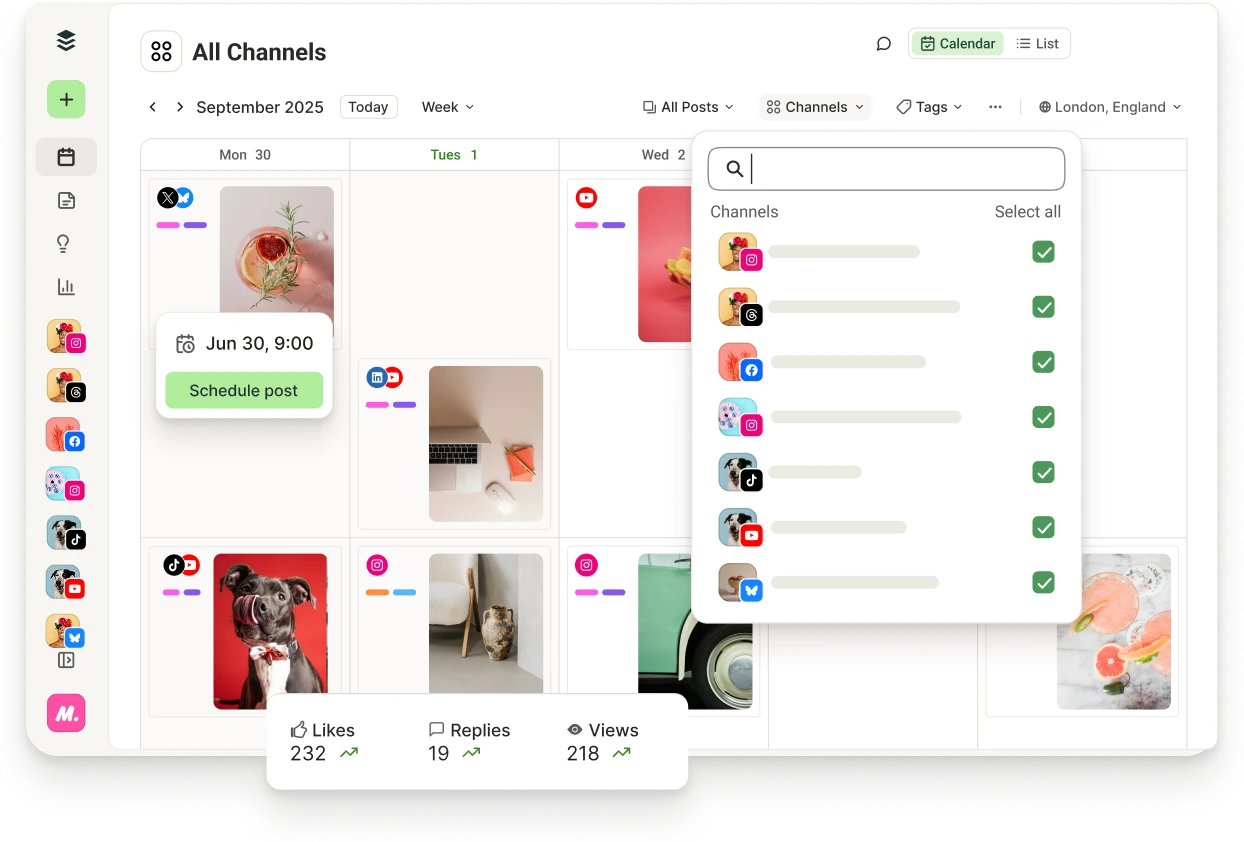
Buffer calendar view with upcoming posts and filters for channels, tags, and more.

Benefits

Manage multiple clients with clarity

Keep each client’s content organized, scheduled, and separate — all in one clean workspace. No switching between tools or second-guessing what’s going where.

Collaborate without friction

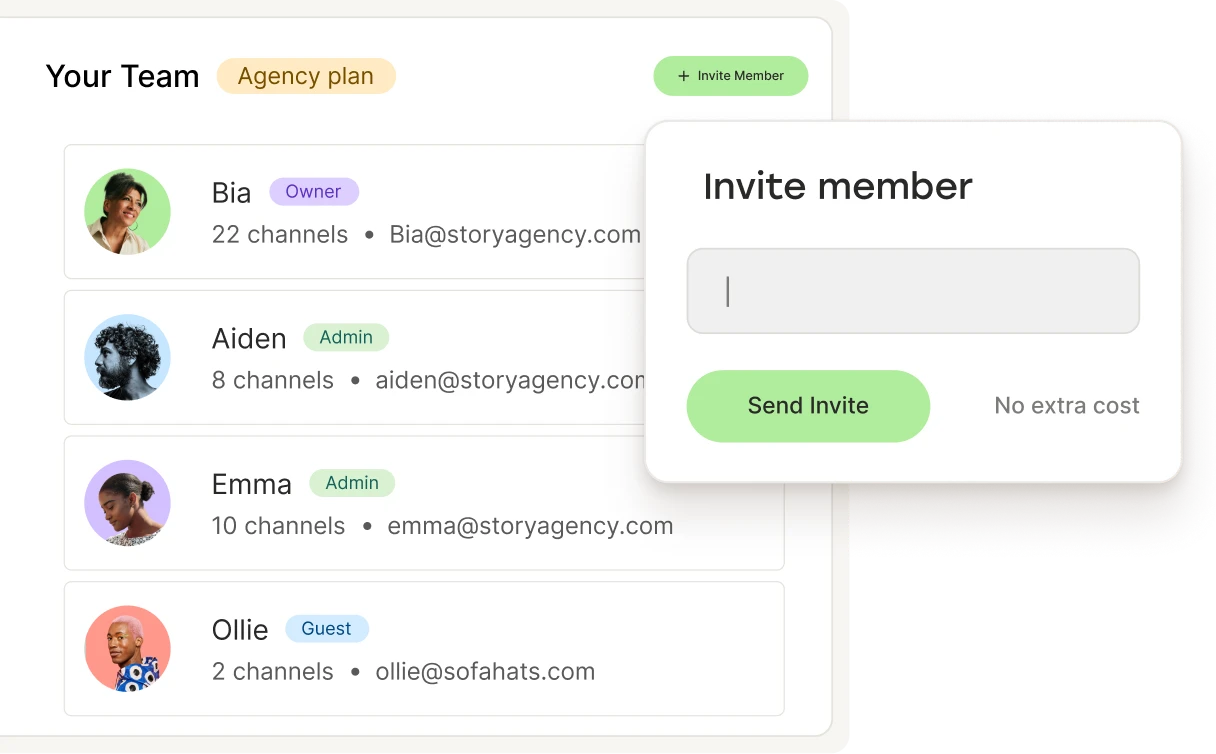
Work with your team and your clients in a way that feels transparent and easy. Share drafts, request approvals, and keep everyone aligned.

Show the impact of your work

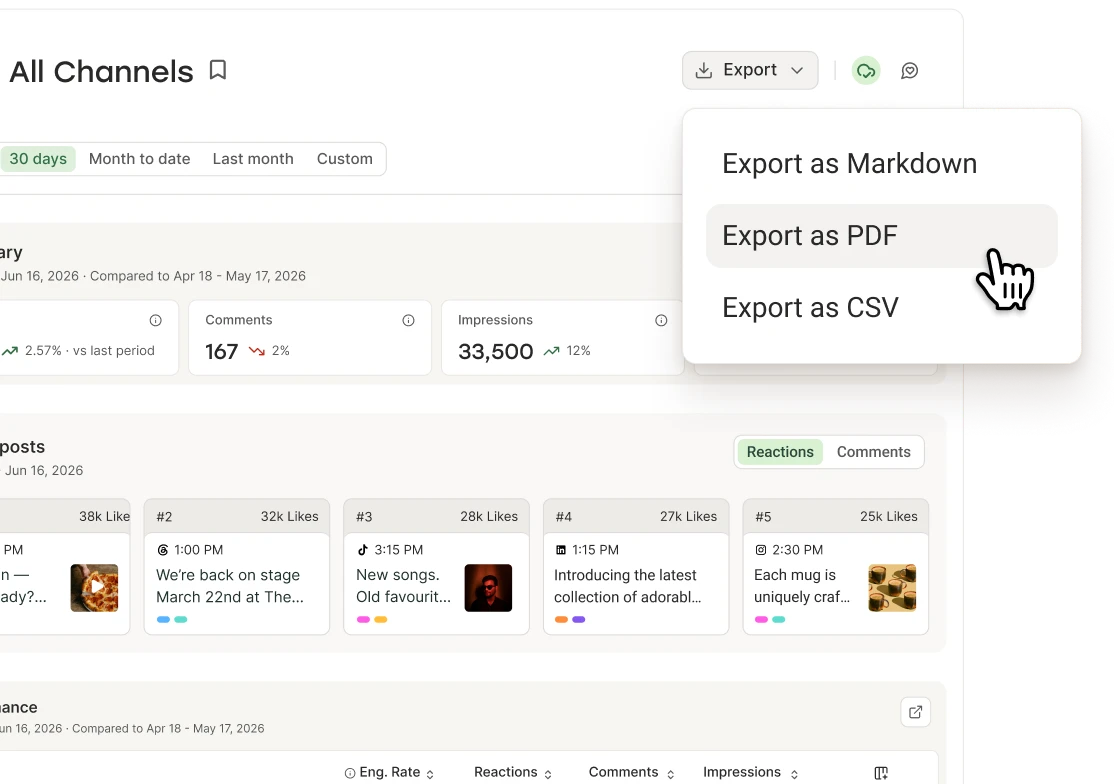
Get actionable insights, like which type of content performs best, and create eye-catching reports for your clients.

Pricing built for agencies

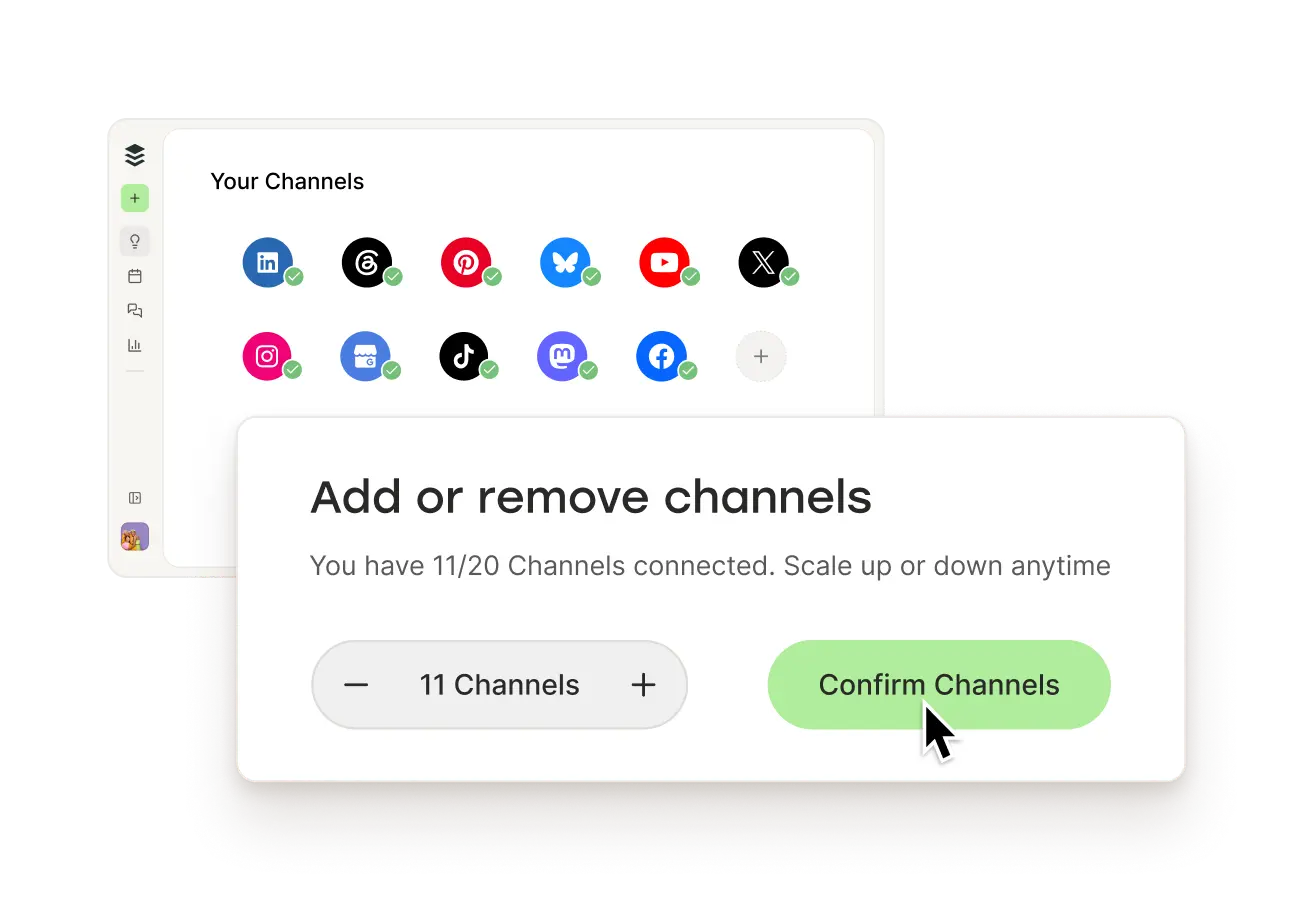
Pay for the channels you connect, and adjust as your portfolio evolves.

All the tools. None of the headaches.

Scheduling, approvals, analytics, comments, and reporting are built to work together. You don’t need a patchwork of platforms or complicated setups.

Get started for free
Buffer web app sidebar with Create, Publish, Community, and Analytics tools.

Works with the tools you already use

Simplify your clients’ social media management workflow by connecting Buffer to your agency tools, so you can work smarter, not harder.

Integrations

  • Dropbox
  • Google Drive
  • Unsplash
  • Google Photos
  • Canva
  • OneDrive

Collaborate

Collaborate with your team and clients

Work together with your team and your clients with unlimited user invites. Set up custom access and permissions. Collaborate on draft content together. And keep everything secure with 2FA protection.

Get started for free
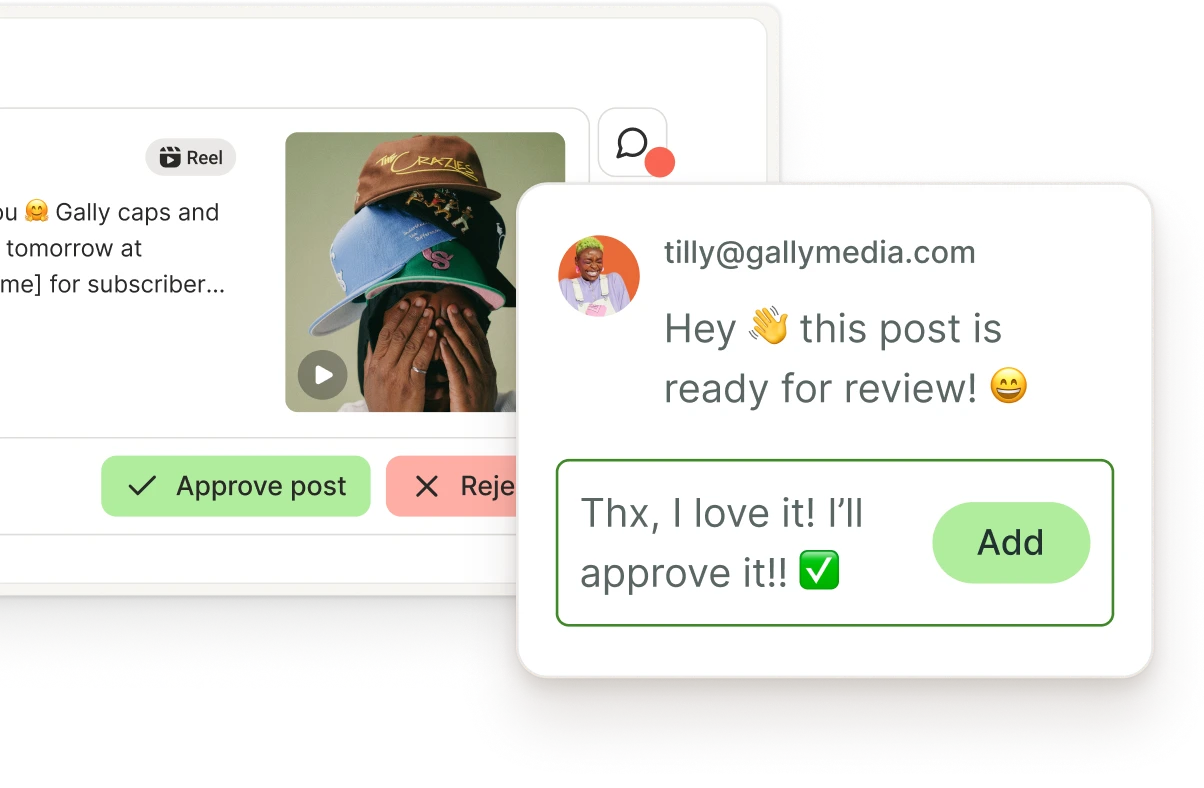
Buffer Collaborate view with feedback threads for posts and approval workflows.

Pricing that scales with you

With pay-per-channel pricing, you only pay for what you’re managing. Add channels when you need them. Remove them when you don’t.

What people are saying about Buffer

The efficiency of analytics reporting means that we can take learnings and adapt our future content to reflect those learnings.
Beccy GibsonTempt

Resources

Social media management tips for agencies

The agency tool that grows with your client roster

No credit card needed. Free forever.

FAQs

Can I manage multiple clients in Buffer?

Yes. You can keep client work organized so scheduling, approvals, and reporting are easier to run across multiple accounts without losing track.

How do permission levels work?

Buffer’s permissions levels let you choose who can post to each of your channels. You can assign different access levels, from full posting access to approval-only roles. This keeps your content secure while giving your team the flexibility they need. Learn more about team member permission levels.

How does the approval workflow work?

Team members can draft posts and submit them for approval. Admins or managers can review, edit, and approve before they’re scheduled to go live. Learn more about managing and approving drafts.

Can I customize Buffer’s reports with my clients logos, brand colors, and choose which metrics to include for client presentations?

Yes. Buffer custom reports let you choose which charts and tables to include, set date ranges, reorder sections, and export client-ready reports with branding elements like a logo and cover page (plan-dependent). Chart styling is based on Buffer’s design system rather than fully custom per-chart themes.

Can I create and export custom reports with Buffer?

Yes, you can create and export beautiful, on-brand custom reports. You can add all types of metrics, tables, and charts from your dashboard to your reports and download them as PDFs or images. The ability to create custom reports is available on all paid plans.

How does Buffer’s new pricing help me save as my agency grow?

Buffer uses volume discounts for channels. That means your price per channel gets lower once you manage more channels, so adding more social profiles scales more affordably.

In practice, channels 1–10 are priced at the standard rate, and any channels above 10 cost less per channel. Your total may increase as you add channels, but your average cost per channel goes down as you grow.

This was designed for teams, and agencies who manage lots of social accounts and want predictable, scalable pricing, without the cost jumping linearly forever.

Is Buffer the right tool for agencies?

Buffer is intentionally calm, easy to use, and covers the workflows agencies need: multi-account management, collaboration, approvals, and reporting without complex setups.