Use your AI assistant to schedule posts
Ask AI to brainstorm and schedule content — Buffer handles the rest. Go from idea to published without leaving the conversation.
Works with Claude, ChatGPT, Cursor, Raycast, and Perplexity today.
One API. Every major social platform. Connect Buffer to your agents,
automation tools, or build something entirely new.
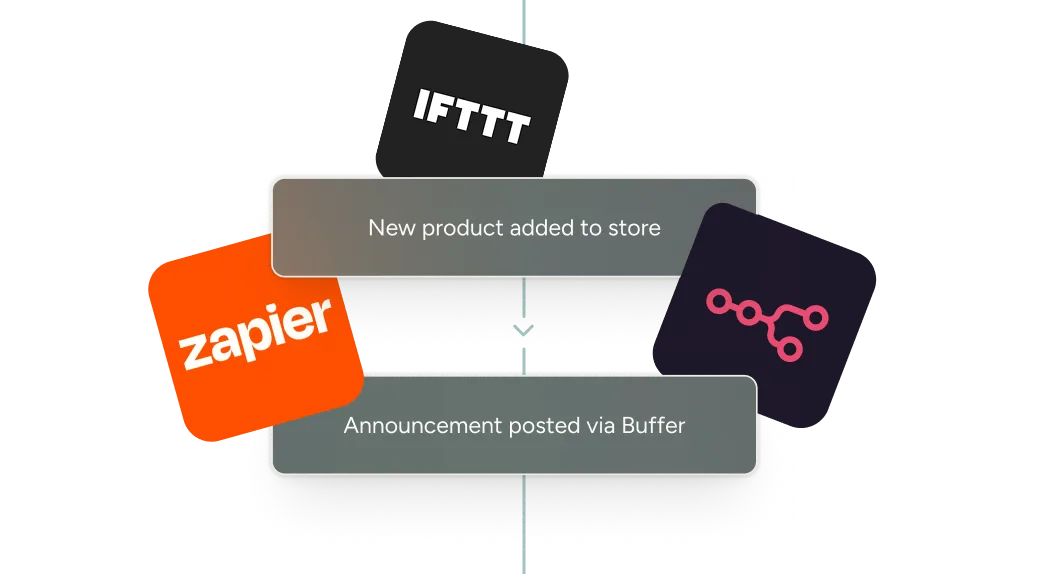
Connect Buffer to IFTTT, Zapier, n8n, Make, or write a script. Turn a weekly chore into a workflow that runs itself. Pre-built templates for Zapier and n8n.
Not seeing what you're looking for? Build it yourself with Buffer's API.
Ask AI to brainstorm and schedule content — Buffer handles the rest. Go from idea to published without leaving the conversation.
Works with Claude, ChatGPT, Cursor, Raycast, and Perplexity today.

Official API partner with Meta, LinkedIn, X and more.
Generate one in your API settings. Included on every Buffer plan.
Send your key as a Bearer token in the Authorization header. Use Postman, curl, or any GraphQL client with https://api.buffer.com — no SDK required.
Fetch your organizations, channels, and posts with a single GraphQL request. Test it live in the interactive API Explorer before writing any code.
Schedule content, capture ideas, and build full integrations.
mutation CreateIdea {
  createIdea(input: {
    organizationId: "some_organization_id",
    content: {
      title: "New Idea from GraphQL API"
      text: "This is the text of the new idea created via the GraphQL API."
    }
  }) {
    ... on Idea {
      id
      content {
        title
        text
      }
    }
  }
}Full access to posts, ideas, channels, and analytics.
Native connections for Claude, Cursor, Raycast, ChatGPT, and Perplexity.
Get help writing queries and debugging, right in the docs.
Pre-built templates to get started fast.
Test queries and see results in real time.
From solo creators to app developers to marketing teams managing dozens of channels, here's how they're using Buffer's API.

I built a Friday morning Slack bot that tells me what I posted this week, what's scheduled, and what's missing — so I always have time to get ahead. Then I built a whole LinkedIn analytics app on Lovable. The API made both possible without writing code from scratch.
Shivani Shah
Content Creator

I wanted the power-user features Buffer hasn't built yet — thread splitting, a content calendar with planning notes, a snippet library. So I built PostIQ on top of the API. It's free, it connects in seconds, and it's everything I wished Buffer had out of the box.
Ben Campbell
Creator of PostIQ

A lot of my users were already posting through Buffer. When I started getting into it myself, I fell in love with the experience and the support — really, one of a kind. Now WriteStack users can send any Substack note to social using Buffer.
Orel Zilberman
Founder of WriteStack

I'm not a developer. But with Buffer's API and an automation tool, I built a reporting system that replaced hours of manual work across 77 channels in nine countries.
Marin Nedelev
Marketing Coordinator at Atena
The Buffer API is a GraphQL interface that lets you connect your own tools and workflows to your Buffer account. It's designed so you can automate common tasks and build custom integrations on top of Buffer's publishing and planning features.
With the current Buffer API, you can perform actions against your own Buffer account and organization. Today, this includes:
In practice, this means you can, for example:
To get started you'll need a Buffer account and an API key. Once you're logged in:
Our developer portal includes example queries to help you fetch your account, organization, channels, and posts.
Access to the API is available on all current Buffer plans, including Free, with different limits depending on your plan. Each plan includes a specific number of API keys and app clients, plus rate limits over 15‑minute, daily, and 30‑day windows. You can see your plan and upgrade options any time in your billing settings.
The number of API keys you can create depends on your Buffer plan.
You can manage and rotate keys from your API settings in Buffer.
Rate limits are applied per client and vary by plan. For each API key, the current limits are:
If you exceed a limit, the API will return an error and you'll need to wait until usage falls back under the allowed window.
Yes. If you are building a partner integration or expect higher usage, you can reach out to the Buffer team to request increased limits. Please reach out to developersupport@buffer.com to discuss options.
Yes, support is available for developers using the API. You can:
We're continuing to expand what you can do with the Buffer API, including plans to add support for analytics and community features for personal use cases. This will make it easier to bring more of your Buffer insights and engagement workflows into your own tools.
To create an API key or App Client and to view your API limits, you'll need to be an organization owner in your Buffer account. These will only be visible to you and not your teammates. We will be looking to extend permissions for this in the future.