The Best Times to Post on TikTok to Maximize Your Views
We analyzed more than 1 million TikToks to pinpoint the best time, day, and post format for maximum views.
Plan your TikToks like a pro
Buffer helps you create an endless stream of video ideas, schedule your videos at the best time for your audience, crosspost to other platforms, and more.
Get started for free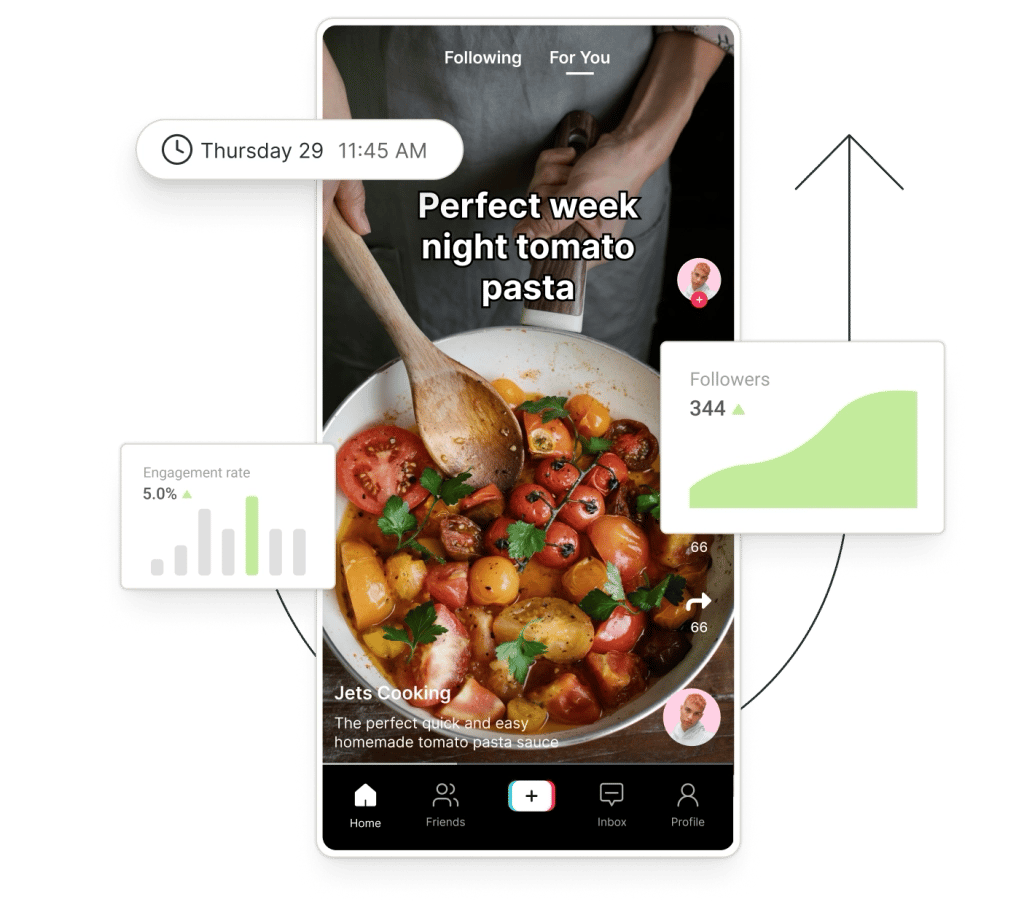
Save your ideas in a single hub, and get AI help generating new ones.
Set your videos to auto-publish or (get a notification to publish) at the time your audience is most active.
Share to Instagram and Facebook Reels, YouTube Shorts, and more in a single click.
With Start Page, give your audience a single link to everything — affiliate links, merch, and more.
Buffer's tools for TikTok go beyond just scheduling. Explore how Buffer's social media toolkit can make creating (and growing!) on TikTok so much simpler.
Stay ahead of the trends with fresh ideas at your fingertips
You need a steady stream of ideas to keep your TikTok going — make sure you never lose one again. Save and organize all your ideas in Buffer's Create space when inspiration strikes. And when you need a little help brainstorming, writing captions, or refining scripts, Buffer's AI Assistant is on hand to, well, assist.
Get started for free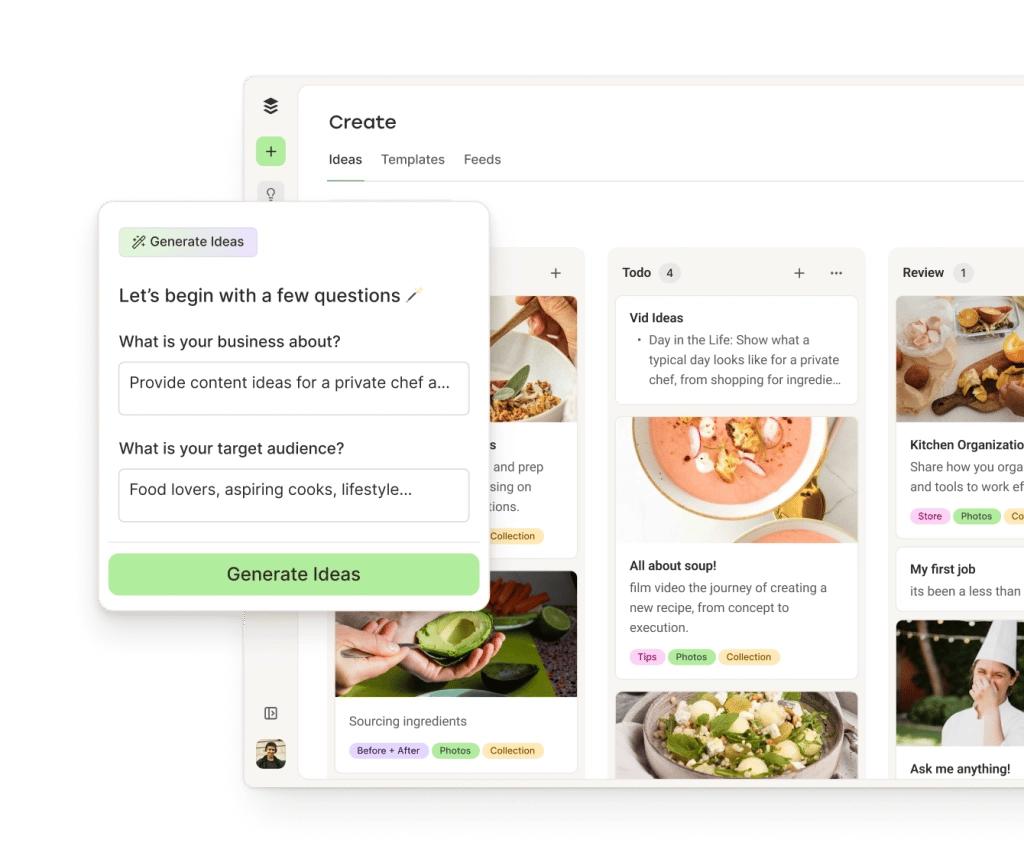
Schedule your next viral video
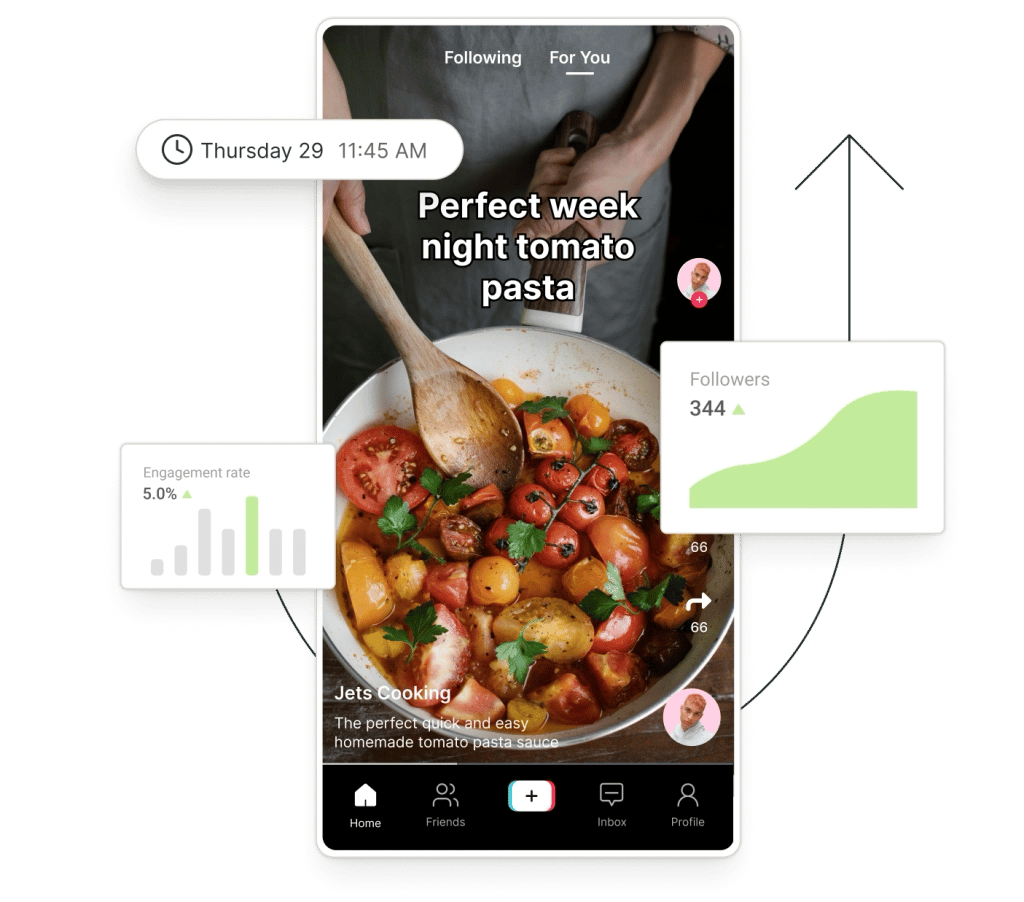
Make staying consistent on TikTok a breeze with simple scheduling tools. Batch create your videos and schedule them to publish at the times your followers are most active — or get a notification to post, with all your content pre-saved — to help boost your watch time, views, and engagement.
Get started for free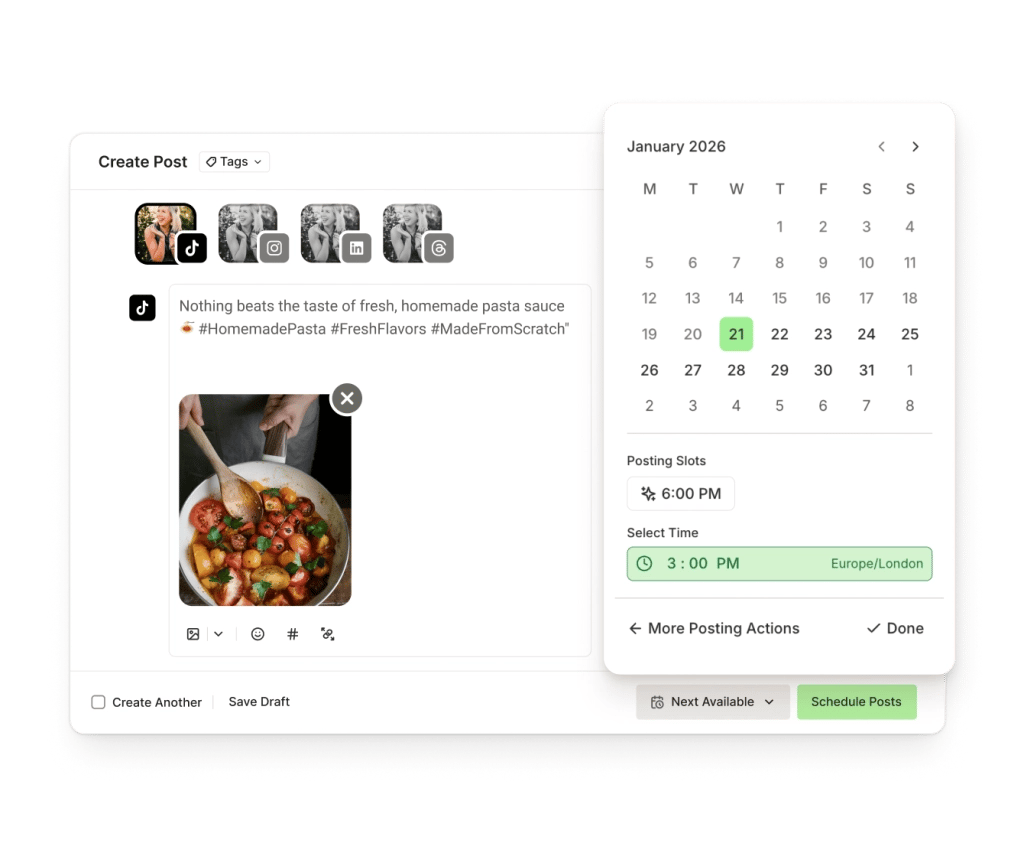
Turn viewers into fans
Comments on TikTok can make or break your reach. Community pulls all your TikTok comments into Buffer so you can reply quickly, spot trends in what people are saying, and keep the momentum going.
Get started for free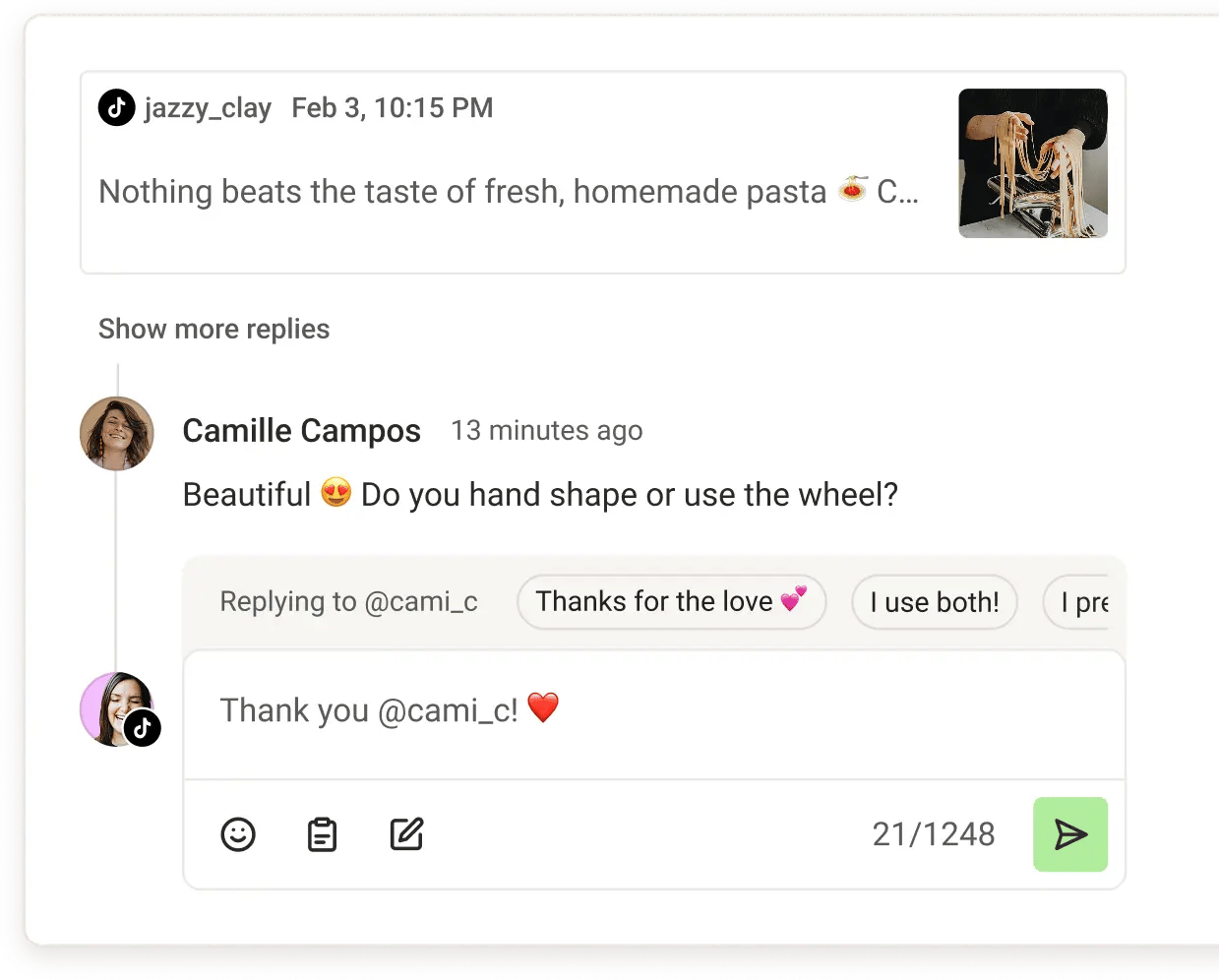
A link-in-bio that's always up-to-date
Buffer's free link-in-bio tool is a home for all your important links: your website, affiliate links, merchandise, and more. You can even use it to track how many clicks each link gets. Automatically update it with your latest content to keep your fans in the loop, no matter where they follow you.
Get started for free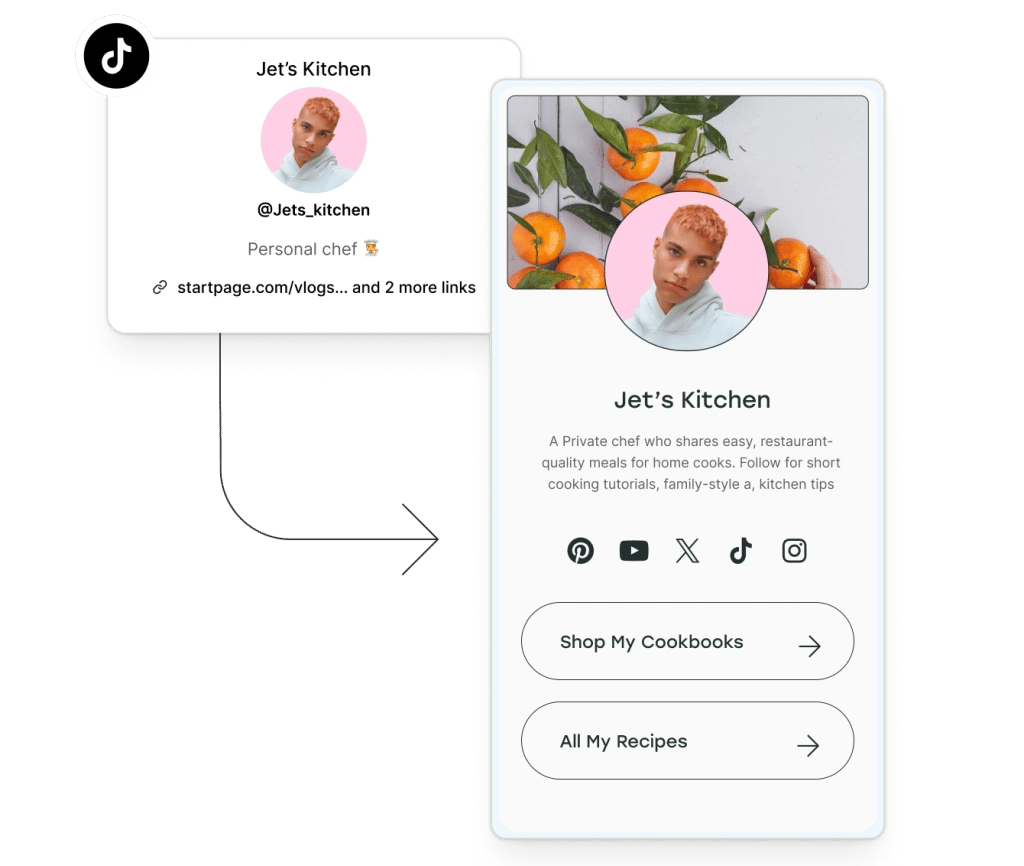
Our best advice for TikTok
Whether you're starting a new account from scratch or looking to boost your reach and growth, we've got you covered.
We analyzed more than 1 million TikToks to pinpoint the best time, day, and post format for maximum views.

Whether you're a TikTok newbie or looking to take your account to the next level, these must-try tactics will help you achieve your TikTok goals and find more followers.
How to source the best audio clips for your TikToks while they're still popular, plus examples of TikTok sounds with staying power.
We went from 110k to 310k followers on TikTok and it cut the time I spent managing social media in half!
 onlinemarketinges
With Buffer's TikTok scheduler, you can plan, organize, auto-publish, and crosspost TikToks. Features include customizable posting schedules, a drafting feature that allows you to save your post ideas and come back to them later, a browser extension to quickly share content from anywhere on the web, and a drafts and approval process for teams.
Scheduling TikTok videos through Buffer is super easy. Here's how in three easy steps:
Read the for full guide on how to plan, schedule, and publish to TikTok
If you're a creator, small business owner, or social media manager, there are many benefits to scheduling your TikTok posts. Here are a few reasons why people prefer to schedule:
With Buffer, you can schedule, plan, analyze, engage, and much more. Get started with a 14-day free trial, connect your TikTok channel, and start scheduling immediately.
Buffer can auto-publish many TikTok videos when they meet TikTok's publishing requirements. Videos that require TikTok-only features like trending sounds or in-app effects must be posted manually using notification publishing.
No, a TikTok Business account is not required to schedule posts with Buffer. Most users can connect and publish from a regular TikTok account, though TikTok may limit certain features by account type or region.
Yes, you can upload a single video to Buffer and schedule it to multiple platforms such as TikTok, Instagram Reels, and YouTube Shorts. Each post can be adjusted to match the requirements of each platform before publishing.
Trending TikTok sounds cannot be added when auto-publishing through Buffer because TikTok's API does not provide access to its full music library. To use a trending sound, the post must be completed in the TikTok app via notification publishing.
Buffer does not currently offer an automatic, account-specific best time to post feature for TikTok. Posting times are set manually based on scheduling preferences, research, and TikTok performance data.
A TikTok account may disconnect from Buffer when TikTok revokes or expires publishing permissions, such as after security or account changes. Publishing resumes once the account is reconnected.
TikTok content ideas can be saved in Buffer's Ideas space, where they can be organized and later turned into scheduled posts.
Buffer shows basic performance metrics for individual TikTok posts, such as views and engagement. Advanced TikTok analytics and aggregated reports are not currently available due to API limitations.
If a notification is missed, the TikTok post remains saved in Buffer and is not published automatically. The post can be completed later or rescheduled.
Authorization errors usually occur when TikTok's permission process is interrupted by login, browser, or account issues. Reconnecting the account typically resolves the problem.
Scheduling TikToks through Buffer does not inherently reduce views or engagement. Performance is driven by factors like content quality, timing, and watch time rather than whether a post was scheduled or published manually.