
How the Instagram Algorithm Works: Insider's Guide to Increasing Your Reach
Take a deep dive into Instagram's algorithm. We'll go through the latest factors that influence the ranking of your content and how to make them work for you.
Instagram on easy-mode
Take the admin out of staying consistent on Instagram so you can focus on creating . Buffer helps you grow your following and boost engagement with planning, scheduling, and analytics tools.
Get started for free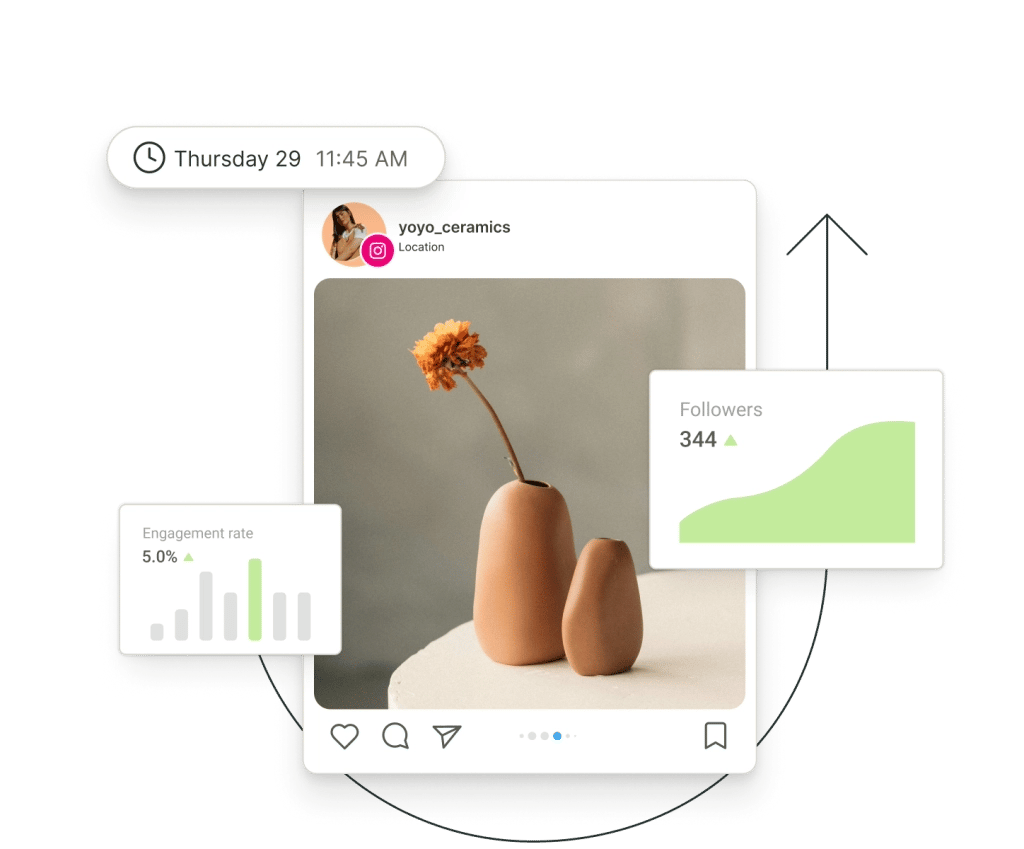
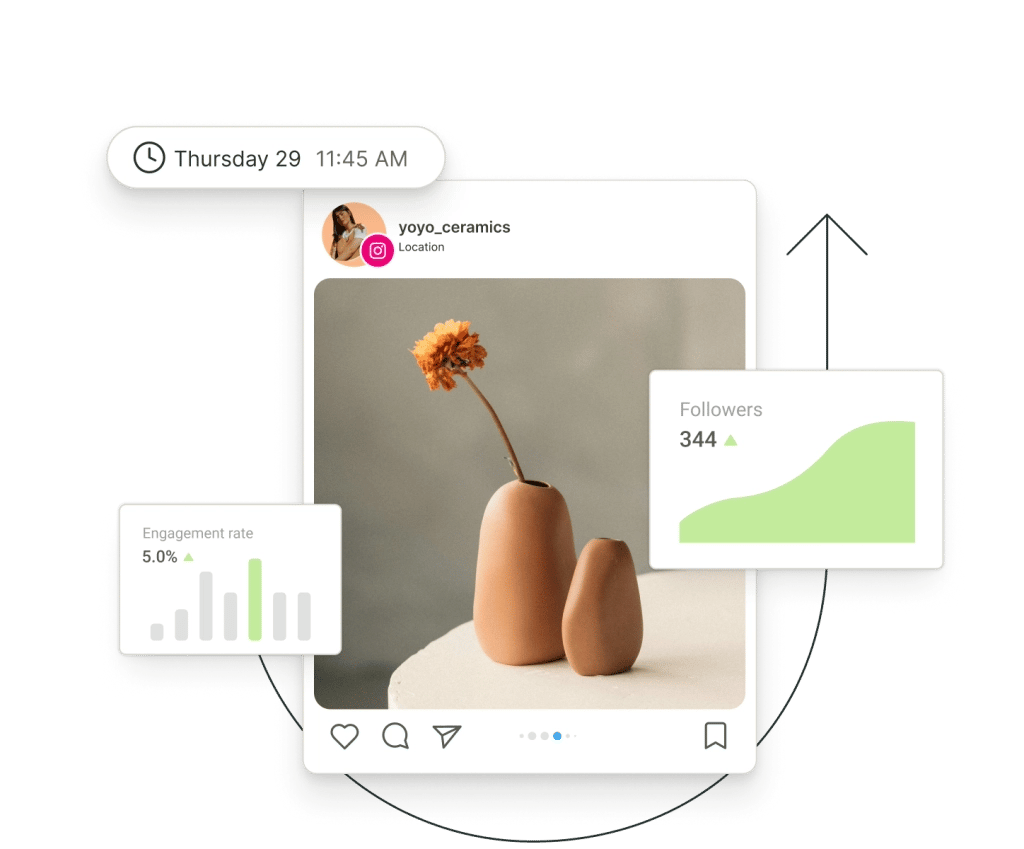
Set posts, stories, and reels to auto-publish, or get notifications to post at just the right time.
Get analytics that tell you exactly when and what to post.
Save your ideas in a single hub, and get AI help generating new ones.
All your comments from Instagram and Facebook in a single hub.
Buffer's tools for Instagram go beyond just scheduling. Explore how Buffer's social media toolkit can make creating — and growing — on Instagram so much simpler.
Prep today, post tomorrow (or whenever!)
Buffer can auto-post for you, or send you notifications to finish the post yourself, so you can easily add trending audio, captions, stickers, and more. More flexibility, more creative control.
Get started for free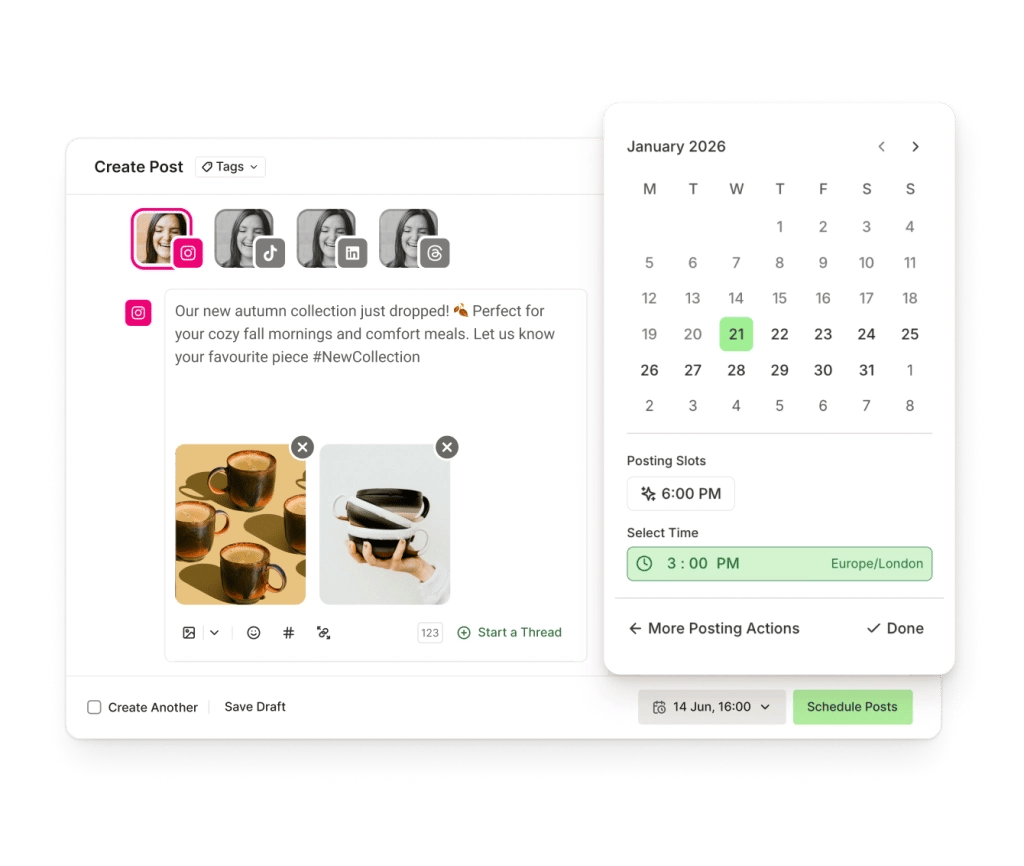
Learn what your audience loves
When is the best time to post? What type of content performs best? Who is engaging with your content? Buffer's advanced Instagram Analytics crunches the numbers to give you personalized recommendations based on your content performance.
Get started for free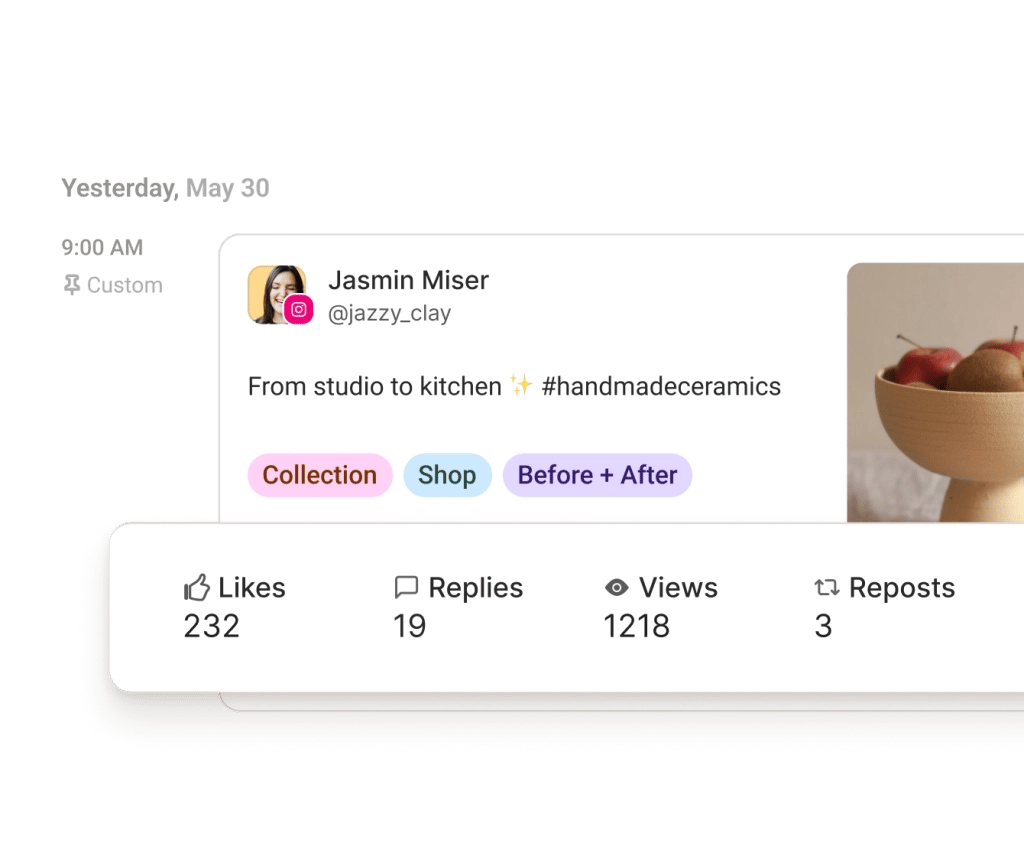
Fresh ideas at your fingertips
Save and organize all your ideas in Buffer's Create space when inspiration strikes. (With our app, you can do this on the go, too!) And when you need a little help brainstorming or refining new posts, Buffer's AI Assistant is on hand to, well, assist.
Get started for free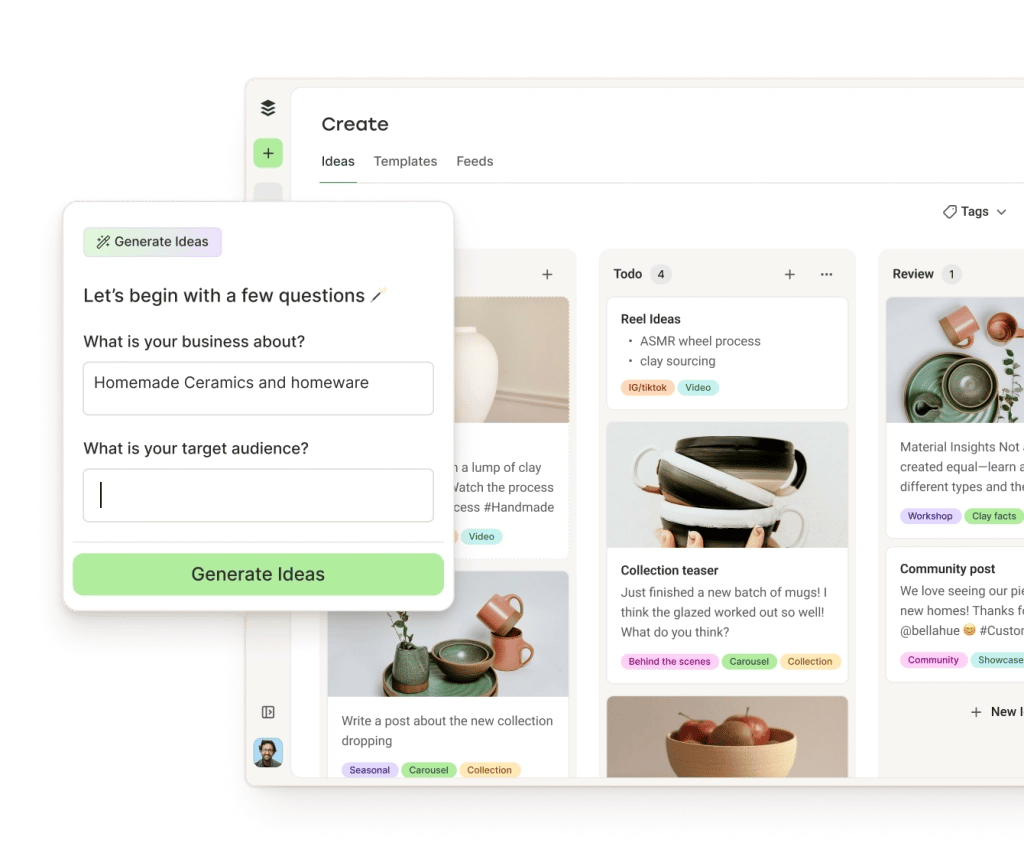
Never miss a comment again
Stay on top of every comment on your posts and reels, and reply directly in Buffer. You'll even see the sentiment of each comment so you know where to focus your attention first. Bonus: Your Facebook Page comments will appear here, too.
Get started for free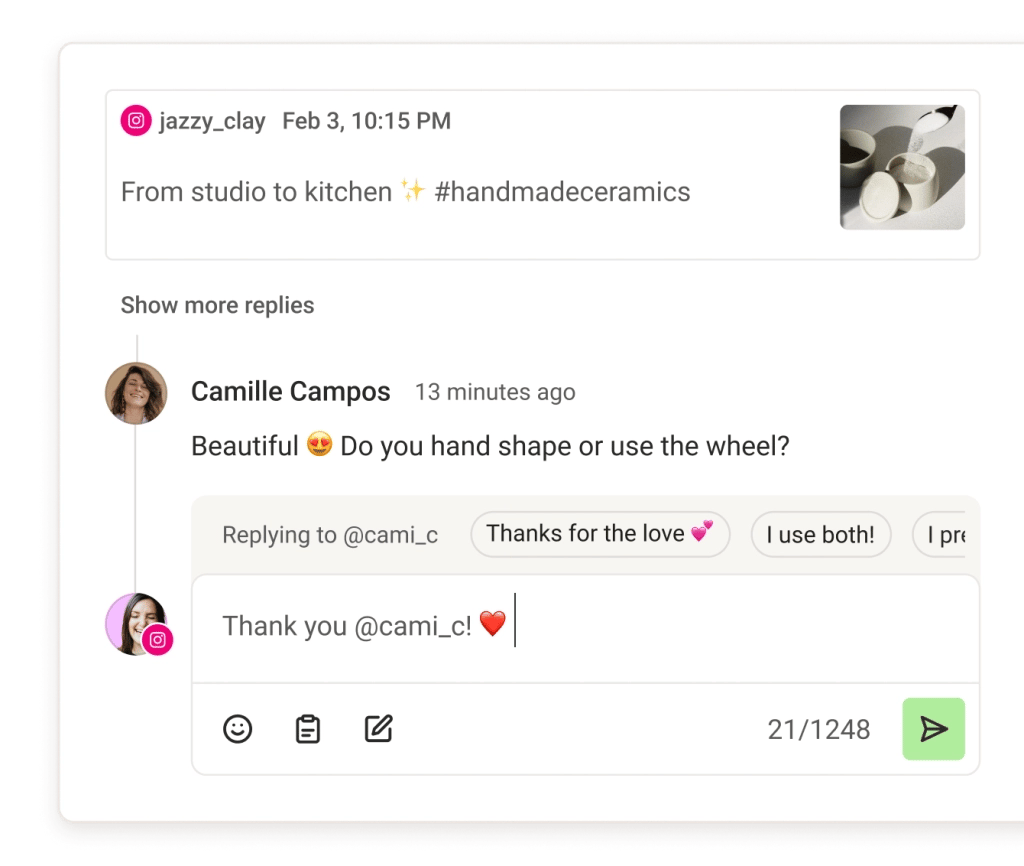
Want to grow your following on Instagram? Let's get you started.
Whether you're starting a new account from scratch or looking to boost your reach and growth, we've got you covered.
Take a deep dive into Instagram's algorithm. We'll go through the latest factors that influence the ranking of your content and how to make them work for you.

Growing on Instagram takes time and effort — but with these tried-and-tested tips, the path to an engaged following is a lot more straightforward than you might think.

We analyzed more than 5.5 million Instagram posts sent through Buffer to pinpoint the best time, day, and post format for maximum engagement.
Thanks to Buffer I stay consistent and schedule content ahead. I have now reached over 130K Instagram followers including some major celebrities!
 YounesMIDMODMOOD
With Buffer's Instagram scheduler, you can plan, collaborate on, and publish content that drives meaningful engagement and growth for you or your brand. You can organize your content ideas, schedule posts for the optimal times, manage your comments, and analyze your performance.
You can schedule Instagram image posts, video posts, carousel posts (up to 10 images), stories, and reels with Buffer.
Yes, Buffer offers both automatic publishing and notification publishing. With notification publishing, Buffer will send you a notification when it's time to post, so that you can finish the post yourself on Instagram.
You sure can! With our platform, you can plan, edit, draft, and schedule Reels to Instagram, for free. We've got you covered when it comes to maximizing your Instagram Reel strategy.
Yes, you can schedule carousel posts to be published automatically to Instagram with Buffer.
Yes! You can schedule your Instagram Stories to publish automatically at your desired date and time.
Scheduling Instagram posts through Buffer is super easy. Here's how:
Read our full guide on how to plan, schedule, and publish to Instagram.
Instagram Stories are a powerful channel to build your brand and engage your followers. With Buffer, you can plan, prepare, and schedule your Instagram Stories. Here's how:
Read our full guide on how to plan, schedule, and publish to Instagram.
If you're a creator, small business owner, or social media manager, there are many benefits to scheduling your Instagram posts. Here are a few reasons why people prefer to schedule:
With Buffer, you can schedule, plan, analyze, engage, and much more. Get started with a 14-day free trial, connect your Instagram channel, and start scheduling immediately.
Some Instagram Reels and Stories switch to notification-based posting when Instagram's API can't support full auto-publishing. Common triggers include using a personal account, adding music, stickers, links, or collaborators, or using unsupported sizes or lengths. In those cases, Buffer schedules a reminder so you can finish posting manually in the Instagram app.
You can use Buffer with a personal Instagram account, but personal accounts only support notification-based posting. For auto-publishing and features like advanced analytics, locations, and replying to comments in Buffer, Instagram requires a professional account (Business or Creator) linked to a Facebook Page.
Buffer's Instagram analytics come from Meta's API, but differences in date ranges, time zones, metric definitions, backfill limits, and how certain formats like Reels and Stories are counted can cause numbers to differ from Instagram's in-app Insights. Aligning the same time range and definitions usually explains the mismatch.
Buffer's best-time recommendations are based mainly on your account's recent Instagram performance. Buffer looks at when your posts historically get the strongest engagement and suggests days, times, and posting frequency that tend to work best for your audience in your selected time zone.
You can schedule the media for Instagram Stories in Buffer, but Instagram does not allow third-party tools to auto-apply music, stickers, polls, links, or other interactive elements. To use those, schedule the Story as a notification and add the interactive elements inside Instagram when you post.
Use Buffer's Ideas space in Create to store rough Instagram concepts, hooks, notes, and media before they are ready to schedule. You can organize ideas and later turn the best ones into scheduled posts without rewriting everything from scratch.
Yes. If your Instagram is a professional account connected through Facebook, you can reply to comments on posts and Reels in Buffer's Community inbox. You will not see DMs or Story replies there, and some gaps can occur due to Instagram API limits or permission issues.
Yes, but with limits. Without a Facebook Page and professional account, Instagram only allows notification-based posting for personal accounts. To unlock auto-publishing, analytics, locations, and comment management, Instagram requires a professional account linked to a Facebook Page through Meta's systems.